
Latest Version
Latest
August 27, 2026
iToolab
Tools
Android
111
Free
com.luckydog.chatsgo
Report a Problem
More About WatsGo – Phone Transfer
What is WatsGo?
WatsGo – Phone Transfer, developed by iToolab, is a free Android utility designed to simplify the migration of personal data when you switch to a new device. It works directly on the phone, so you don’t have to connect to a PC or rely on cloud services.
Main features
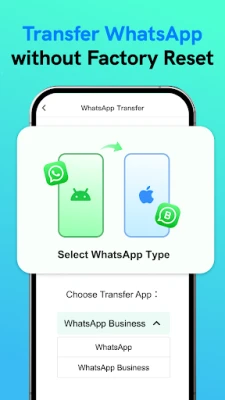
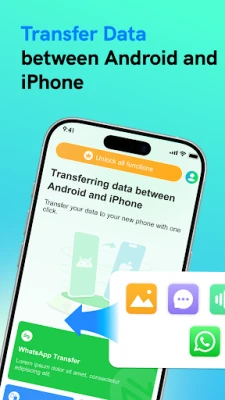
- WhatsApp and WhatsApp Business migration – Transfer complete chat histories, including images, videos, voice notes and stickers, between Android devices or from Android to iPhone.
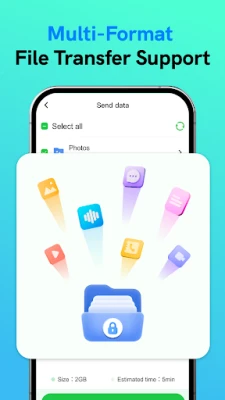
- General data transfer – Move photos, videos, audio files and documents from the old phone to the new one.
- Multiple transfer methods – Choose a wired OTG connection for fast, stable copying, or scan a QR code to start a wireless transfer.
- Local transfer only – The app creates a local hotspot or uses the cable, so no mobile data or internet connection is required.
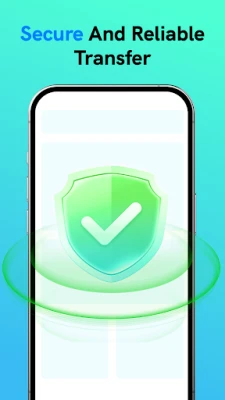
- Privacy‑focused – Because the data never leaves the devices, it remains private throughout the process.
How it works
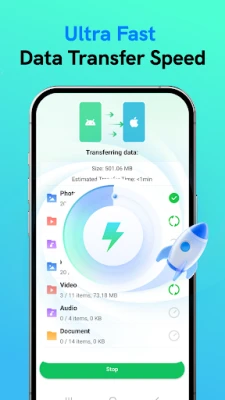
After installing WatsGo, you launch the app and select the type of data you want to move. If you use an OTG cable, simply connect the two phones and follow the on‑screen prompts. For a wireless transfer, the app displays a QR code on the source device; scanning it with the target device establishes a direct link. The transfer proceeds locally, and you can monitor progress in real time.
Practical uses
- Upgrading to a new Android phone and keeping all your WhatsApp conversations intact.
- Switching from Android to iPhone (or vice‑versa) without losing chat history.
- Consolidating media files from an older device that is running low on storage.
Installation information
WatsGo is available as a free download from the Google Play Store. Search for the package name com.luckydog.chatsgo or the app title, then tap Install. The app requires standard Android permissions to access storage and to create a local hotspot or communicate via OTG.
Compatibility
The app is built for Android devices and works with most manufacturers, including Samsung, Huawei, Xiaomi and others. Because it does not depend on a specific Android version, it can run on a wide range of devices, though very old versions may lack OTG support.
Things to know before installing
- Both phones need enough free storage to hold the transferred files.
- If you plan to use the wireless mode, ensure the devices can create or join a local hotspot.
- Transferring WhatsApp data may require you to reinstall WhatsApp on the new device and follow the app’s own restoration steps after the copy is complete.
Who may find it useful?
Anyone who is changing phones—whether staying within Android or moving to iOS—will benefit from a tool that handles both general media and WhatsApp chats in one place. It is especially handy for users who prefer a direct phone‑to‑phone transfer without uploading data to the cloud.
Frequently asked questions
Do I need a computer?
No. WatsGo works entirely between the two phones, using either a cable or a local Wi‑Fi connection.
Is my data safe?
Because the transfer happens locally and does not use the internet, the data remains on your devices only.
Can I transfer other messaging apps?
WatsGo focuses on WhatsApp and WhatsApp Business. For other apps you may need separate solutions.
Rate the App
User Reviews















Popular Apps










 Games
 Entertainment
 Communication
 E-mail
 Security
 Tools
 Media
 Internet
 Finance
 Design
 Education
 Android Firmwares
 Travel & Local
 Android
 Windows
 Linux