

Latest Version
Latest
September 01, 2026
VPN & Proxy Master
Tools
Android
5
Free
org.sanctuary.freeconnect
Report a Problem
More About VPN - Proxy Master – Free Android VPN App
What is VPN - Proxy Master?
VPN - Proxy Master is a free Android application that creates a virtual private network connection for your device. By routing your traffic through an encrypted tunnel, the app helps mask your IP address and protect the data you send and receive. It is designed for users who want a quick, no‑configuration solution for privacy and for accessing sites or services that may be blocked on their current network.
Main features
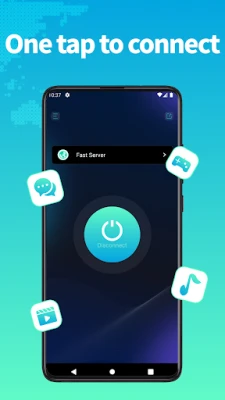
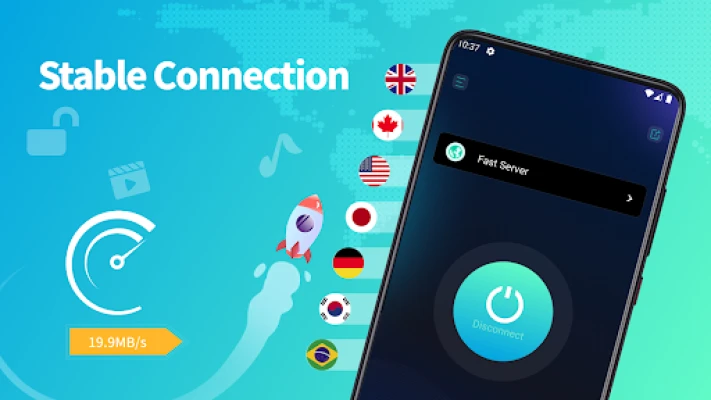
- One‑tap connection: A single button starts the VPN, eliminating the need for manual setup.
- Free unlimited use: The app does not impose time limits or data caps.
- Works on Wi‑Fi and mobile data: Compatible with Wi‑Fi, LTE/4G, 3G and other carrier networks.
- Basic encryption: Provides a layer of encryption to help keep your online activity private.
How it works
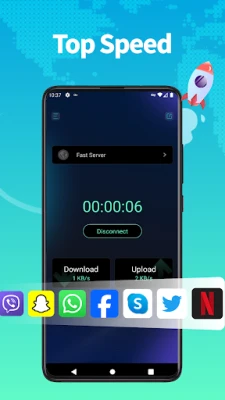
When you activate VPN - Proxy Master, the app contacts a server in its network and establishes an encrypted tunnel. All internet traffic from your device is then routed through that server, which replaces your original IP address with one from the VPN server. This process makes it harder for third parties, such as ISPs or public Wi‑Fi operators, to monitor your activity.
Practical uses
The app can be useful in several everyday scenarios:
- Accessing region‑restricted content: If a website or streaming service is unavailable in your country, the VPN can give you an IP address from a supported region.
- Public Wi‑Fi safety: When using coffee‑shop or airport Wi‑Fi, the encrypted tunnel helps protect passwords and personal information.
- Bypassing network restrictions: Some workplaces or schools block certain apps or sites; a VPN can provide a workaround.
Installation information
To install VPN - Proxy Master, locate the app in the Appitika store and tap the install button. The standard Android installation process will request permission to create a VPN connection. Accepting this permission is required for the app to function.
Things to know before installing
- The free version may display advertisements, which is a common way to support the service.
- Performance can vary depending on the server you are connected to and your own network speed.
- Because the app is free, advanced features such as dedicated servers, kill‑switch, or multi‑hop routing are not guaranteed.
Who may find it useful?
Anyone who needs a straightforward way to add a layer of privacy to their browsing or to reach content that is otherwise blocked will benefit from VPN - Proxy Master. It is especially handy for travelers, students, and users of public Wi‑Fi who prefer a quick solution without a subscription.
Frequently asked questions
Is VPN - Proxy Master safe to use?
The app uses standard VPN encryption, which is sufficient for basic privacy needs. However, for highly sensitive activities, users may prefer a service that offers stronger encryption protocols and a clear privacy policy.
Do I need to create an account?
No account is required. The app can be started directly after installation.
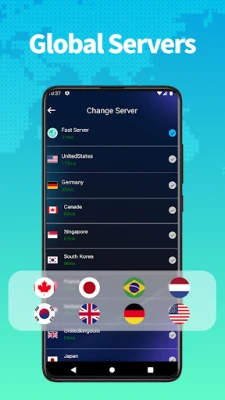
Can I choose a specific server location?
The free version typically connects to the best available server automatically. Manual selection may be limited or unavailable.
Will the app work on all Android devices?
VPN functionality is built into Android, so the app should work on devices running a recent version of the operating system. Specific version requirements are not listed, so users should ensure their device is up to date.
Rate the App
User Reviews














Popular Apps










 Games
Games Entertainment
 Communication
 E-mail
 Security
 Tools
Tools Media
Media Internet
 Finance
 Design
 Education
 IT Tools
 Travel & Local
 Android
 Windows
 Linux
Linux