

Latest Version
Latest
September 17, 2026
Gray Tech
Tools
Android
12
Free
com.unblock.proxy.turbo.vpn.master
Report a Problem
More About VPN Master – Free VPN Proxy for Android
What is VPN Master?
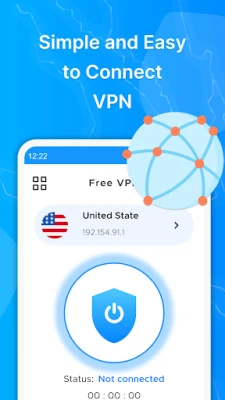
VPN Master is a free Android application developed by Gray Tech that creates a virtual private network (VPN) tunnel between your device and the internet. By routing traffic through the app’s servers, it can mask your device’s IP address and add a layer of encryption to your online activity.
Main features
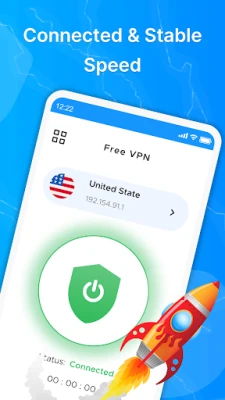
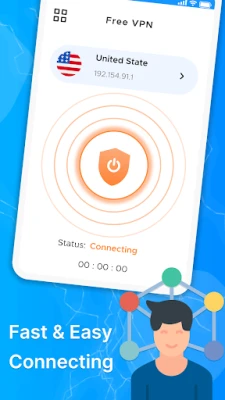
- One‑tap connection: The app provides a single button to start or stop the VPN service.
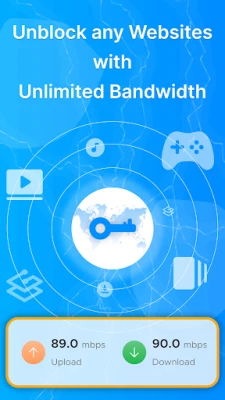
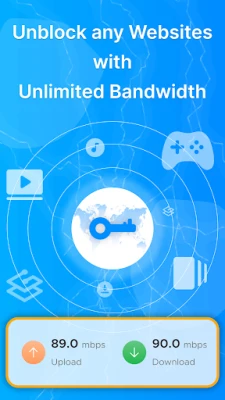
- Unlimited bandwidth: There is no data cap imposed by the app itself.
- Basic privacy: Your public IP address is replaced with one from the VPN server, helping to reduce simple tracking.
How it works
When you enable VPN Master, the app establishes an encrypted tunnel to a remote server operated by the developer. All internet traffic from your phone is routed through this tunnel, so the destination sites see the server’s IP address instead of yours. The encryption protects the data while it travels over public Wi‑Fi or mobile networks.
Practical uses
- Accessing content that may be restricted on a local network, such as public Wi‑Fi hotspots.
- Adding a basic privacy layer when browsing or using apps that do not require high‑security connections.
- Testing how a website or service behaves when accessed from a different IP region.
Installation information
To install VPN Master, locate the app in the Android marketplace, tap Install, and follow the on‑screen prompts. After installation, you will be asked to grant the VPN permission, which is required for the app to create a network tunnel.
Things to know before installing
- The app does not claim to provide advanced security features such as kill switches or split tunneling.
- Performance depends on the distance to the selected server and the current load on that server.
- Because the app is free, it may display non‑intrusive ads to support development.
Who may find it useful?
Anyone who needs a quick, no‑cost way to hide their IP address for casual browsing or to bypass simple network restrictions may benefit from VPN Master. It is especially suitable for users who prefer a straightforward interface without extensive configuration options.
Frequently asked questions
Is VPN Master safe to use?
The app uses standard VPN encryption to protect data in transit. However, it does not provide guarantees about the privacy policies of the remote servers, so users with high‑security needs should consider additional solutions.
Do I need to create an account?
No account or registration is required to use the basic VPN connection.
Can I choose the server location?
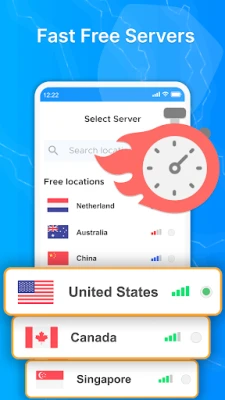
The free version offers a limited set of server locations. Selecting a different location may affect connection speed.
Will the app work on all Android versions?
VPN functionality is built into Android, and the app should operate on devices that support the standard VPN API. Specific version requirements are not listed.
Rate the App
User Reviews














Popular Apps










 Games
Games Entertainment
 Communication
 E-mail
 Security
 Tools
Tools Media
Media Internet
 Finance
 Design
 Education
 IT Tools
 Travel & Local
 Android
 Windows
 Linux
Linux