

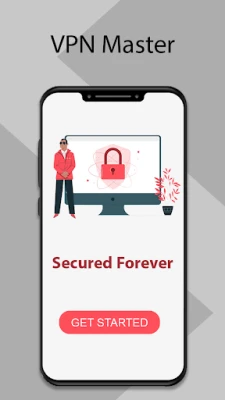
Latest Version
Latest
September 06, 2026
Games.Studio
Tools
Android
9
Free
com.VPN.Master
Report a Problem
More About VPN Master – Simple One‑Tap VPN for Android
What is VPN Master?
VPN Master is a free Android application developed by Games.Studio that provides a virtual private network (VPN) service. Its primary goal is to let users encrypt their internet traffic, hide their IP address, and bypass regional restrictions without dealing with complex settings.
Main Features
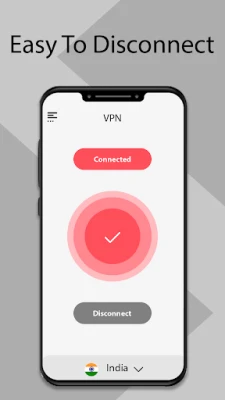
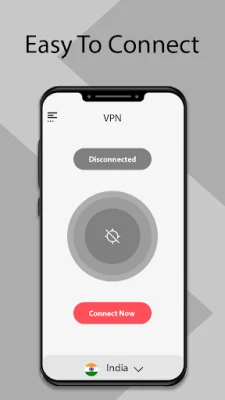
- One‑tap connection: The interface is designed for quick access – a single tap connects or disconnects the VPN.
- Basic privacy protection: When active, the app routes your data through an encrypted tunnel, helping to shield it from casual eavesdropping on public Wi‑Fi networks.
- Unblocking capability: By masking your IP address, VPN Master can help you reach websites or apps that are otherwise restricted in your location.
How It Works
When you enable the VPN, the app creates a secure tunnel between your device and a VPN server operated by the service. All outgoing and incoming traffic passes through this tunnel, which encrypts the data and replaces your device’s public IP address with the server’s IP. This process is handled automatically, so you don’t need to configure protocols or ports manually.
Practical Uses
- Browsing on public Wi‑Fi hotspots (cafés, airports) with added privacy.
- Accessing streaming services, social media platforms, or other content that may be blocked in your region.
- Testing how a website appears from a different geographic location.
Installation Information
To install VPN Master, locate the app in the Android marketplace, tap Install, and grant the required permissions when prompted. After installation, open the app, tap the main toggle to connect, and follow any on‑screen instructions for initial setup.
Compatibility
The app is built for Android devices. Specific version requirements are not listed, so it should run on most devices that support the Google Play Services framework. Users with older Android versions may experience limited performance.
Things to Know Before Installing
- The free version may include usage limits or display ads, which is common for no‑cost VPN apps.
- Performance (speed and latency) depends on the server you are connected to and your own network conditions.
- While the app encrypts traffic, it does not replace a comprehensive security suite; keep your device’s operating system and other apps up to date.
Who May Find It Useful?
VPN Master is suited for casual users who need occasional privacy protection or want to unblock specific content without diving into technical configuration. It is also handy for travelers who connect to unfamiliar Wi‑Fi networks and prefer a quick way to secure their connection.
Frequently Asked Questions
Is VPN Master completely free?
The app is offered at no cost, but free VPN services often include ads or optional in‑app purchases for premium features.
Do I need to create an account?
No account creation is required to start using the basic VPN functionality.
Will the VPN slow down my internet?
Any VPN adds a small amount of overhead because traffic is routed through an additional server. The impact varies based on server load and your original connection speed.
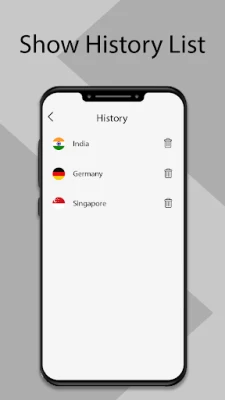
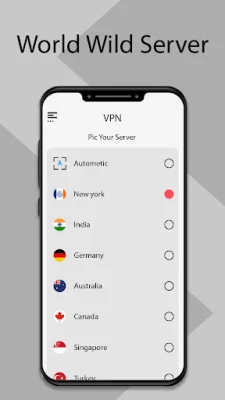
Can I choose a specific server location?
The free version typically selects a server automatically. More advanced location selection may be available in a paid tier, if offered.
Rate the App
User Reviews
Other Apps in This Category













Popular Apps










 Games
Games Entertainment
 Communication
 E-mail
 Security
 Tools
Tools Media
Media Internet
 Finance
 Design
 Education
 IT Tools
 Travel & Local
 Android
 Windows
 Linux
Linux