

Latest Version
Latest
August 28, 2026
Tu Yafeng
Tools
Android
134
Free
mark.via.gp
Report a Problem
More About Via Browser – Fast & Light
What is Via Browser?
Via Browser – Fast & Light is a free Android web browser developed by Tu Yafeng. It is designed for users who prefer a minimal, fast, and highly customizable browsing experience. The app aims to keep the interface simple while delivering the essential tools most users need for everyday web navigation.
Main features
- Lightweight design – The app’s small footprint helps conserve memory and storage, making it suitable for devices with limited resources.
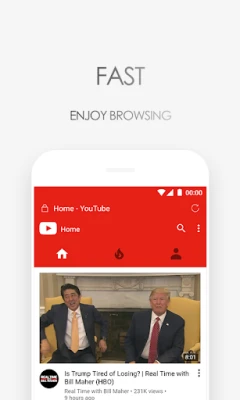
- Speed‑focused – Optimizations target quick page loads and fast app launch, allowing smooth navigation even on older hardware.
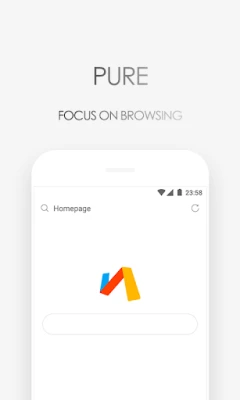
- Quiet browsing – No built‑in news feeds or push notifications, so you can browse without unsolicited content.
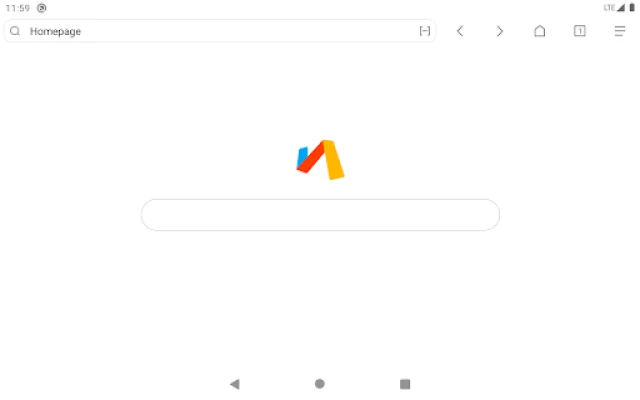
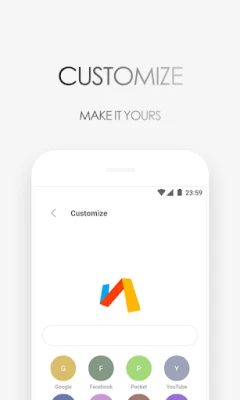
- Customizable homepage – Users can arrange shortcuts, widgets, and preferred sites to create a personal start page.
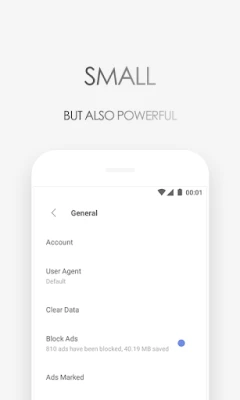
- Privacy tools – Basic options such as ad blocking and private browsing help protect your data while you surf.
- Night mode – A dark theme reduces eye strain in low‑light environments.
- Search engine selection – Switch between popular search providers directly from the address bar.
- Bookmark management – Save and organize favorite pages for quick access.
How it works
Via Browser uses the standard Android WebView component, which renders web pages efficiently on the device. When you open a link, the browser loads the content in a streamlined interface that hides unnecessary UI elements. The built‑in ad blocker filters common trackers and intrusive ads, improving load times and reducing data usage.
Practical uses
- Ideal for devices with limited RAM or storage where a full‑featured browser would feel heavy.
- Suitable for users who want a distraction‑free environment without news tickers or promotional pop‑ups.
- Helpful for developers or power users who appreciate a minimal UI that can be tailored to specific workflows.
Installation information
The app can be installed directly from the Google Play Store using the package name mark.via.gp. As a free application, no purchase is required. After installation, the browser can be set as the default web handler if desired.
Things to know before installing
- Because the app focuses on minimalism, some advanced features found in larger browsers (e.g., built‑in password managers or extensive extension ecosystems) are not included.
- Performance may vary depending on the device’s Android version and hardware capabilities.
Who may find it useful?
Anyone looking for a straightforward, fast, and low‑resource web browser will benefit from Via Browser. It is especially appealing to users who value privacy, want to keep their device’s storage lean, or simply prefer a clean interface without extra clutter.
Frequently asked questions
Is Via Browser safe to use?
The app does not request unnecessary permissions and includes basic privacy features such as ad blocking and private tabs. As with any browser, avoid entering sensitive information on untrusted sites.
Can I sync bookmarks across devices?
Via Browser does not provide a built‑in sync service. Bookmarks are stored locally on the device.
Does the browser support extensions?
Extensions are not part of the current feature set. The focus remains on a lightweight core experience.
Rate the App
User Reviews















Popular Apps










 Games
 Entertainment
 Communication
 E-mail
 Security
 Tools
 Media
 Internet
 Finance
 Design
 Education
 Android Firmwares
 Travel & Local
 Android
 Windows
 Linux