
Latest Version
Latest
September 07, 2026
Novus Tech Apps
Tools
Android
7
Free
com.niam.smartswitch.phonecloneapp.easytransfer
Report a Problem
More About Transfer All Data – PhoneClone
What is Transfer All Data – PhoneClone?
Transfer All Data – PhoneClone, developed by Novus Tech Apps, is a free Android utility designed to help you copy personal content from one device to another. Whether you are upgrading to a new phone or simply need to share files with a friend, the app provides a wireless way to move data without relying on cloud services or physical connections.
Main features
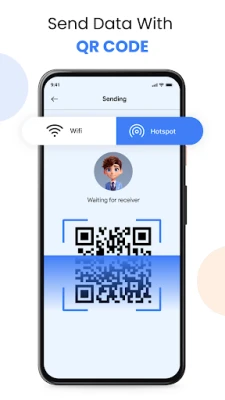
- Wireless transfer – Uses your local Wi‑Fi network or a direct hotspot to move data between devices.
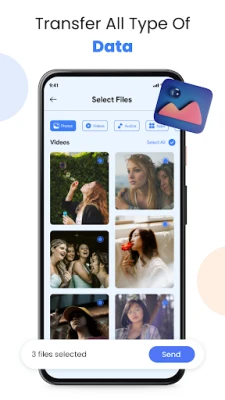
- Multiple data types – Supports contacts, photos, videos, audio files, documents, and app‑related data such as APKs.
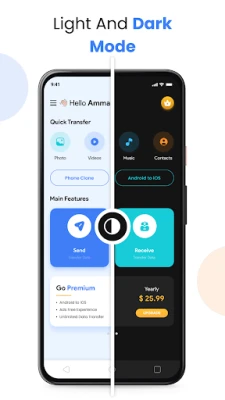
- Simple interface – A clean layout guides you through selecting a source device, choosing what to transfer, and starting the process.
- Cross‑device compatibility – Works between two Android phones; the app focuses on Android‑to‑Android transfers.
How it works
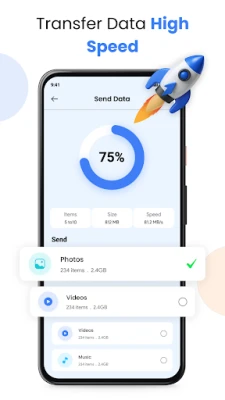
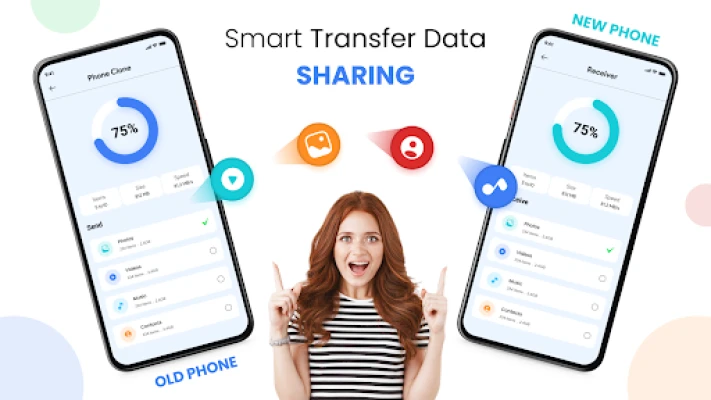
Both devices need to have Transfer All Data – PhoneClone installed and be connected to the same Wi‑Fi network or one device’s hotspot. After launching the app, one device acts as the sender and the other as the receiver. You select the categories of data you want to move, confirm the connection, and the app handles the transfer in the background. Progress is shown in real time, and you can pause or cancel if needed.
Practical uses
- Phone upgrades – Move all your personal content to a new Android phone without reinstalling each app manually.
- Device sharing – Quickly give a friend a copy of photos or documents without using Bluetooth.
- Backup assistance – Create a local copy of important files on a second device as an extra safeguard.
Installation information
The app is available for free on the Google Play Store. Search for the package name com.niam.smartswitch.phonecloneapp.easytransfer or the title "Transfer All Data – PhoneClone" and tap Install. No additional permissions beyond network access and storage are required for the basic transfer functions.
Things to know before installing
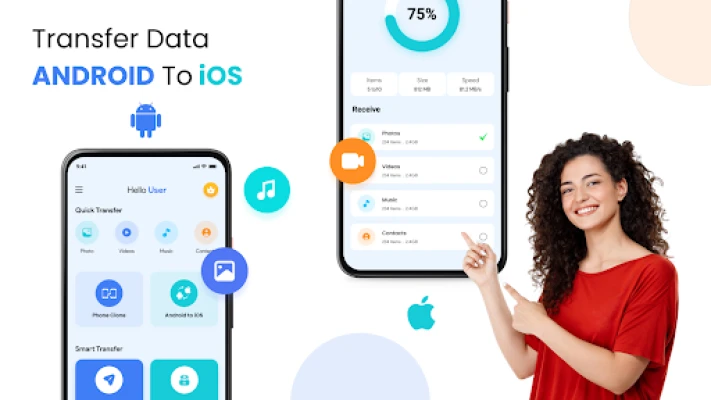
- The app currently focuses on Android‑to‑Android transfers; iOS support is not listed.
- Both devices must stay within Wi‑Fi range for the duration of the transfer.
- Large video files may take longer to move, depending on network speed.
Who may find it useful?
Anyone who regularly switches Android phones, shares media with family members, or wants a quick local backup solution will benefit from Transfer All Data – PhoneClone. It is especially handy for users who prefer not to upload personal media to cloud services.
Frequently asked questions
Do I need an internet connection?
No. The transfer occurs over a local network or direct hotspot, so an active internet connection is not required.
Can I transfer apps themselves?
The app can copy APK files, but it does not reinstall them automatically. You will need to install the copied APKs manually on the receiving device.
Is any data encrypted during transfer?
Transfer All Data – PhoneClone uses standard Wi‑Fi security protocols; the data travels over the local network without additional encryption layers built into the app.
Rate the App
User Reviews











Popular Apps










 Games
Games Entertainment
 Communication
 E-mail
 Security
 Tools
Tools Media
Media Internet
 Finance
 Design
 Education
 IT Tools
 Travel & Local
 Android
 Windows
 Linux
Linux