

Latest Version
August 21, 2026
Surfshark B.V.
Tools
Android
96
Free
com.surfshark.vpnclient.android
Report a Problem
More About Surfshark – Secure VPN for Android
What is Surfshark?
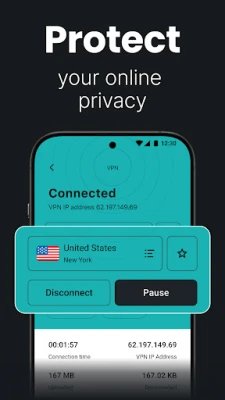
Surfshark is a virtual private network (VPN) client for Android devices. It creates an encrypted tunnel between your phone and the internet, masking your IP address and protecting the data you send and receive. The app is offered by Surfshark B.V. and can be downloaded for free.
Main features
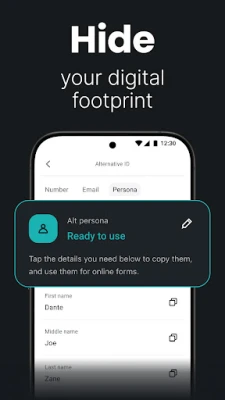
- Encryption and privacy – Uses modern VPN protocols to secure your connection and hide your real location.
- Device flexibility – Allows you to protect multiple Android devices with a single subscription.
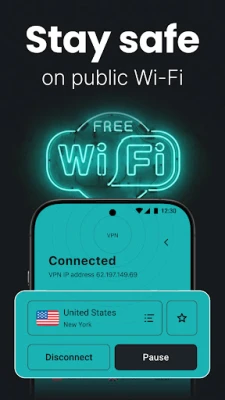
- Travel-friendly – Helps maintain a stable, private connection when using public Wi‑Fi or traveling abroad.
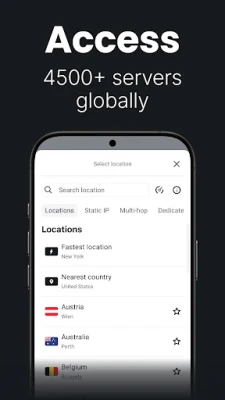
- Content access – By changing your virtual location, you can reach services that might be restricted in your current region.
How it works
When you launch Surfshark, the app negotiates a secure tunnel with one of its servers. All traffic from your device is routed through this tunnel, which encrypts the data and replaces your original IP address with the server’s address. The encryption prevents third parties, such as ISPs or malicious actors on public networks, from reading your activity.
Practical uses
- Browsing on public Wi‑Fi without exposing personal information.
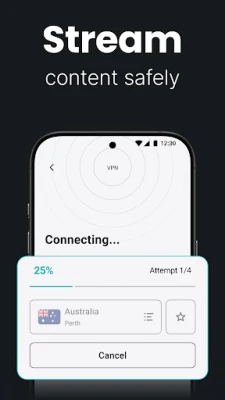
- Streaming video services that are geo‑restricted.
- Keeping online banking and shopping sessions private.
- Bypassing censorship or network restrictions while traveling.
Installation information
Search for "Surfshark" in the Google Play Store, locate the app published by Surfshark B.V., and tap Install. The download size and Android version requirements are listed on the store page; ensure your device meets those specifications before proceeding.
Things to know before installing
- The free version may include a trial period; a subscription is required for full, unlimited use.
- VPN connections can slightly reduce speed due to encryption overhead, though the impact varies by network and server choice.
- Some apps or services may block VPN traffic; you can usually switch servers or disable the VPN for those specific cases.
Who may find Surfshark useful?
Anyone who wants to protect their online privacy on Android—students, frequent travelers, remote workers, and users who stream media from different regions—can benefit from Surfshark’s VPN service.
Frequently asked questions
Do I need a subscription to use Surfshark?
A free trial is often available, but continued use of the full feature set requires a paid subscription.
Can I use Surfshark on multiple devices?
Yes, the service is designed to protect several devices under a single account.
Is my browsing activity logged?
Surfshark states that it follows a no‑logs policy, meaning it does not retain details of your online activity.
Rate the App
User Reviews















Popular Apps










 Games
Games Entertainment
 Communication
 E-mail
 Security
 Tools
Tools Media
Media Internet
 Finance
 Design
 Education
 Android Firmwares
 Travel & Local
 Android
 Windows
 Linux
Linux