

Latest Version
Latest
August 28, 2026
Magic Invite Solutions
Tools
Android
81
Free
com.techglows.storysaver
Report a Problem
More About Story Saver for WhatsApp Business – Save & Share Statuses
What is Story Saver for WhatsApp Business?
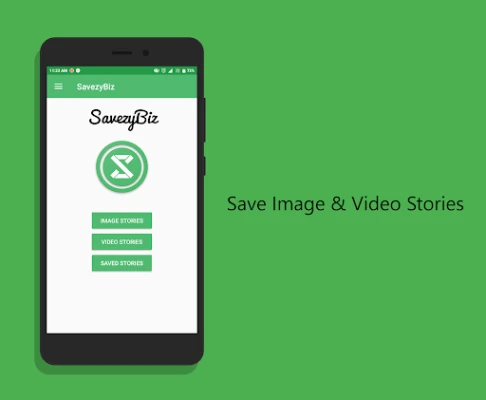
Story Saver for WhatsApp Business is a lightweight utility that lets you capture status updates—both photos and videos—shared by your contacts on WhatsApp Business. The app stores the media locally so you can view it later, even after the original status disappears.
Main Features
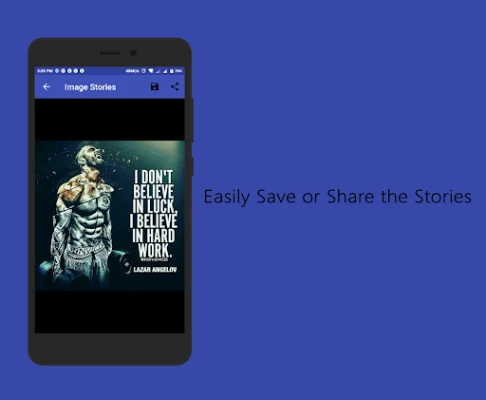
- Save status media: One‑tap download of any image or video you see in a contact’s status.
- Offline access: Saved stories remain on your device, allowing you to watch them without an internet connection.
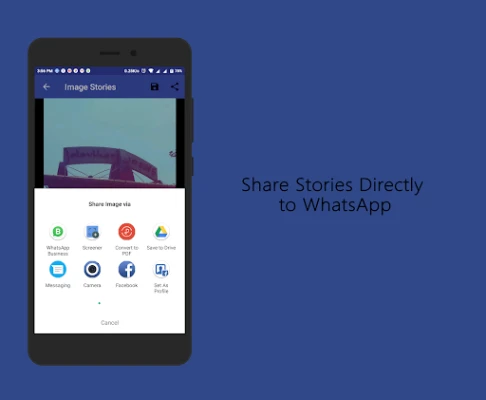
- Simple sharing: Re‑share saved media directly back to WhatsApp Business or other apps.
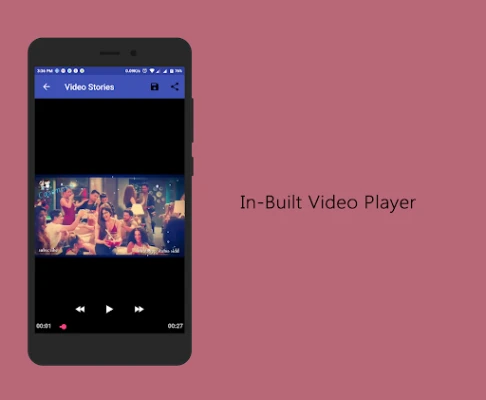
- Built‑in viewer: Preview saved stories inside the app with an integrated media player.
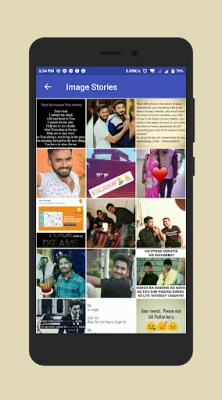
- Organised library: View, delete, or share saved items from a clean dashboard.
How It Works
- Open the app and choose either Image Stories or Video Stories to see the latest updates from your contacts.
- Select the story you want to keep.
- Tap the Save icon to download the file to your device.
- Use the Share icon to send the saved media to a chat or another app.
Practical Uses
Whether you need a reference image for work, want to keep a memorable video, or simply wish to repost a status with permission, Story Saver provides a straightforward way to do so without asking the original sender for the file again.
Installation Information
The app is offered as a free download. After installing, it will request access to your device’s storage so it can save media files. No additional setup steps are required.
Things to Know Before Installing
- The app does not modify WhatsApp Business itself; it only reads the status content that is already visible on your device.
- Saved media is stored in a dedicated folder within your internal storage, making it easy to locate using any file manager.
- Respect privacy: only download statuses from contacts who have given you permission.
Who May Find It Useful?
Anyone who regularly interacts with WhatsApp Business status updates—such as small business owners, marketers, or personal users—can benefit from the ability to keep important visuals and videos for later use.
Frequently Asked Questions
Do I need a WhatsApp Business account to use the app?
No. The app works with the status feature of WhatsApp Business on any device where the account is installed.
Can I delete saved stories?
Yes. The built‑in library lets you remove individual items or clear the entire collection.
Is the app safe to use?
The app operates only on content that is already visible on your screen and does not transmit data to external servers.
Rate the App
User Reviews















Popular Apps










 Games
 Entertainment
 Communication
 E-mail
 Security
 Tools
 Media
 Internet
 Finance
 Design
 Education
 Android Firmwares
 Travel & Local
 Android
 Windows
 Linux