

Latest Version
September 18, 2026
JewelCad Designs
Tools
Android
75
Free
com.jewelcaddesigns.desivpn
Report a Problem
More About StarVPN – Simple, Fast Secure VPN for Android
What is StarVPN?
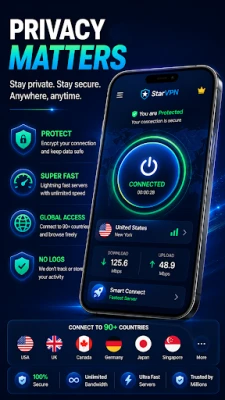
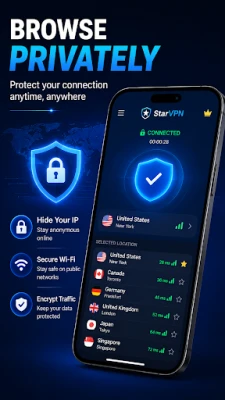
StarVPN is a free Android application developed by JewelCad Designs that provides a virtual private network (VPN) service. Its primary purpose is to encrypt your internet traffic, making it harder for third parties to monitor or intercept your data while you browse, stream, or shop online.
Main Features
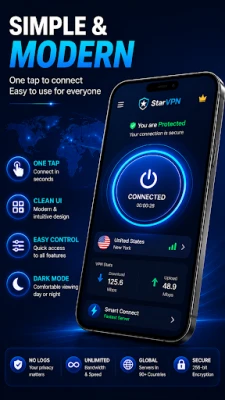
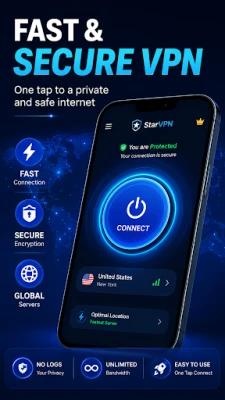
- One‑tap connection: Launch the app and connect to a VPN server with a single tap.
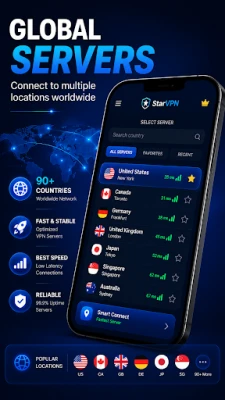
- Multiple server locations: Choose from several geographic endpoints to find the best balance of speed and latency.
- Lightweight design: The interface is clean and minimal, keeping resource usage low.
- No account required: Start using the service immediately without registration.
How It Works
When you activate StarVPN, the app creates an encrypted tunnel between your device and the selected VPN server. All data that leaves your phone passes through this tunnel, which masks your IP address and shields the content from local network observers. The encryption is handled automatically, so you don’t need to adjust technical settings.
Practical Uses
StarVPN can be helpful in a variety of everyday situations:
- Public Wi‑Fi protection: Secure your connection in cafés, airports, or hotels.
- Privacy‑focused browsing: Hide your IP address from websites that track location.
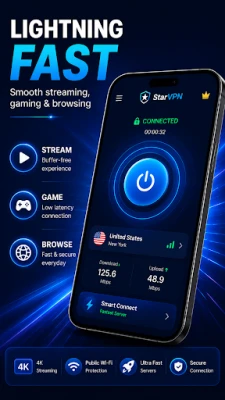
- Streaming and media: Access content that may be restricted in your region by selecting an appropriate server.
- Travel: Maintain a consistent online experience when moving between countries.
Installation Information
The app is distributed through the standard Android package name com.jewelcaddesigns.desivpn. To install, locate StarVPN in the Google Play Store, tap “Install,” and follow the on‑screen prompts. The installation size is modest, and the app does not require additional permissions beyond those needed for VPN functionality.
Things to Know Before Installing
- The free version may display occasional ads, which is common for no‑cost VPN apps.
- Performance can vary depending on the selected server and your network conditions.
- Because no account is required, there is no personal profile to manage within the app.
Who May Find StarVPN Useful?
Anyone who wants a quick, no‑frills VPN solution on Android will benefit from StarVPN. It is especially suited for users who prefer a minimal setup, occasional travelers, and people who need an extra layer of security on public networks.
Frequently Asked Questions
Is StarVPN safe to use?
The app employs standard VPN encryption to protect data in transit. As with any free service, you should review the privacy policy for details on data handling.
Do I need to create an account?
No. StarVPN works without registration, allowing immediate connection after installation.
Can I switch servers while connected?
Yes. The interface lets you select a different server location without disconnecting first.
Will the app drain my battery?
Because the app is lightweight, it typically has a modest impact on battery life, comparable to other VPN clients.
Rate the App
User Reviews















Popular Apps










 Games
Games Entertainment
 Communication
 E-mail
 Security
 Tools
Tools Media
Media Internet
 Finance
 Design
 Education
 Android Firmwares
 Travel & Local
 Android
 Windows
 Linux
Linux