

Latest Version
September 05, 2026
Splashtop
Tools
Android
10
Free
com.splashtop.sos.onprem
Report a Problem
More About Splashtop SOS On-Prem – Remote Support for Android Devices
What is Splashtop SOS On-Prem?
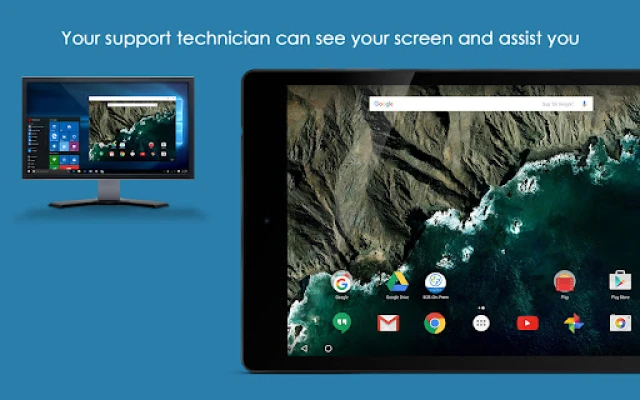
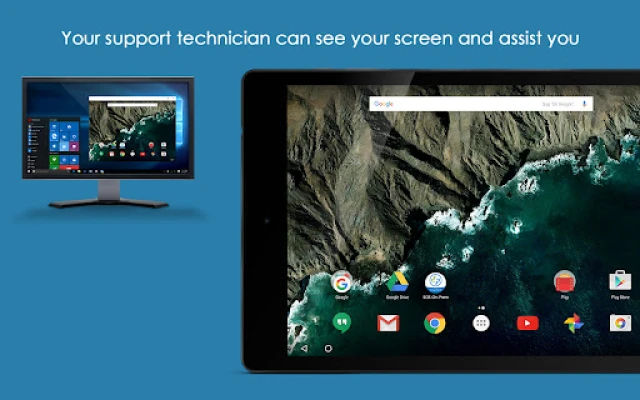
Splashtop SOS On-Prem is a free Android application that enables users to receive real‑time remote assistance from a technician who is connected to a Splashtop On‑Premises environment. The app is intended for organizations that run Splashtop On‑Prem, allowing support staff to view and interact with a mobile device without the need for a separate remote‑desktop solution.
Main features
- Live screen sharing – The technician can see the device’s screen as the user works.
- Remote pointer control – When supported, the technician can move a pointer on the user’s screen to guide actions.
- File transfer assistance – The session can be used to locate files that need to be moved or examined.
- Voice communication – A built‑in voice channel lets the user and technician talk without switching apps.
How it works
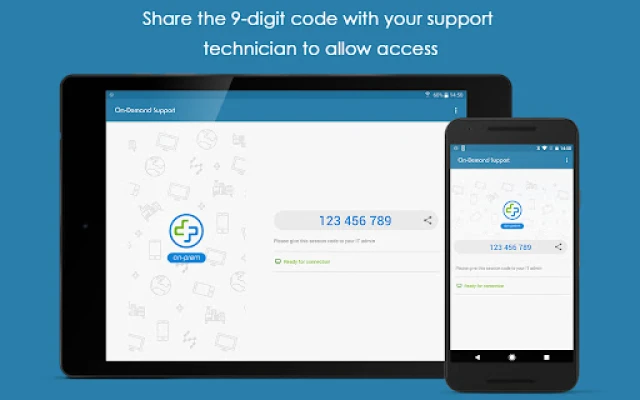
When you launch the app, it generates a session identifier. You share that identifier with the support technician, who enters it into their Splashtop On‑Prem console. Once the technician accepts the request, the connection is established and the screen is streamed securely to the remote computer. If the device and Android version support the accessibility service, the technician can also control the screen remotely.
Practical uses
- IT help desks can troubleshoot app crashes, configuration issues, or connectivity problems on employee phones.
- Field technicians can guide users through complex settings without a site visit.
- Training sessions can be conducted by sharing a live view of a device while the instructor points out steps.
Installation information
Search for Splashtop SOS On-Prem in the Google Play Store, download, and install the app. The installation process follows the standard Android flow; no additional files are required.
Compatibility
The app is designed for devices that can run Android 8.0 (Oreo) or newer, provided the device allows the optional accessibility service. Compatibility may vary with custom manufacturer skins or restricted device policies.
Things to know before installing
- Make sure your organization’s Splashtop On‑Prem account has the SOS feature enabled.
- During a support session you will be asked to grant permission for screen capture and, optionally, the accessibility service for remote control.
- The connection is encrypted; however, you should only share the session ID with trusted support personnel.
Who may find it useful?
Employees in corporate environments, educators, field service teams, and anyone whose organization uses Splashtop On‑Prem for internal support will benefit from the quick, on‑demand assistance this app provides.
Frequently asked questions
Do I need an internet connection?
Yes. The session relies on network connectivity between the Android device and the technician’s computer.
Can the technician see my personal data?
Only what is displayed on the screen during the session. The app does not grant file system access beyond what is shown.
Is the session recorded?
The app itself does not record sessions. Any recording would have to be initiated by the technician’s computer, subject to your organization’s policies.
Rate the App
User Reviews
Other Apps in This Category








Popular Apps










 Games
Games Entertainment
 Communication
 E-mail
 Security
 Tools
Tools Media
Media Internet
 Finance
 Design
 Education
 IT Tools
 Travel & Local
 Android
 Windows
 Linux
Linux