

Latest Version
Latest
September 10, 2026
Simple Mobile Tool
Tools
Android
9
Free
com.simplemobiletools.contacts
Report a Problem
More About Simple Contacts – Lightweight Contact Manager
What is Simple Contacts?
Simple Contacts is a minimalistic contact manager developed by Simple Mobile Tools. It provides a clean interface for adding, editing, and finding contacts on your Android device. The app is free and does not require an internet connection to work, making it a good choice for users who prefer to keep their address book locally.
Main features
- Local storage only – All contacts are saved on the device; no cloud sync is forced.
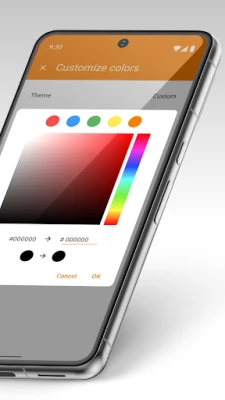
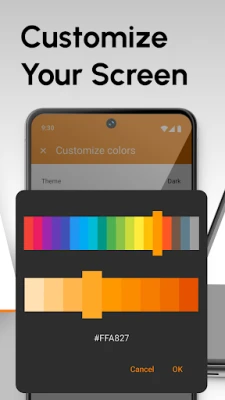
- Customizable fields – Show or hide phone numbers, emails, addresses, birthdays and other fields according to your preferences.
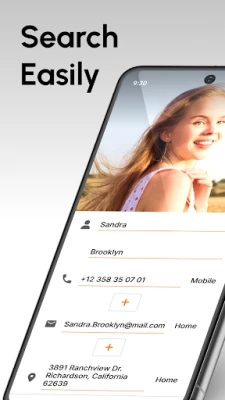
- Fast search – Type any part of a name, number or email and the app searches across all visible fields.
- Group support – Create groups to organize contacts for quick messaging or email composition.
- Import / export – Move contacts in and out of the app using standard vCard (.vcf) files.
- Lightweight design – The UI is simple, responsive and uses minimal storage.
How it works
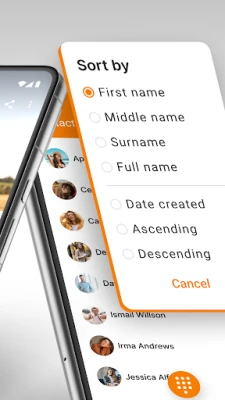
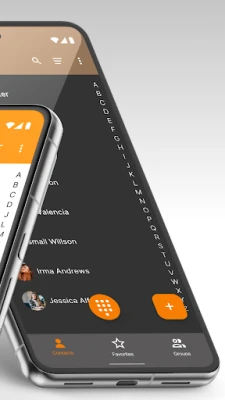
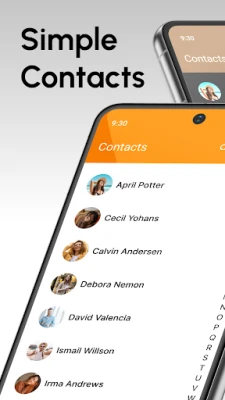
When you launch Simple Contacts, the main screen lists your contacts alphabetically. Tapping a contact opens a detail view where you can edit any field, add a photo, or assign the contact to one or more groups. The search bar at the top filters the list in real time. Adding a new contact is a single tap away, and the app automatically saves the entry locally.
Practical uses
- Keep a private address book that never leaves your phone.
- Organize business contacts into groups for quick access.
- Export contacts before switching devices or backing up to a computer.
- Use the birthday field to remember important dates without relying on a separate calendar app.
Installation information
The app can be installed from the Google Play Store using the package name com.simplemobiletools.contacts. No additional permissions beyond standard contact access are required.
Things to know before installing
- The app does not provide automatic cloud backup; you will need to export contacts manually if you want an external copy.
- Because it stores data locally, uninstalling the app will remove all contacts saved within it unless they have been exported.
Who may find it useful?
Anyone who wants a straightforward way to manage contacts without ads, unnecessary features, or forced synchronization. It is especially suitable for privacy‑conscious users, people with limited storage, and those who prefer a simple, fast interface.
Frequently asked questions
Can I sync Simple Contacts with my Google account?
Simple Contacts does not include built-in sync. You can export contacts to a vCard file and import them into Google Contacts manually if needed.
Is there a limit to the number of contacts?
No artificial limit is imposed; the app can handle as many entries as the device’s storage allows.
Does the app require an internet connection?
Only for downloading the app itself. All contact management functions work offline.
Rate the App
User Reviews














Popular Apps










 Games
Games Entertainment
 Communication
 E-mail
 Security
 Tools
Tools Media
Media Internet
 Finance
 Design
 Education
 IT Tools
 Travel & Local
 Android
 Windows
 Linux
Linux