

Latest Version
Latest
September 05, 2026
SECUREGUARD GROUP
Tools
Android
10
Free
free.vpn.unblock.fast.proxy.vpn.master.pro.lite
Report a Problem
More About Secure VPN Proxy Master Lite – Free Android VPN
What is Secure VPN Proxy Master Lite?
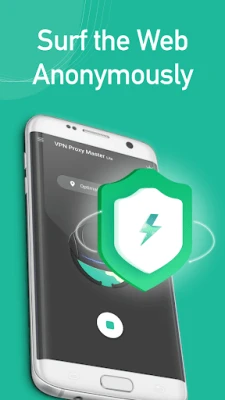
Secure VPN Proxy Master Lite is a free Android application developed by SECUREGUARD GROUP. It provides a basic virtual private network (VPN) service that lets you encrypt your internet traffic and hide your IP address while browsing, streaming, or using apps on your device.
Main features
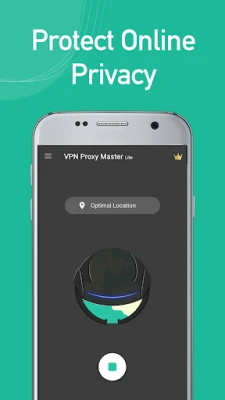
- One‑tap connection: Start a VPN session with a single tap, without navigating through complex settings.
- Lightweight design: The app is built to occupy minimal storage space, making it suitable for devices with limited capacity.
- Free service: No subscription is required to use the core VPN functionality.
How it works
When you activate the VPN, the app creates an encrypted tunnel between your device and a VPN server. All data that passes through this tunnel is encoded, which helps protect it from eavesdropping on public Wi‑Fi networks and other insecure connections. The server then forwards your traffic to its destination, masking your original IP address.
Practical uses
- Enhance privacy when using public Wi‑Fi hotspots.
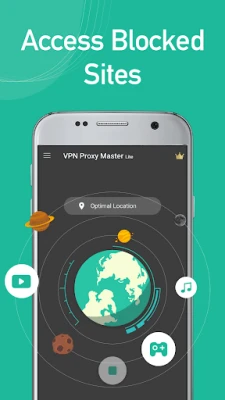
- Access content that may be restricted in your region.
- Reduce the visibility of your browsing habits to your ISP or network administrator.
Installation information
Download the APK from a trusted source, then follow the standard Android installation steps: enable installations from unknown sources if required, tap the downloaded file, and accept the permissions prompt. After installation, open the app and follow the on‑screen instructions to set up the VPN connection.
Things to know before installing
- The app may request permission to create a VPN connection, which is necessary for its operation.
- As a free service, server selection may be limited compared with paid VPN solutions.
- Performance can vary depending on network conditions and the distance to the selected server.
Who may find it useful?
Anyone looking for a simple, no‑cost way to add a layer of privacy to their Android device, especially users who prefer a lightweight app that does not consume much storage.
Frequently asked questions
Is the app safe to use?
Secure VPN Proxy Master Lite is developed by SECUREGUARD GROUP and follows the standard Android VPN framework. It requires only the permissions needed to establish a VPN connection.
Do I need to create an account?
No account is required; you can start using the VPN after installing the app.
Can I choose a specific server location?
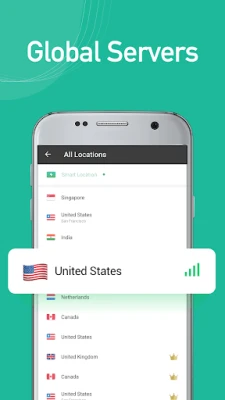
The free version provides automatic server selection. Specific location choices may be limited.
Rate the App
User Reviews
Other Apps in This Category












Popular Apps










 Games
Games Entertainment
 Communication
 E-mail
 Security
 Tools
Tools Media
Media Internet
 Finance
 Design
 Education
 IT Tools
 Travel & Local
 Android
 Windows
 Linux
Linux