


Latest Version
Latest
June 22, 2026
PerplexityAI
Tools
Android
507
Free
ai.perplexity.app.android
Report a Problem
More About Perplexity – Ask Anything (AI Search)
What is Perplexity – Ask Anything?
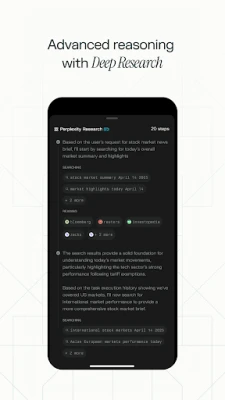
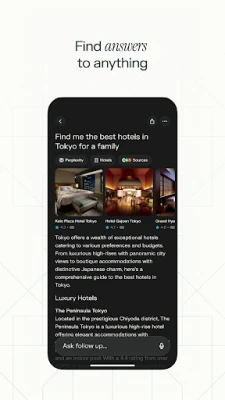
Perplexity is an Android‑based question‑answering tool that uses large language models from several leading AI providers. Users type or speak a query, and the app returns a concise answer together with the source(s) that support it.
Key features
- Multi‑model search – The engine can draw on OpenAI, Anthropic, Meta and other models, choosing the best response for each request.
- Voice input – Speak your question and get an immediate spoken reply.
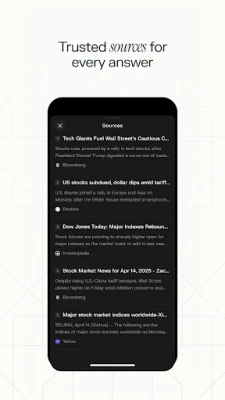
- Source citations – Every answer includes links or references so you can verify the information.
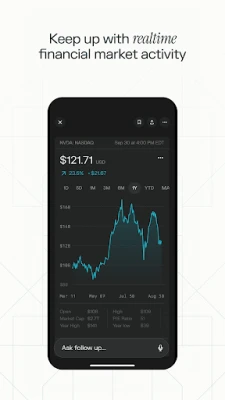
- Threaded follow‑up – Continue a conversation, and the app keeps context to deepen the discussion.
- Cross‑device sync – Your saved queries and curated library are available on any Android device logged into the same account.
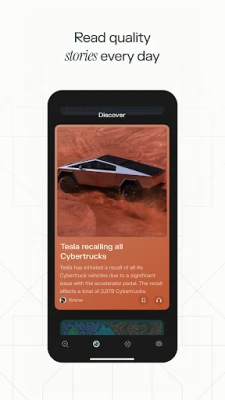
- Community discoveries – Browse popular questions and learn from what other users have asked.
How the application works
When you submit a query, the app sends the text to a cloud‑based inference service. The selected model generates a response, which is then parsed to extract any referenced URLs or document titles. The result is displayed in a clean card layout, with a “Read source” button that opens the original page in a browser.
For voice queries, the built‑in speech recognizer converts your words to text before the same pipeline runs. The answer can be read aloud using Android’s Text‑to‑Speech engine, making the experience hands‑free.
Installation information
Download Perplexity from the Google Play Store, tap “Install”, and grant the permissions it requests (microphone for voice input, storage for saving your library). The initial setup creates a lightweight account that synchronises your data securely.
Compatibility
The app requires Android 6.0 (Marshmallow) or newer and works on smartphones and tablets. It is optimized for both portrait and landscape orientations and supports dark mode automatically.
Things to know before installing
- Internet connection is required for every query because the AI models run on remote servers.
- Answers are generated by third‑party models; while citations are provided, the app does not guarantee absolute accuracy.
- Data usage varies with query length and the number of follow‑up steps; a Wi‑Fi connection is recommended for extensive sessions.
- The free tier includes a reasonable number of queries per day; a paid “Pro” option is available for power users who need higher limits.
Frequently asked questions
Is my privacy protected?
Perplexity stores only the minimal information needed for sync and does not sell personal data. All communications are encrypted via HTTPS.
Can I use the app offline?
No. The AI inference happens in the cloud, so an active internet connection is mandatory.
How are sources selected?
The model extracts URLs that it deems most relevant to the answer. Users can tap the links to view the full context.
Rate the App
User Reviews















Popular Apps










 Games
Games Entertainment
 Communication
 E-mail
 Security
 Tools
Tools Media
Media Internet
 Finance
 Design
 Education
 Android Firmwares
 Travel & Local
 Android
 Windows
 Linux
Linux