

Latest Version
August 27, 2026
NortonMobile
Tools
Android
66
Free
com.symantec.securewifi
Report a Problem
More About Norton VPN – Fast & Secure
What is Norton VPN – Fast & Secure?
Norton VPN – Fast & Secure is a free virtual private network client developed by NortonMobile. It is designed to add a layer of encryption to your mobile internet traffic, making it harder for third parties to monitor or intercept your data when you browse, stream, or use apps.
Main features
- Encryption of traffic – The app creates a secure tunnel for your data, helping keep personal information private.
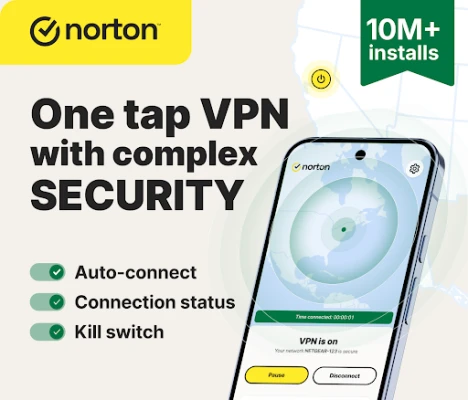
- Automatic connection on public networks – When you join an unsecured Wi‑Fi hotspot, the VPN can turn on automatically to protect the session.
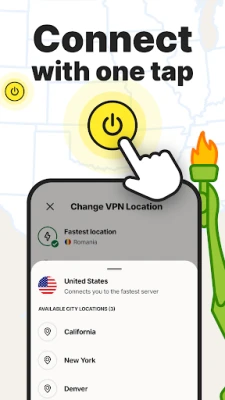
- Location flexibility – You can select a server in a different country or let the app choose the best available server for speed.
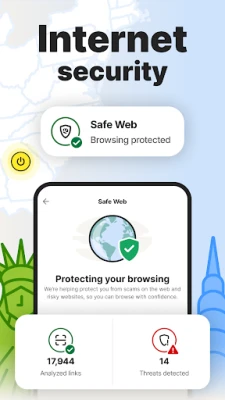
- Tracker blocking – Basic blocking of common tracking scripts reduces the amount of data collected by advertisers.
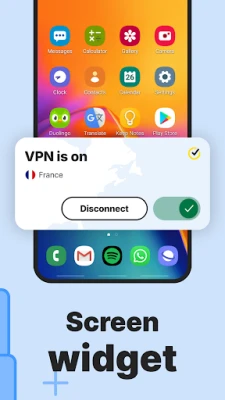
- Kill switch – If the VPN connection drops, the app can pause internet access to prevent accidental exposure.
How it works
When you launch Norton VPN, the app negotiates a secure TLS/SSL connection with one of its servers. All outbound and inbound traffic from your device is routed through this encrypted tunnel, masking your IP address and encrypting the payload. The app’s built‑in kill switch monitors the tunnel and will suspend network activity if the connection becomes unstable.
Practical uses
- Securely browse the web on coffee‑shop or airport Wi‑Fi.
- Access content that may be restricted in your region by selecting a server in another country.
- Reduce targeted advertising by blocking common trackers.
- Protect banking or shopping sessions from eavesdropping on public networks.
Installation information
The app can be installed directly from the Google Play Store. Search for the package name com.symantec.securewifi or the title “Norton VPN – Fast & Secure.” After installation, open the app, grant the required VPN permission, and follow the on‑screen prompts to enable the service.
Things to know before installing
- The app requires the standard Android VPN permission, which allows it to create a virtual network interface.
- Because it is a free offering, some advanced features found in paid VPN services may not be available.
- Performance can vary based on your network conditions and the distance to the selected server.
Who may find it useful?
Anyone who frequently uses public Wi‑Fi, travels abroad, or simply wants an extra layer of privacy for everyday browsing will benefit from Norton VPN. It is also a convenient option for users already familiar with Norton’s security ecosystem.
Frequently asked questions
Is Norton VPN free forever?
The app is listed as a free download. Any changes to pricing or premium tiers would be announced within the app or on official channels.
Does the app keep logs of my activity?
The developer’s public statements emphasize a no‑log approach, but detailed policy information should be reviewed in the app’s privacy notice.
Can I use the VPN while gaming or streaming?
Yes, the VPN can be active during gaming or streaming sessions, though some services may have their own restrictions on VPN traffic.
Rate the App
User Reviews















Popular Apps










 Games
Games Entertainment
 Communication
 E-mail
 Security
 Tools
Tools Media
Media Internet
 Finance
 Design
 Education
 Android Firmwares
 Travel & Local
 Android
 Windows
 Linux
Linux