Latest Version
Latest
August 12, 2026
Shenzhen Wondershare Software Co., Ltd.
Tools
Android
328
Free
com.wondershare.wutsapper.android
Report a Problem
More About Mutsapper – Simple WhatsApp Transfer
What is Mutsapper?
Mutsapper is a free utility designed to help users migrate their WhatsApp data from one phone to another. Whether you are switching from Android to iOS, iOS to Android, or simply upgrading to a new device, the app provides a direct, on‑device transfer method.
Main Features
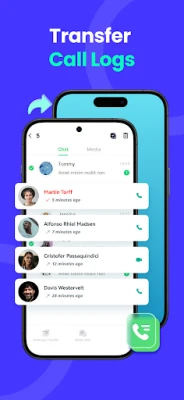
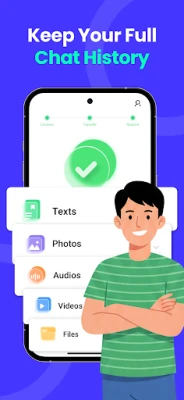
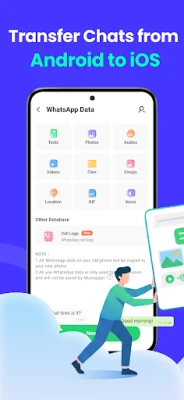
- Phone‑to‑phone transfer – Move messages, photos, videos, voice notes, contacts and stickers directly between devices.
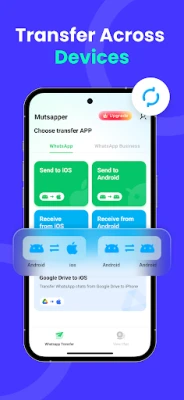
- Cross‑platform support – Works for both Android and iOS phones.
- Local processing – All data stays on your devices; no cloud upload is required.
- Multi‑account handling – Allows you to manage two WhatsApp accounts on a single phone after the transfer.
How It Works
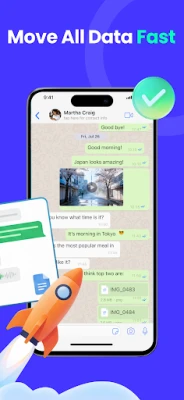
The app establishes a direct connection between the source and target devices, typically using an OTG cable or a local Wi‑Fi link. Once connected, you select the WhatsApp data you wish to transfer and start the process. The transfer runs locally, preserving the original quality of media files.
Practical Uses
- Changing to a new phone without losing chat history.
- Switching between Android and iPhone while keeping all WhatsApp content.
- Consolidating multiple WhatsApp accounts onto a single device.
Installation Information
Download Mutsapper from the Appitika store and install it like any other Android application. The app does not require root access. After installation, follow the on‑screen guide to connect your devices and begin the transfer.
Compatibility
The app is built for Android devices. Specific OS version requirements are not listed, but it is intended for modern smartphones that support OTG or Wi‑Fi direct connections.
Things to Know Before Installing
- Both devices need to have WhatsApp installed and set up.
- Ensure you have enough free storage on the target phone for the incoming data.
- Keep the devices charged or connected to power during the transfer.
Who May Find It Useful?
Anyone who is planning to upgrade their phone, switch between Android and iOS, or manage multiple WhatsApp accounts will benefit from Mutsapper’s straightforward transfer process.
Frequently Asked Questions
Do I need a computer to use Mutsapper?
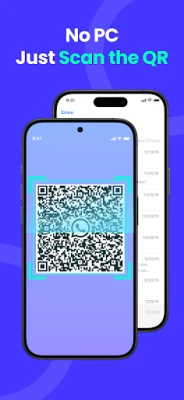
No. The transfer is performed directly between the two phones.
Is my data safe during the transfer?
All data is transferred locally; the app does not upload information to external servers.
Can I transfer WhatsApp Business chats?
The app focuses on standard WhatsApp accounts; compatibility with WhatsApp Business is not confirmed.
Rate the App
User Reviews















Popular Apps










 Games
Games Entertainment
 Communication
 E-mail
 Security
 Tools
Tools Media
Media Internet
 Finance
 Design
 Education
 Android Firmwares
 Travel & Local
 Android
 Windows
 Linux
Linux