

Latest Version
Latest
September 08, 2026
Wheatfield Guard Technology Co., Ltd.
Tools
Android
10
Free
com.imyfone.waitransorgo
Report a Problem
More About iMyTrans – Phone Transfer App
What is iMyTrans – Phone Transfer App?
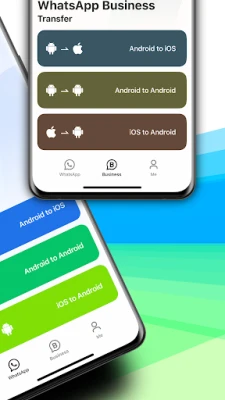
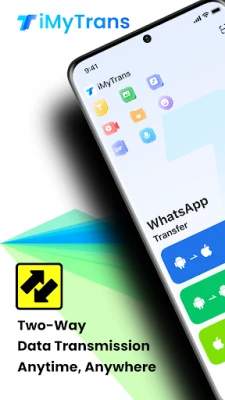
iMyTrans is a free utility that lets you move chat‑related content from one mobile platform to another. It focuses on transferring messages, media, and other conversation data between Android devices and iPhones without needing a PC.
Main features
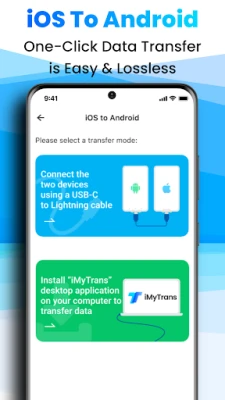
- PC‑free transfer – Connect the two phones with the original charging cable and start moving data directly.
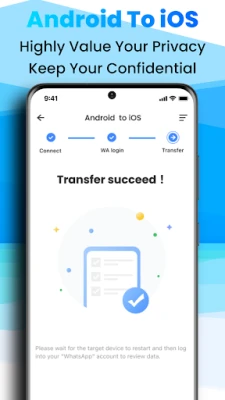
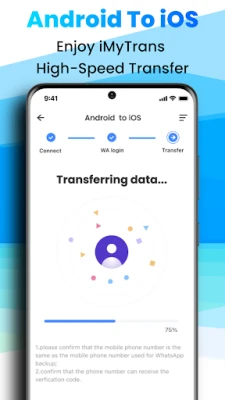
- Two‑way support – Move chat data from Android to iPhone and from iPhone to Android.
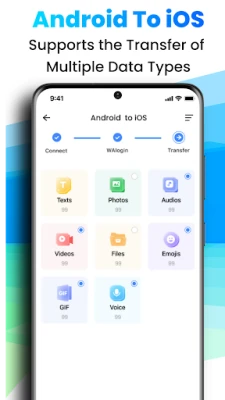
- Multiple data types – Text, photos, audio, video, files, emojis and similar items are included in the transfer.
- Multi‑account handling – The app can work with more than one chat account on the same device.
- One‑click merge – After the transfer you can combine the imported conversations with existing chats.
How it works
The process relies on a direct USB connection. After installing iMyTrans on both phones, you connect them with the original charging cable. The app then establishes a secure link, reads the selected chat data from the source device, and writes it to the target device. Because the transfer happens locally, no internet connection or cloud service is required.
Practical uses
- Switching from an Android phone to a new iPhone while keeping your messaging history.
- Moving from an iPhone to an Android device without losing business chat records.
- Consolidating multiple chat accounts onto a single phone after a device upgrade.
Installation information
iMyTrans is available as a free download from the Google Play Store. Simply search for the package name com.imyfone.waitransorgo, install the app, and follow the on‑screen setup instructions. No additional software is required on the computer side.
Compatibility
The app works with Android phones that support USB OTG and iPhones that can be connected via a Lightning‑to‑USB cable. Because the exact Android version requirements are not published, users should ensure their device runs a reasonably recent version of Android that supports file transfer over USB.
Things to know before installing
- Both phones need to be charged or connected to power during the transfer.
- The original charging cable (or a compatible data‑capable cable) is required; charging‑only cables will not work.
- iMyTrans does not modify system settings, but it does request permission to access chat data on each device.
Who may find iMyTrans useful?
Anyone who relies on chat applications for personal or business communication and is planning to change their mobile platform can benefit from iMyTrans. It is especially handy for users who want to avoid factory resets or cloud‑based migrations.
Frequently asked questions
Do I need to reset my iPhone before transferring data?
No. iMyTrans transfers data while the iPhone is already set up, so a factory reset is not required.
Can I transfer data from iOS to Android without a reset?
Yes. The app works with most Android devices without requiring a reset, unlike some official migration tools that have stricter requirements.
Is any data stored on external servers?
The transfer occurs locally between the two devices; no cloud storage is involved.
Rate the App
User Reviews










Popular Apps










 Games
Games Entertainment
 Communication
 E-mail
 Security
 Tools
Tools Media
Media Internet
 Finance
 Design
 Education
 IT Tools
 Travel & Local
 Android
 Windows
 Linux
Linux