

Latest Version
September 05, 2026
TENORSHARE
Tools
Android
34
Free
com.tenorshare.transfer.line
Report a Problem
More About iCareFone for LINE Transfer – Move LINE Chats Between Android and iPhone
What is iCareFone for LINE Transfer?
iCareFone for LINE Transfer is a free utility from TENORSHARE that lets you move your LINE chat history and associated media from an Android phone to an iPhone. The app works on the devices themselves, so you don’t need a PC or any additional software.
Main features
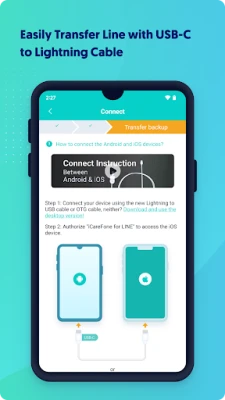
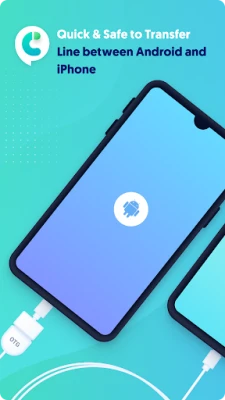
- Direct device‑to‑device transfer: Connect the two phones with a compatible cable or OTG adapter and start moving data.
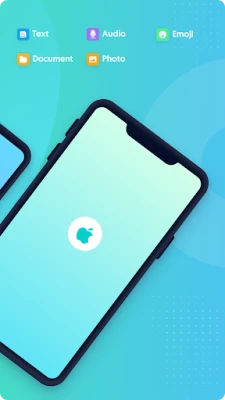
- Supports all common LINE content: Chat messages, photos, videos, documents, stickers, emojis and other attachments are included.
- Simple step‑by‑step process: The interface guides you through the connection and transfer with just a few taps.
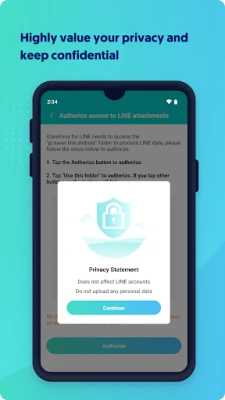
- Privacy‑focused: The app processes data locally and does not upload personal information to external servers.
How it works
- Install iCareFone for LINE Transfer on both devices.
- Connect the Android phone to the iPhone using a USB‑C to Lightning cable, an OTG adapter, or a compatible USB bridge.
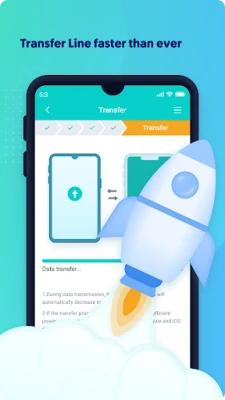
- Launch the app, select the data you want to move, and confirm the transfer.
- The app copies the selected LINE data to the iPhone, preserving the original chat order and media.
Practical uses
Switching from Android to iPhone is a common reason to use this tool. It helps you keep personal conversations, group chats and shared media intact, avoiding the need to start fresh on a new device. The same process can be useful for backing up LINE data before a factory reset.
Installation information
The app is available as a free download from the Google Play Store. Simply search for "iCareFone for LINE Transfer" and tap Install. No additional permissions beyond what is required for file access and USB connectivity are requested.
Compatibility
iCareFone for LINE Transfer works with a wide range of Android smartphones that support USB‑OTG. It is designed to operate with iPhones that can accept a Lightning connection. Specific Android version requirements are not listed, but the app targets devices that run recent Android releases.
Things to know before installing
- Both phones need to be charged or connected to power during the transfer.
- A compatible cable or adapter is required; the app does not provide hardware.
- The transfer may take several minutes depending on the amount of chat history and media.
Who may find it useful?
Anyone who is migrating from Android to iPhone and wants to retain their LINE conversations will benefit from this tool. It is also handy for users who need to move LINE data after a device upgrade or repair.
Frequently asked questions
Do I need a computer?
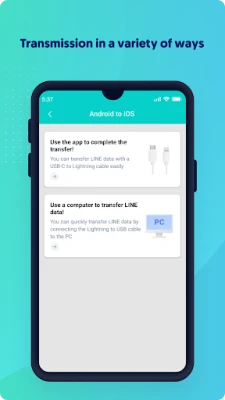
No. The transfer is performed directly between the two mobile devices.
Will my data be safe?
The app processes the data locally and does not store it on external servers, helping to keep your information private.
Can I select specific chats?
The app allows you to choose which parts of your LINE history to move, so you can transfer only the conversations you need.
Rate the App
User Reviews















Popular Apps










 Games
Games Entertainment
 Communication
 E-mail
 Security
 Tools
Tools Media
Media Internet
 Finance
 Design
 Education
 Android Firmwares
 Travel & Local
 Android
 Windows
 Linux
Linux