

Latest Version
Latest
September 12, 2026
Hisense Group
Tools
Android
7
Free
com.hisense.odinbrowser
Report a Problem
More About HiBrowser: TV Web Browser – Browse the Web on Your Smart TV
What is HiBrowser?
HiBrowser is a web browser built especially for TV platforms such as Google TV, Android TV and set‑top boxes. It brings a full‑featured browsing experience to the big screen, letting you navigate web pages with a remote control, gamepad, keyboard or voice input.
Main features
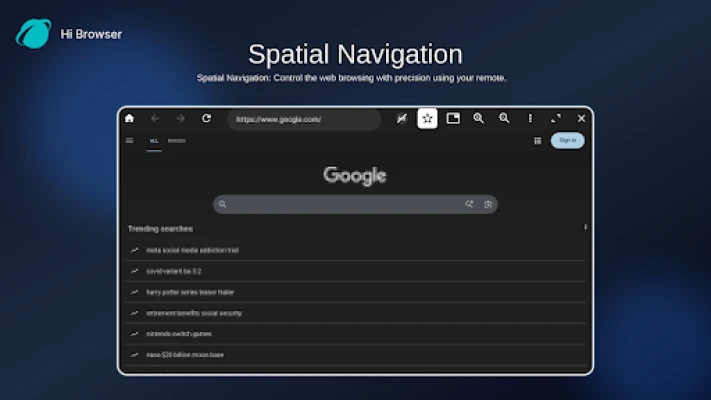
- Remote‑friendly navigation – Spatial navigation lets you move focus between links and buttons without a mouse.
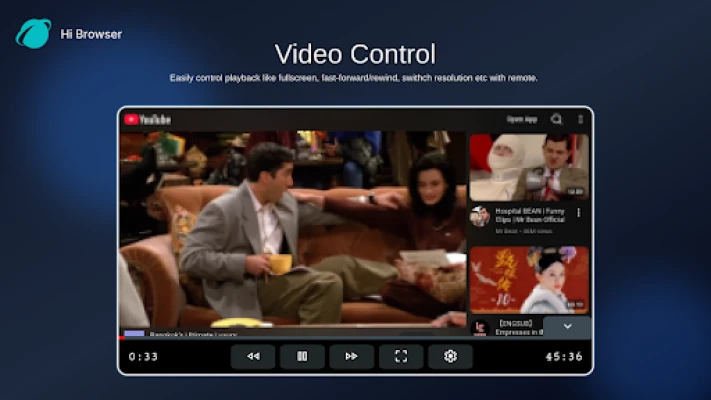
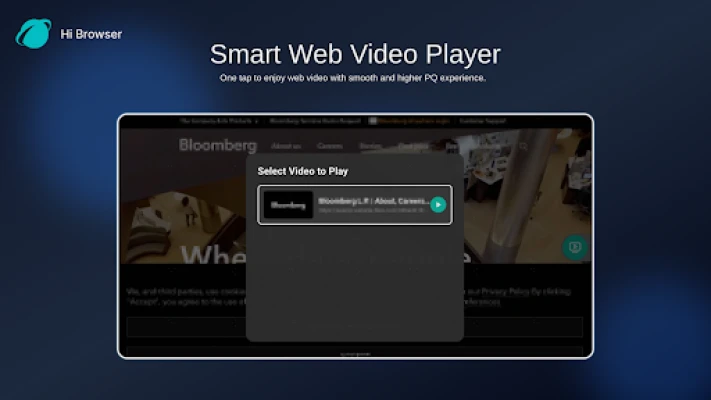
- Built‑in video player – Play web videos in fullscreen, adjust resolution and use subtitle tracks directly from the browser.
- Download support – Save files from the web to your TV’s storage with a stable connection.
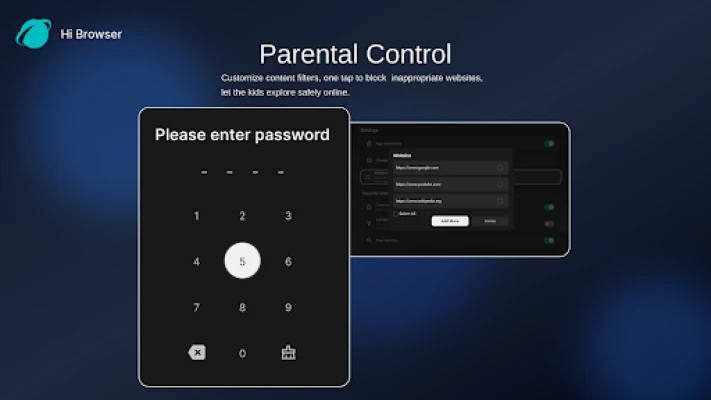
- Parental controls – Filter content and block sites that you don’t want visible on a shared TV.
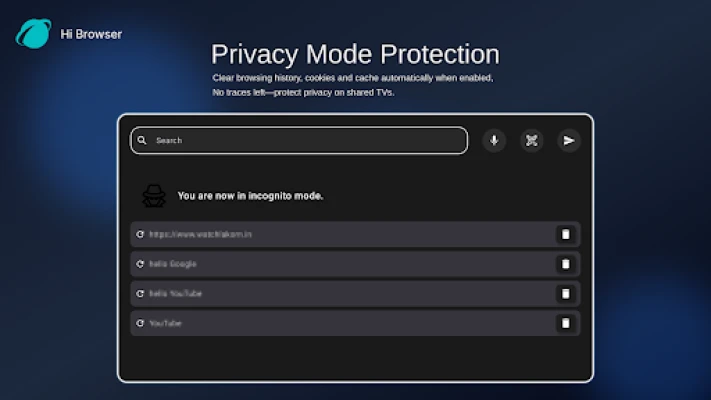
- Privacy mode – Optionally clear history, cookies and cache after each session.
- Voice and QR code input – Use your smartphone to type or speak search queries, avoiding the on‑screen keyboard.
- IPTV integration – Load M3U playlists to watch live TV channels inside the browser.
How it works
After installation, HiBrowser opens to a customizable home screen that can show your favorite sites or quick‑access tiles. Use the directional pad on your remote to move the focus, press OK to open links, and long‑press to open new tabs. The browser supports multiple tabs, zoom, and a user‑agent switcher so you can view pages in mobile or desktop mode.
Practical uses
- Stream videos from sites that don’t have dedicated TV apps.
- Browse news, social media or reference sites while you relax on the couch.
- Download documents, images or firmware updates directly to your TV.
- Watch live IPTV channels without switching apps.
Installation information
HiBrowser is offered as a free download. Install it from a trusted Android app store, then grant the permissions it requests for network access and storage. No additional configuration is required to start browsing.
Compatibility
The app is designed for Android TV‑based devices. It works with any TV or set‑top box that runs a recent Android TV platform and supports remote‑control input.
Things to know before installing
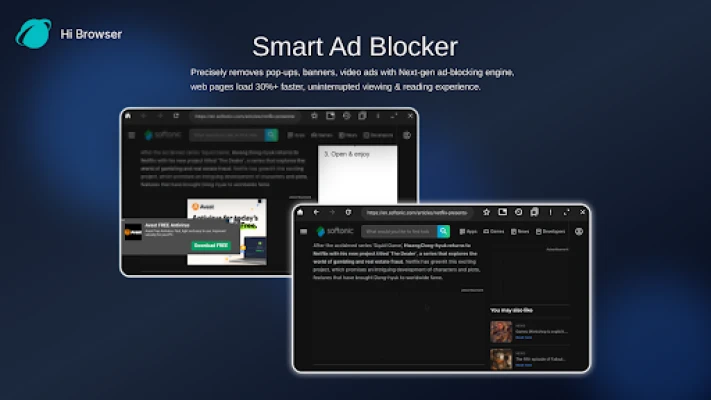
- Some websites may still display ads; the built‑in ad blocker focuses on pop‑ups and banner ads.
- Performance depends on your device’s hardware and internet connection.
- For voice input you’ll need a microphone‑enabled remote or a paired smartphone.
Who may find HiBrowser useful?
Anyone who wants a full web experience on a television screen – from casual viewers who stream videos to families that need parental controls, and power users who prefer a TV‑based browsing environment.
Rate the App
User Reviews















Popular Apps










 Games
Games Entertainment
 Communication
 E-mail
 Security
 Tools
Tools Media
Media Internet
 Finance
 Design
 Education
 IT Tools
 Travel & Local
 Android
 Windows
 Linux
Linux