
Latest Version
August 26, 2026
Google LLC
Tools
Android
127
Free
com.google.android.apps.tv.launcherx
Report a Problem
More About Google TV Home – Your Central Hub for TV Content
What is Google TV Home?
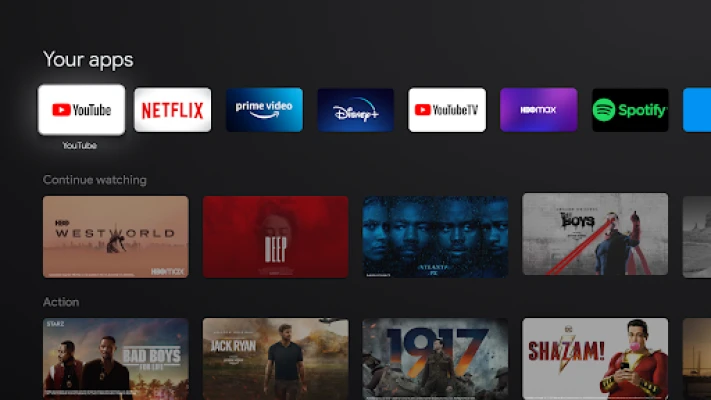
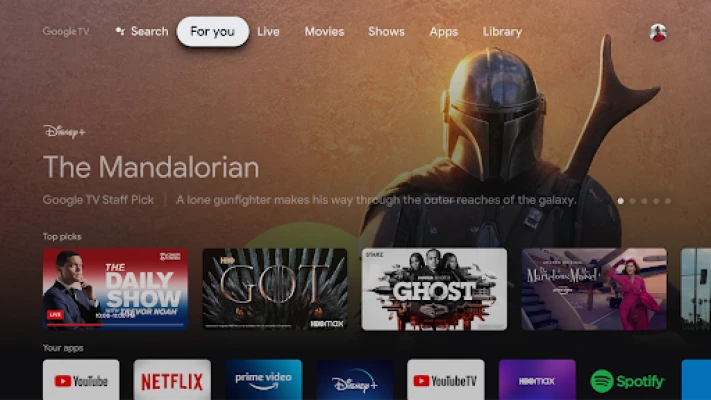
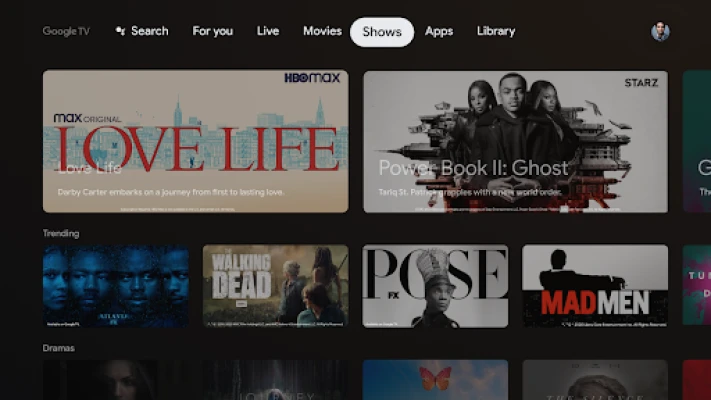
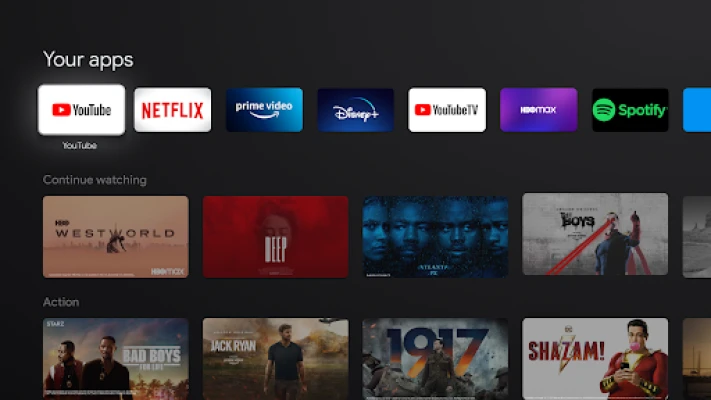
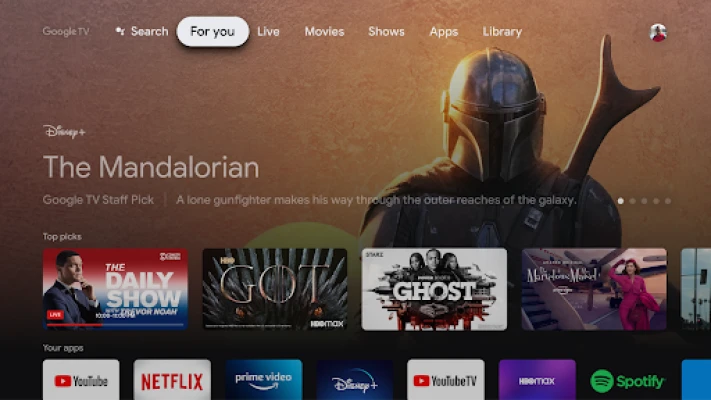
Google TV Home is a free Android application developed by Google LLC that serves as the main launcher for Google TV devices. It brings together the content you own and the services you subscribe to, presenting them in a single, easy‑to‑navigate home screen.
Main features
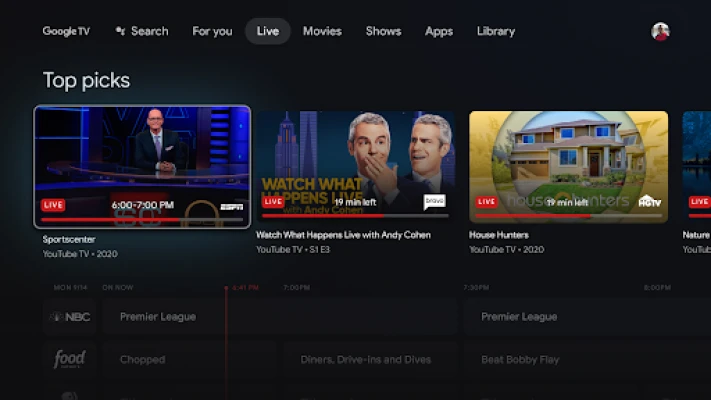
- Unified content view – Movies, series, and live TV appear together, so you don’t need to switch between multiple apps.
- Personalized recommendations – The app learns your viewing habits and suggests titles that match your interests.
- Quick launch – Tap an icon to open the associated streaming app or channel instantly.
- Search integration – Use the built‑in search to find titles across all linked services.
How it works
When you open Google TV Home, the interface displays a scrolling row of content cards. Each card represents a title or a channel, and selecting a card either starts playback directly (if the content is stored locally) or opens the relevant streaming app. The app pulls metadata from the services you have linked, keeping the home screen up to date with new releases and recommendations.
Practical uses
- Stream a movie without opening Netflix, Hulu, or other apps separately.
- Switch between live TV channels and on‑demand shows with a single remote.
- Discover new series based on your viewing history.
Installation information
The app is available through the Google Play Store. Search for "Google TV Home" or use the package name com.google.android.apps.tv.launcherx to locate it. Installation follows the standard Android process: tap Install, wait for the download, and then open the app.
Compatibility
Google TV Home is designed for Android TV devices that run the Google TV platform. It requires a compatible TV or set‑top box that supports the Google TV launcher. Specific Android version requirements are not listed, but the app typically aligns with the system updates provided by the device manufacturer.
Things to know before installing
- Linking your streaming accounts enhances the recommendation engine.
- The app does not replace individual streaming apps; it works alongside them.
- Some content may still require you to sign in to the original service.
Who may find it useful?
Anyone who uses multiple streaming services on a Google TV device will benefit from a consolidated view. It is especially handy for households that share a TV and want a simple way to browse collective entertainment options.
Frequently asked questions
Do I need a Google account?
Yes, a Google account is required to personalize recommendations and to link supported streaming services.
Can I customize the home screen layout?
The app offers limited customization, mainly through rearranging rows and hiding channels you don’t use.
Is the app updated automatically?
Updates are delivered through the Google Play Store like any other Android app.
Rate the App
User Reviews















Popular Apps










 Games
 Entertainment
 Communication
 E-mail
 Security
 Tools
 Media
 Internet
 Finance
 Design
 Education
 Android Firmwares
 Travel & Local
 Android
 Windows
 Linux