

Latest Version
August 16, 2026
Google LLC
Tools
Android
337
Free
com.google.android.apps.authenticator2
Report a Problem
More About Google Authenticator – Secure Two‑Factor Codes on Android
What is Google Authenticator?
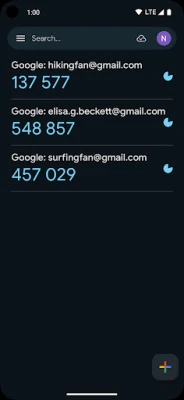
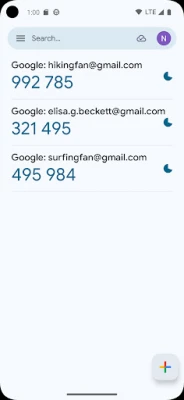
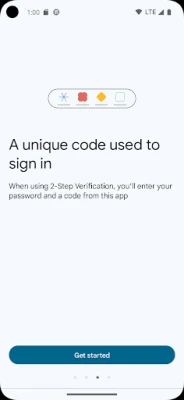
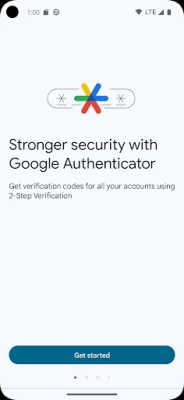
Google Authenticator is a free Android app from Google that creates one‑time passcodes used in two‑factor authentication (2FA). When you enable 2FA on a service, the app supplies a short numeric code that changes every 30 seconds, adding a layer of protection beyond your password.
Main features
- Time‑based one‑time passwords (TOTP) – Codes are generated locally on the device and refresh automatically.
- Supports multiple accounts – You can store codes for many services in a single list.
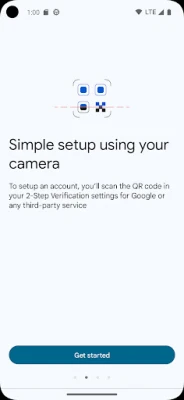
- QR‑code setup – Adding a new account is as simple as scanning a QR code displayed by the service.
- Offline operation – Because the algorithm runs on the device, codes are available even without an internet or cellular connection.
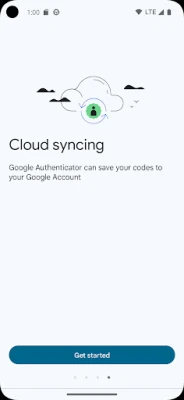
- Backup via Google Account (optional) – When you sign in with a Google account, the app can sync codes so they are recoverable if you change phones.
How it works
When you link a service to Google Authenticator, the service provides a secret key. The app combines this key with the current time to produce a six‑digit code. Because the calculation is deterministic, the same secret key on another device will generate identical codes, which is why QR‑code transfer works.
Practical uses
Any online platform that offers 2FA can benefit from Google Authenticator, including email providers, cloud storage services, social networks, and banking apps. By requiring a code that only your phone can generate, the app helps protect against password theft, phishing, and credential stuffing attacks.
Installation information
The app is distributed through the Google Play Store. Search for "Google Authenticator" by Google LLC, then tap Install. The download size is modest, and the app does not require additional permissions beyond camera access for scanning QR codes.
Things to know before installing
- Make sure you have a camera enabled, as it is needed to scan QR codes during setup.
- Consider linking the app to your Google account if you want the convenience of cloud backup, but be aware that this feature is optional.
- Keep a backup of your secret keys (for example, printed QR codes or recovery codes) in a safe place in case you lose access to the device.
Who may find it useful?
Anyone who wants to strengthen the security of personal or professional accounts will benefit. IT administrators, developers, and privacy‑conscious users often recommend Google Authenticator as a straightforward, no‑frills 2FA solution.
Frequently asked questions
Do I need an internet connection to get codes?
No. The app generates codes locally using the device’s clock, so it works offline.
Can I use the same code on multiple devices?
Yes, if you import the same secret key on each device. The QR‑code backup feature simplifies this process.
What happens if I lose my phone?
If you have enabled backup to your Google account, you can restore the codes on a new device after signing in. Otherwise, you’ll need the original recovery codes provided by each service.
Rate the App
User Reviews















Popular Apps










 Games
Games Entertainment
 Communication
 E-mail
 Security
 Tools
Tools Media
Media Internet
 Finance
 Design
 Education
 Android Firmwares
 Travel & Local
 Android
 Windows
 Linux
Linux