


Latest Version
Latest
September 06, 2026
TOPAPPS TECH PTE LTD
Tools
Android
7
Free
con.hotspot.vpn.free.master
Report a Problem
More About Free VPN Super™ – Fast & Secure VPN for Android
What is Free VPN Super™?
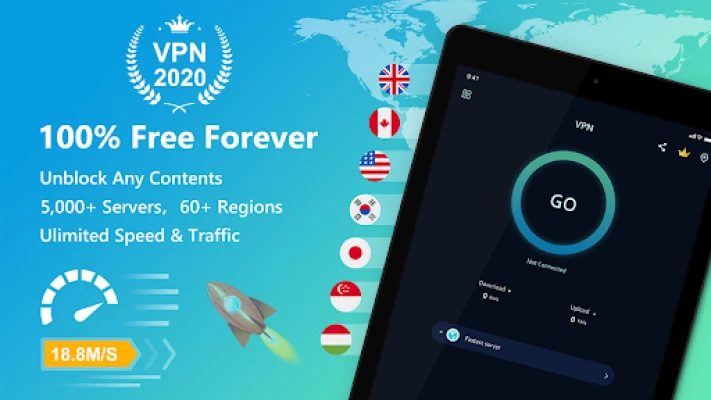
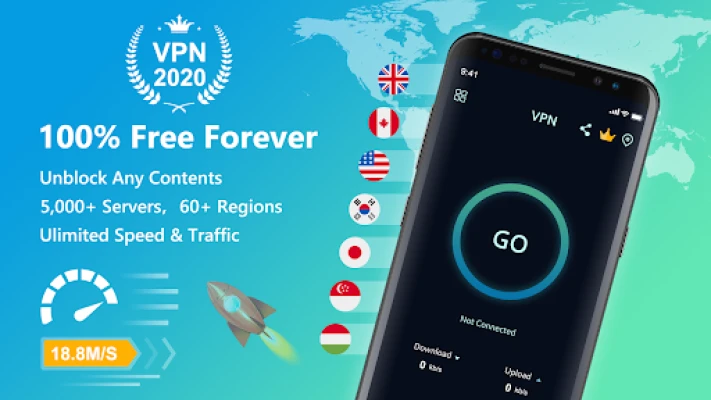
Free VPN Super™ is a lightweight Android application that creates a secure tunnel between your device and the internet. By routing your traffic through an encrypted connection, the app helps keep your online activity private, especially when you are using public or untrusted networks.
Main Features
- One‑tap connection – Start a VPN session with a single tap, without needing to configure protocols manually.
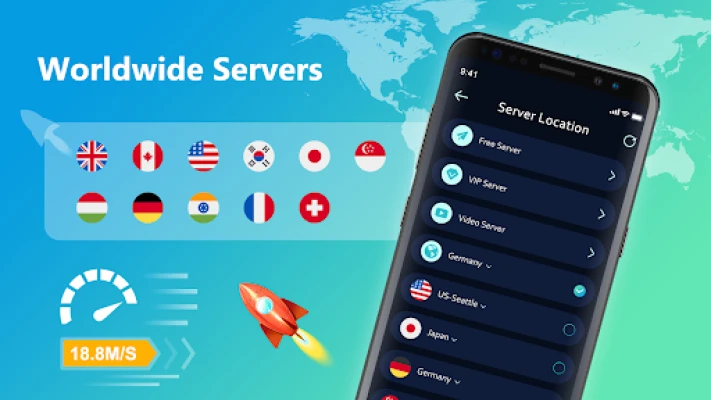
- Global server options – Choose from servers located in several regions, allowing you to bypass basic geographic restrictions.
- OpenVPN support – Uses standard OpenVPN protocols (UDP/TCP) to encrypt data.
- Unlimited bandwidth – No artificial caps on data usage during a session.
- Lightweight design – Small installation footprint that runs smoothly on a range of Android devices.
How It Works
When you activate the VPN, the app establishes an encrypted tunnel to a selected server. All internet traffic from your device is routed through this tunnel, masking your IP address and encrypting the data packets. This process helps protect you from eavesdropping on public Wi‑Fi hotspots and can make it appear as if you are browsing from the server’s location.
Practical Uses
- Secure browsing on coffee‑shop or airport Wi‑Fi.
- Accessing content that may be restricted in your current region.
- Preventing basic tracking by hiding your real IP address.
- Maintaining a consistent connection when traveling across networks with varying speeds.
Installation Information
Download the APK from a trusted source, then follow the standard Android installation steps: enable installations from unknown sources if required, tap the downloaded file, and accept the permissions prompt. After installation, open the app, grant the VPN permission, and tap the “Connect” button to start protecting your connection.
Things to Know Before Installing
- The app does not require a user account, so you can start using it immediately.
- Because it is a free service, server availability may vary during peak times.
- Performance depends on the distance to the selected server and the quality of your underlying network.
Who May Find It Useful?
Anyone who frequently uses public Wi‑Fi, travels often, or wants a simple way to add a layer of privacy to their Android device will benefit from Free VPN Super™. It is also suitable for users who prefer a no‑registration, click‑to‑connect experience.
Frequently Asked Questions
Do I need to create an account?
No. The app works without any registration or login.
Is there a data limit?
The free version does not impose a specific data cap, but server load can affect speed.
Can I choose a specific country?
Yes, the server list includes several countries; you can select the one that best fits your needs.
Will the VPN slow down my internet?
Any VPN adds a small amount of overhead due to encryption. The impact varies with server distance and network conditions, but the app is optimized for low latency.
Rate the App
User Reviews
Other Apps in This Category













Popular Apps










 Games
Games Entertainment
 Communication
 E-mail
 Security
 Tools
Tools Media
Media Internet
 Finance
 Design
 Education
 IT Tools
 Travel & Local
 Android
 Windows
 Linux
Linux