

Latest Version
Latest
September 05, 2026
Orifik LLC
Tools
Android
30
Free
com.edgevpn.secure.proxy.unblock
Report a Problem
More About Edge VPN – Simple & Fast
What is Edge VPN?
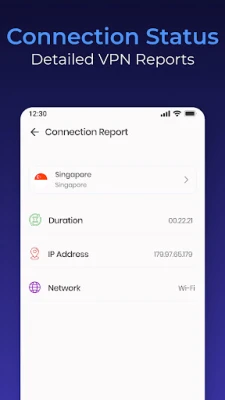
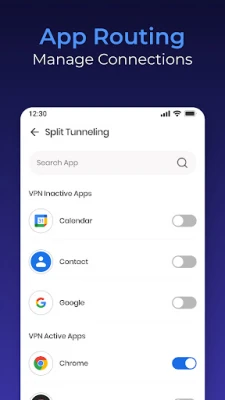
Edge VPN is a free Android application developed by Orifik LLC that creates a virtual private network (VPN) on your device. By routing your traffic through an encrypted tunnel, it helps protect your data from eavesdropping and can give you more control over the sites you access.
Main features
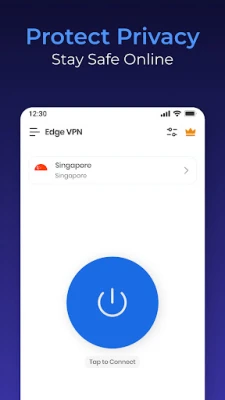
- Simple interface – One‑tap connection and a clean layout make it easy to start protecting your connection.
- Encryption – Traffic is encrypted while it passes through the VPN, adding a layer of privacy on public or unsecured networks.
- Unlimited bandwidth – The app does not impose data caps, allowing continuous browsing, streaming, or downloading.
- Foreground service – A persistent notification keeps the VPN active in the background, helping maintain a stable connection.
How it works
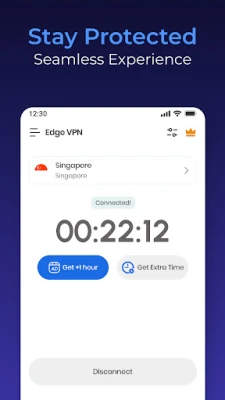
When you launch Edge VPN and tap Connect, the app establishes a secure tunnel to a remote server. All outgoing and incoming data is wrapped in encryption before it leaves your device, making it difficult for third parties to read or modify the traffic. The foreground service ensures the tunnel stays open even when you switch to other apps.
Practical uses
- Protecting personal information on public Wi‑Fi at cafés, airports, or hotels.
- Bypassing simple network restrictions at work or school.
- Maintaining privacy while streaming or browsing.
Installation information
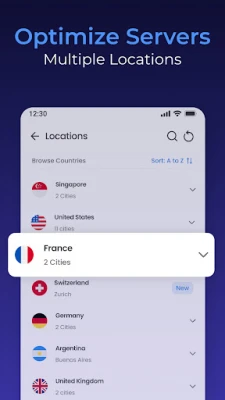
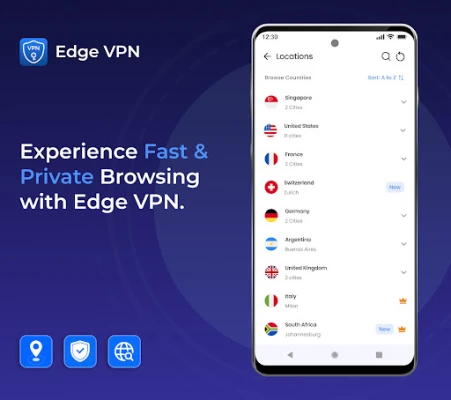
Download Edge VPN from the Google Play Store, install it like any other app, and grant the required VPN permission when prompted. After the initial setup, you can select a server location and connect with a single tap.
Things to know before installing
- The app requires VPN permission, which gives it the ability to route all network traffic through its tunnel.
- Performance depends on the distance to the chosen server and the quality of your internet connection.
- As a free service, the app may display non‑intrusive ads to support development.
Who may find it useful?
Anyone who wants a quick, no‑frills way to add encryption to their Android device—students, travelers, remote workers, or anyone concerned about privacy on public networks—will appreciate Edge VPN’s simplicity.
Frequently asked questions
Do I need to create an account?
No. Edge VPN can be used without registering, though an account may be offered for multi‑device sync.
Will the VPN slow down my internet speed?
Any VPN adds a small amount of overhead. The impact varies with server distance and network conditions, but Edge VPN is designed to keep the connection as fast as possible.
Is my browsing history stored?
The app does not keep activity logs on the device. However, standard VPN privacy practices apply, and you should review the privacy policy for details.
Rate the App
User Reviews















Popular Apps










 Games
Games Entertainment
 Communication
 E-mail
 Security
 Tools
Tools Media
Media Internet
 Finance
 Design
 Education
 Android Firmwares
 Travel & Local
 Android
 Windows
 Linux
Linux