

Latest Version
September 12, 2026
The Novelty Apps
Tools
Android
4
Free
com.cardsapp.walletapp.mobilewallet
Report a Problem
More About Digital Card: Mobile Wallet – Your Personal Business‑Card Hub
What is Digital Card: Mobile Wallet?
Digital Card: Mobile Wallet is a free Android application that turns your phone into a portable business‑card repository. Instead of keeping paper cards in a drawer, you can capture each card with the built‑in scanner, store the information securely, and retrieve it whenever you need it.
Main features
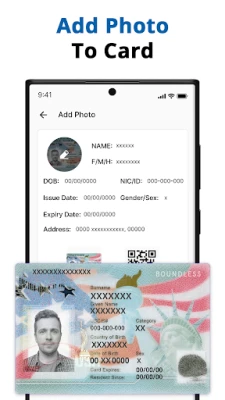
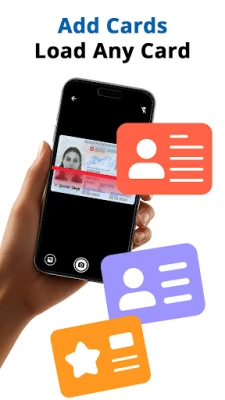
- Instant card capture – Use the camera to scan a physical card and the app extracts the key details.
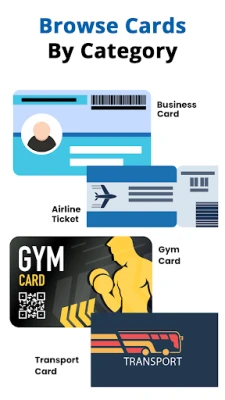
- Organised digital Rolodex – All contacts appear in a single list that can be sorted or filtered.
- Search by name, company or keyword – Find a contact in seconds without scrolling through pages.
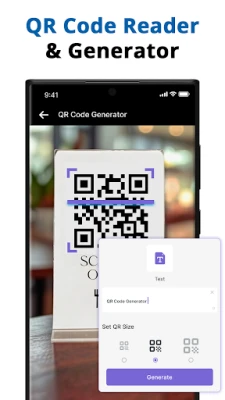
- Easy sharing – Export a card via email, text message or QR code directly from the app.
- Backup options – Export your collection as a CSV file for personal backup.
How it works
When you open the app, the main screen shows a clean list of saved cards. Tap the “Add” button to launch the camera scanner. After you capture the card, the app parses the image and fills in fields such as name, title, company, phone, email and address. You can edit any field before saving. Once stored, the card appears in the list with a thumbnail of the original image and the extracted text.
Practical uses
- Networking events – Capture contacts on the spot and avoid losing paper cards.
- Travel – Keep all local business contacts in one place without carrying a physical stack.
- Sales and recruitment – Quickly retrieve a prospect’s details while on a call.
Installation information
The app is available for free on the Appitika store. Simply tap the install button, grant the requested camera permission for scanning, and launch the app after installation.
Things to know before installing
- The app requires access to the device’s camera for scanning cards.
- Data is stored locally; there is no mandatory cloud sync.
- Exporting contacts creates a plain‑text CSV file that you can open with spreadsheet software.
Who may find it useful?
Professionals who exchange business cards regularly—salespeople, recruiters, event organizers, freelancers and small‑business owners—will benefit from having a digital backup of every contact.
Frequently asked questions
Is my data safe?
All information is saved on the device unless you choose to export it. The app does not transmit data to external servers by default.
Can I edit a card after it’s saved?
Yes. Open the card entry, tap the edit icon, modify any field, and save the changes.
Does the app work offline?
All core functions—scanning, storing and searching—operate without an internet connection.
Rate the App
User Reviews













Popular Apps










 Games
Games Entertainment
 Communication
 E-mail
 Security
 Tools
Tools Media
Media Internet
 Finance
 Design
 Education
 IT Tools
 Travel & Local
 Android
 Windows
 Linux
Linux