Latest Version
Latest
September 04, 2026
Averroes Studios
Tools
Android
7
Free
com.smartswitch.mobiletransfer.smartshare.phoneclone.datatransfer
Report a Problem
More About Data Transfer – Switch Mobile by Averroes Studios
What is Data Transfer – Switch Mobile?
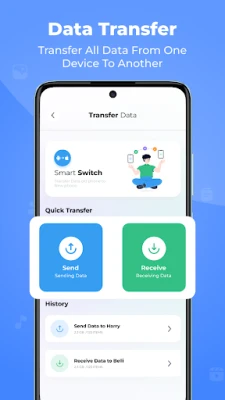
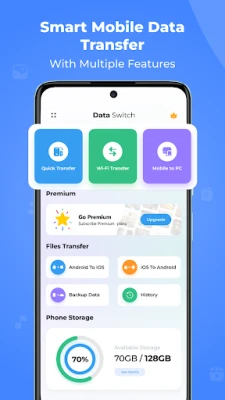
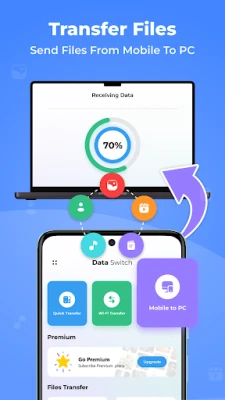
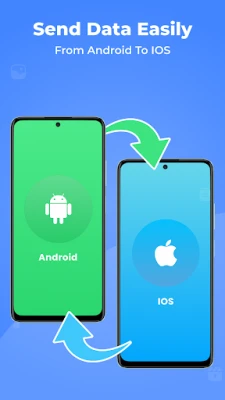
Data Transfer – Switch Mobile is a free Android application developed by Averroes Studios. It is designed to help users move personal data such as contacts, photos, music, videos and documents from one Android device to another. The app works without a physical connection, relying on local Wi‑Fi or a direct device‑to‑device link.
Main features
- Wireless transfer – No need for USB cables or external storage.
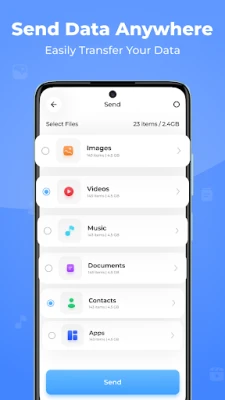
- Multiple file types – Supports contacts, images, audio, video, documents and other common formats.
- One‑tap start – Simple interface lets you begin a transfer with a single button.
- Selective copying – Choose specific categories or individual items to move.
How it works
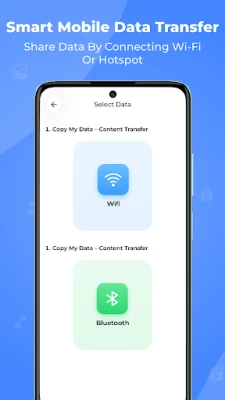
When you launch the app, it guides you through a short setup process. Both devices must have the app installed and be on the same Wi‑Fi network, or you can create a temporary hotspot on one device that the other joins. After the connection is established, the source phone scans its storage, presents a list of transferable items, and lets you pick what you want to copy. The selected data is then sent securely over the local network to the target device, where it is saved in the appropriate locations (e.g., contacts go to the address book, photos to the gallery).
Practical uses
- Switching to a new phone and keeping all your personal media intact.
- Backing up important files to another device before a factory reset.
- Sharing a collection of photos or music with a family member without using cloud services.
Installation information
The app can be downloaded from the Google Play Store. After installation, grant the permissions it requests – typically access to storage, contacts and network state – so it can read the files you want to move and communicate with the other device.
Things to know before installing
- Both phones need Android OS that supports the app’s minimum requirements (the exact version is not listed, but most modern devices are compatible).
- Large transfers may take several minutes depending on file size and Wi‑Fi speed.
- The app does not modify or delete original files on the source device unless you choose to remove them after the transfer.
Who may find it useful?
Anyone who is changing phones, wants a quick way to share media between devices, or needs a simple backup method without cloud services will benefit from Data Transfer – Switch Mobile. It is especially handy for users who prefer a direct, offline transfer.
Frequently asked questions
Do I need an internet connection?
No. The transfer occurs over a local Wi‑Fi network or a temporary hotspot created by one of the devices. An active internet connection is not required.
Can I transfer apps?
The app focuses on personal data such as contacts, media and documents. It does not copy installed applications.
Is my data encrypted during transfer?
Data moves over the local network between the two devices. While the app does not advertise specific encryption, the short‑range nature of the connection reduces exposure.
What happens if the transfer is interrupted?
You can restart the process at any time. The app will re‑scan the source device and allow you to resume selecting files.
Rate the App
User Reviews






Popular Apps










 Games
Games Entertainment
 Communication
 E-mail
 Security
 Tools
Tools Media
Media Internet
 Finance
 Design
 Education
 IT Tools
 Travel & Local
 Android
 Windows
 Linux
Linux