

Latest Version
Latest
August 28, 2026
TCL Group
Tools
Android
113
Free
com.tcl.browser
Report a Problem
More About Browser TV Web – BrowseHere by TCL Group
What is Browser TV Web – BrowseHere?
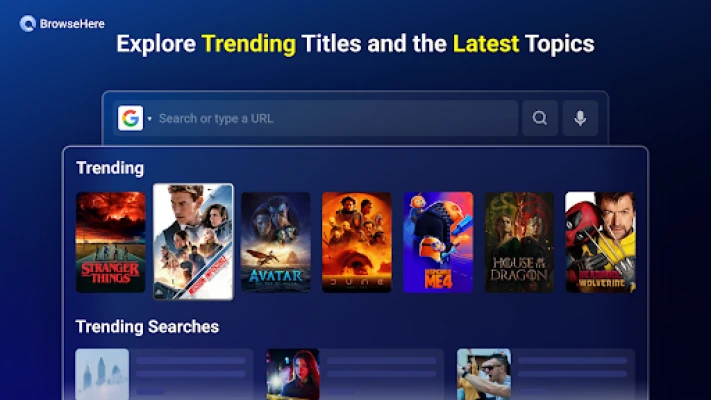
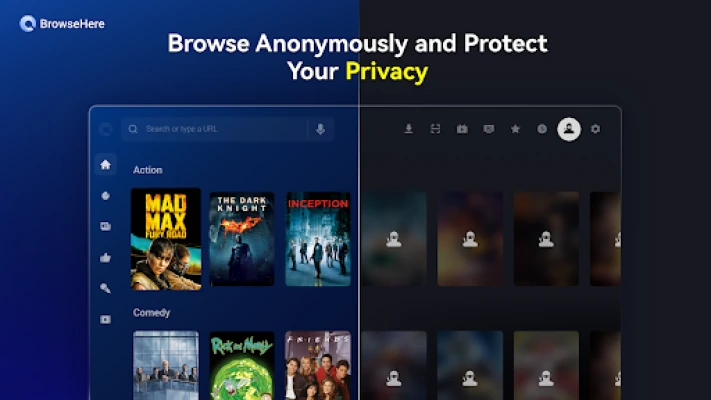
Browser TV Web – BrowseHere is a free web browser designed specifically for Android TV devices such as Google TV, Android TV boxes and set‑top boxes. Developed by TCL Group, the app adapts the classic browsing experience to a TV screen and remote control, letting you surf the web, watch online videos and manage downloads without needing a keyboard or mouse.
Main features
- Remote‑optimized navigation – All core actions can be performed with a TV remote, including scrolling, selecting links and entering text via on‑screen keyboards.
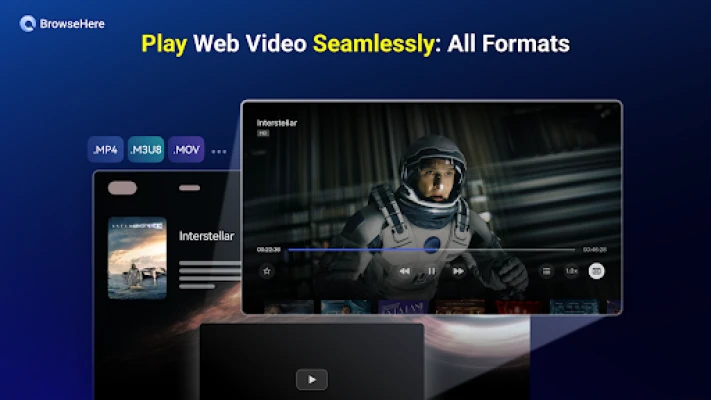
- Built‑in video player – When you open a video page, the browser can play the content directly on the big screen, supporting common subtitle formats.
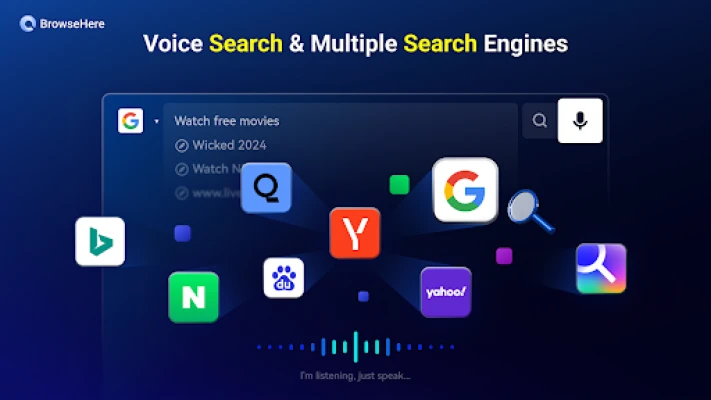
- Voice search – Use the remote’s microphone to speak queries in any language, eliminating the need for manual typing.
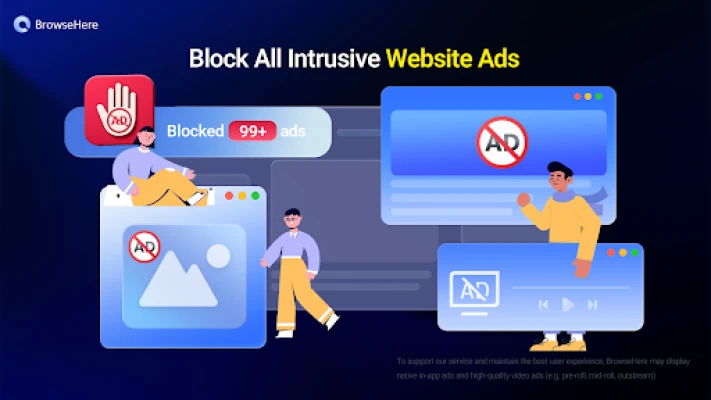
- Ad blocker – An integrated blocker reduces pop‑ups, banner and video ads, helping keep the viewing experience smooth.
- Bookmarks and history – Save favorite sites for quick access and review your browsing history to return to previously visited pages.
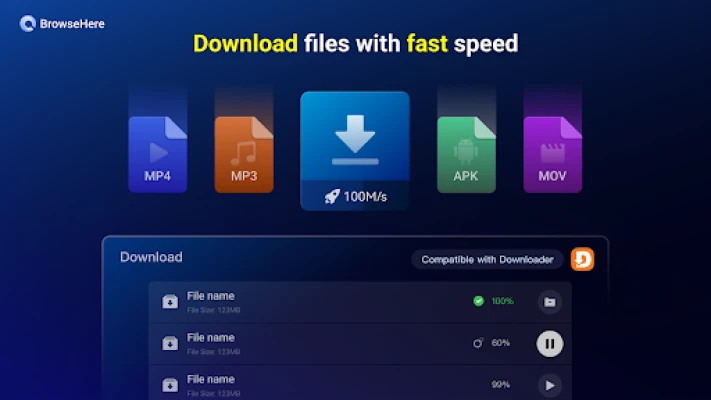
- Download manager – Files such as APKs, videos or images can be downloaded directly from web pages. The manager shows progress and lets you open or delete files after the download completes.
- IPTV playlist support – The app can load an external M3U playlist, allowing you to watch live TV channels from your own IPTV provider.
How it works
After installation, the app launches in a full‑screen interface that mimics a desktop browser but with larger UI elements for TV use. The remote’s directional pad moves the cursor, while the OK button selects links. For text entry, the on‑screen keyboard appears, and you can also activate voice input by holding the microphone button on the remote. When a video page is detected, a play button appears, and the video streams directly within the browser window.
Practical uses
- Watch YouTube, Vimeo or other streaming sites on a larger screen without switching apps.
- Browse news sites, read articles or check social media while seated on the couch.
- Download files to your TV’s storage for later viewing on other devices.
- Access your personal IPTV playlist to watch live channels alongside regular web content.
Installation information
The app is available as a free download from the Google Play Store. Simply search for “Browser TV Web – BrowseHere” or use the package name com.tcl.browser. No in‑app purchases are required.
Compatibility
Browser TV Web – BrowseHere is built for Android TV platforms. It works on devices running Android TV, Google TV and compatible set‑top boxes that support the standard remote control interface. Specific Android version requirements are not listed, but the app runs on most recent TV firmware releases.
Things to know before installing
- The app does not provide any TV channel sources; you must supply your own IPTV playlist if you want to use the live TV feature.
- Ad blocking is optional and can be toggled in the settings.
- Downloading large files may consume significant bandwidth; ensure your network can handle the traffic.
Who may find it useful?
Anyone who wants a web browsing experience on a TV will benefit from BrowseHere. It is especially handy for:
- Home entertainment setups where a keyboard is not readily available.
- Users who prefer voice commands for searching.
- People who want a single app that combines browsing, video playback and basic download management.
Frequently asked questions
Do I need a keyboard to type URLs?
No. You can use the on‑screen keyboard with the remote or activate voice input to speak your query.
Can I block all ads?
The built‑in ad blocker reduces most common ad formats, but it may not catch every single advertisement.
Is the download manager safe?
The app handles downloads internally and shows progress. It does not claim any special security guarantees, so it is advisable to download only from trusted sources.
Will my bookmarks sync across devices?
Bookmarks are stored locally on the TV device; there is no cloud sync feature.
Rate the App
User Reviews















Popular Apps










 Games
 Entertainment
 Communication
 E-mail
 Security
 Tools
 Media
 Internet
 Finance
 Design
 Education
 Android Firmwares
 Travel & Local
 Android
 Windows
 Linux