
Latest Version
September 04, 2026
browser-app.com
Tools
Android
10
Free
com.internet.tvbrowser
Report a Problem
More About Browser – Android TV Web Browser
What is Browser?
Browser is a web‑view application built specifically for Android TV devices. It lets you open standard web pages and navigate the Internet directly from your television set, using the remote control as the primary input method.
Main features
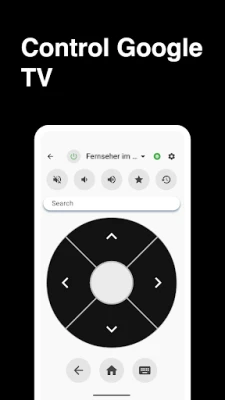
- Remote‑friendly navigation – All common browser actions such as scrolling, selecting links, and entering text are mapped to the TV remote, making it comfortable to browse from the couch.
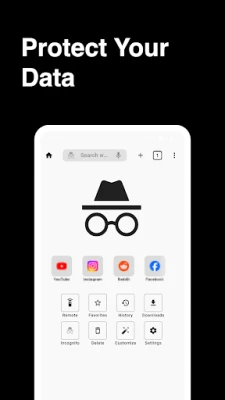
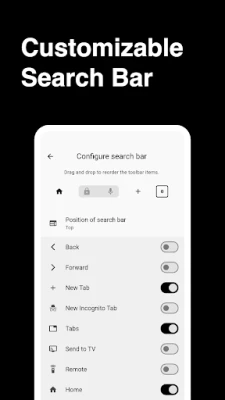
- Private browsing – An incognito mode lets you surf without storing history or cookies on the device.
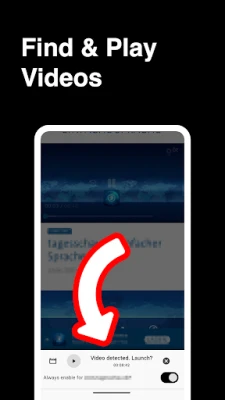
- Pop‑up and redirect handling – Basic blocking of pop‑ups and automatic redirects reduces interruptions while you read articles or watch videos.
- Bookmark support – You can save frequently visited sites for quick access later.
How it works
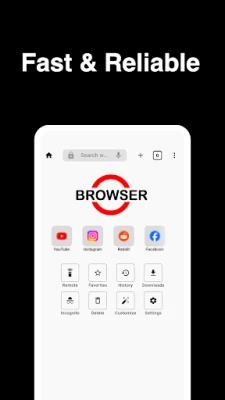
When you launch Browser, the home screen presents a simple address bar and a list of saved bookmarks. Use the directional keys on your remote to move the cursor, and the OK button to confirm selections. Text entry is handled through an on‑screen keyboard that can be navigated with the remote or a connected Bluetooth keyboard.
Practical uses
- Reading news articles or blogs on a large screen.
- Viewing video streams that are not available through dedicated TV apps.
- Checking weather, sports scores, or other quick information while relaxing on the sofa.
- Accessing web‑based tools such as calendars or to‑do lists without needing a separate device.
Installation information
The app can be installed from the Google Play Store on any Android TV that meets the basic system requirements for Play Store apps. After installation, the icon appears in the TV’s app launcher, ready for use.
Compatibility
Browser is intended for Android TV platforms. It works with devices that run a recent version of Android TV and support the standard Google Play services. No additional hardware is required beyond the TV remote, though a Bluetooth keyboard can improve text entry.
Things to know before installing
- The app does not include a built‑in ad blocker; any ad content served by visited sites will appear as usual.
- Because the interface is optimized for remote control, complex web applications that rely heavily on drag‑and‑drop or multi‑touch gestures may be less convenient.
- Privacy features such as incognito mode are limited to the device; they do not prevent websites from tracking you via server‑side methods.
Who may find it useful?
Anyone who wants a straightforward way to browse the web on a television set—whether for casual reading, checking information while watching TV, or accessing web‑based services that lack dedicated TV apps—will benefit from Browser.
Frequently asked questions
Can I use a physical keyboard?
Yes. A Bluetooth or USB keyboard can be paired with the TV, making URL entry and text input faster.
Does the browser store my browsing history?
Standard browsing stores history locally unless you use incognito mode, which clears session data when you close the window.
Is the browser updated automatically?
When a new version is released on the Play Store, it will be offered as an update like any other app.
Rate the App
User Reviews













Popular Apps










 Games
Games Entertainment
 Communication
 E-mail
 Security
 Tools
Tools Media
Media Internet
 Finance
 Design
 Education
 IT Tools
 Travel & Local
 Android
 Windows
 Linux
Linux