

Latest Version
Latest
September 02, 2026
Bitdefender
Tools
Android
9
Free
com.bitdefender.vpn
Report a Problem
More About Bitdefender VPN: Fast & Secure
What is Bitdefender VPN?
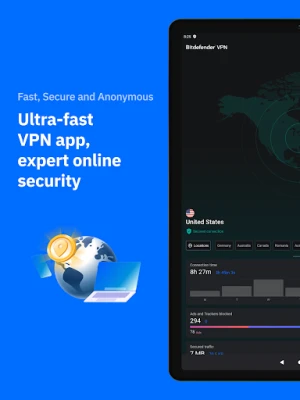
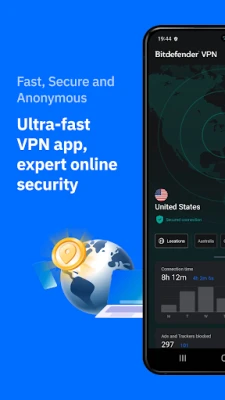
Bitdefender VPN is a free virtual private network client for Android devices. Developed by the security company Bitdefender, it creates an encrypted tunnel between your phone and the internet, helping to keep your online activity private.
Main features
- Encryption – Uses industry‑standard protocols to protect data transmitted over public Wi‑Fi or cellular networks.
- Easy activation – A single tap connects you to a VPN server, with a clear on‑screen indicator when the tunnel is active.
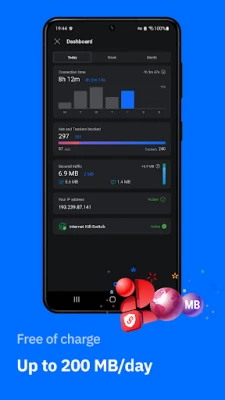
- Free tier – Provides basic VPN functionality without a subscription fee.
How it works
When you enable the app, it selects a server and establishes a secure tunnel. All traffic from your device is routed through this tunnel, masking your IP address and encrypting the data packets. The process is transparent to most apps, which continue to work as usual while benefiting from the added privacy layer.
Practical uses
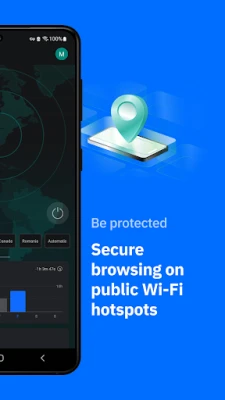
- Secure browsing on public Wi‑Fi in cafés, airports, or hotels.
- Preventing your mobile carrier or network administrator from seeing which sites you visit.
- Reducing targeted advertising by hiding your real IP address.
Installation information
Search for “Bitdefender VPN: Fast & Secure” in the Google Play Store, then tap Install. The app requires standard Android permissions for network access. After installation, open the app, follow the on‑screen setup, and you’ll be ready to connect.
Things to know before installing
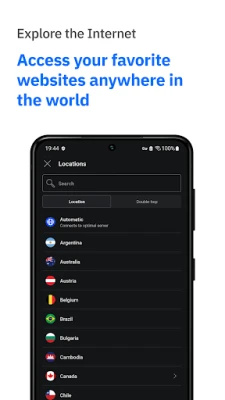
- The free version may limit the number of available server locations or the amount of data you can use each month.
- Performance depends on your network conditions and the distance to the selected server.
- Because the app is free, advanced features such as multi‑device support or dedicated streaming servers may be offered only in a paid upgrade.
Who may find it useful?
Anyone who wants a straightforward way to add a layer of privacy to their Android browsing will benefit from Bitdefender VPN. It is especially handy for travelers, students, and professionals who frequently connect to unsecured networks.
Frequently asked questions
Is the VPN connection truly private?
Bitdefender VPN encrypts traffic between your device and the VPN server, which prevents eavesdropping on that segment of the connection. The provider’s privacy policy outlines how connection logs are handled.
Can I use the VPN while streaming video?
The free tier may have limitations that affect streaming quality, but the VPN can be used for most online video services. For high‑definition streaming, a premium plan may be required.
Does the app drain battery?
Running a VPN adds a modest amount of processing overhead. Battery impact varies with usage, but most users notice only a slight increase when the tunnel is active.
Rate the App
User Reviews















Popular Apps










 Games
Games Entertainment
 Communication
 E-mail
 Security
 Tools
Tools Media
Media Internet
 Finance
 Design
 Education
 IT Tools
 Travel & Local
 Android
 Windows
 Linux
Linux