

Latest Version
Latest
August 17, 2026
Taka Applications
Tools
Android
53
Free
com.azmobile.authenticator
Report a Problem
More About Authenticator App – 2FA Auth by Taka Applications
What is Authenticator App – 2FA Auth?
Authenticator App – 2FA Auth is a free utility for Android devices that helps you add a second layer of protection to your online accounts. By generating time‑based one‑time passwords (TOTP), the app lets you verify your identity without relying solely on a password.
Main features
- Standard TOTP generation – The app follows the widely adopted TOTP algorithm, producing a six‑digit code that changes every 30 seconds.
- Offline operation – Because the codes are calculated locally, you can generate them even when you have no internet connection.
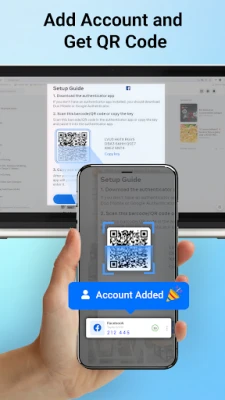
- QR code and manual entry – Add new accounts by scanning a QR code or by typing a secret key.
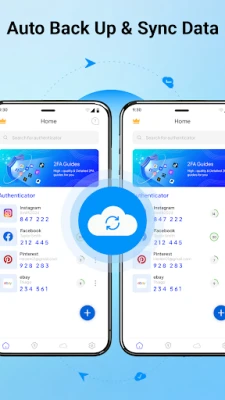
- Export / import support – Move your saved accounts between devices using the built‑in export and import functions.
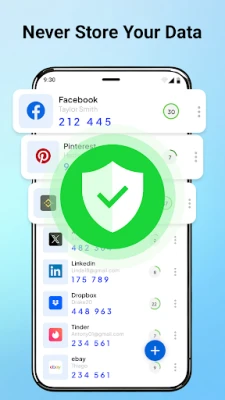
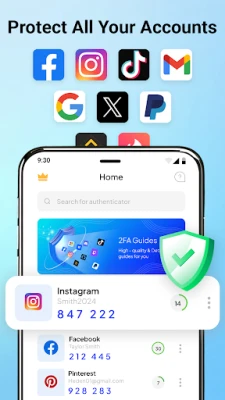
- Simple interface – A clean list view shows each account’s current code and remaining time.
How it works
When you set up two‑factor authentication on a service, the service provides a shared secret. Authenticator App stores that secret securely on your device. Using the current time and the secret, the app calculates a short numeric code. Because the calculation is deterministic, the same secret will produce the same code on any compatible authenticator, but the code expires after a short interval, limiting the window for misuse.
Practical uses
Any online service that supports TOTP can be protected with this app – email providers, social networks, cloud storage, banking apps, and developer platforms. By entering the generated code during login, you confirm that you possess the registered device, which greatly reduces the risk of account takeover even if your password is compromised.
Installation information
Search for Authenticator App – 2FA Auth in the Google Play Store, then tap Install. The app is free to download and use. After installation, launch the app and follow the on‑screen prompts to add your first account.
Things to know before installing
- Make sure your device’s date and time are set correctly; TOTP codes rely on accurate time.
- The app does not require an internet connection for generating codes, but an initial connection is needed to download it.
- Back up your secrets regularly if you plan to change or reset your device.
Who may find it useful?
Anyone who wants to strengthen the security of personal or professional accounts will benefit from a dedicated authenticator. It is especially helpful for users who prefer to keep their 2FA data on a single device without relying on cloud‑based services.
Frequently asked questions
Do I need an internet connection to get codes?
No. The codes are generated locally using the stored secret and the device’s clock.
Can I use the same account on multiple devices?
Yes, by exporting the secret from one device and importing it on another. Keep the exported file secure.
Is my data encrypted?
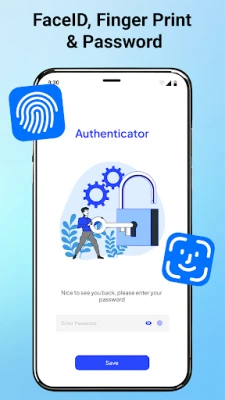
The app stores the secrets in the app’s private storage area, which is isolated from other apps on the device.
What if I lose my phone?
If you have a backup of your secrets, you can restore them on a new device. Otherwise, you will need to re‑register each service using its recovery options.
Rate the App
User Reviews















Popular Apps










 Games
Games Entertainment
 Communication
 E-mail
 Security
 Tools
Tools Media
Media Internet
 Finance
 Design
 Education
 Android Firmwares
 Travel & Local
 Android
 Windows
 Linux
Linux