

Latest Version
Latest
June 20, 2026
ATEU Softwares ®
Tools
Android
633
Free
com.pradhyu.alltoolseveryutility
Report a Problem
More About All Tools – All‑in‑One Utility Suite
What is All Tools?
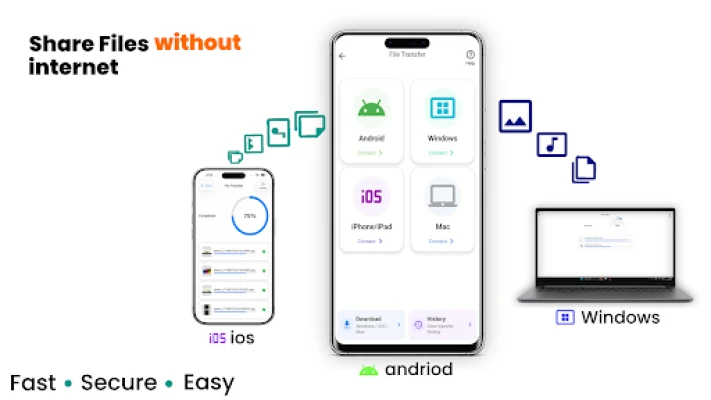
All Tools is a free Android application that brings together a wide range of everyday utilities into a single, offline‑capable package. Developed by ATEU Softwares®, the app is designed for users who prefer not to rely on an internet connection for basic tasks such as file sharing, sensor measurements, or media playback.
Key features
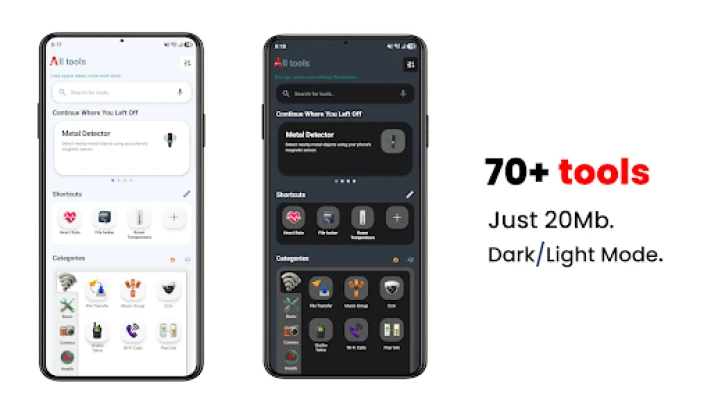
The suite includes more than 40 distinct tools, grouped into logical categories:
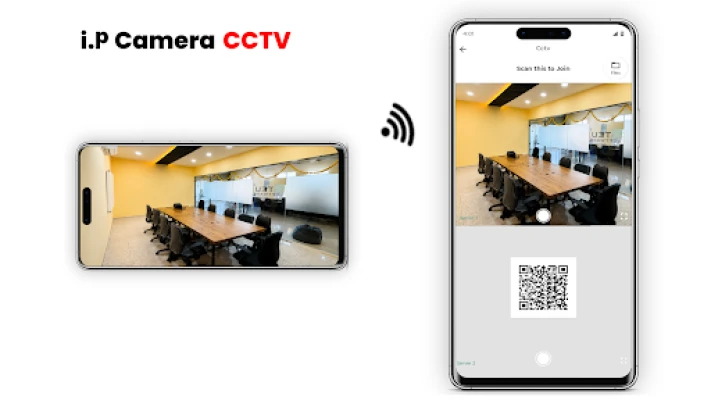
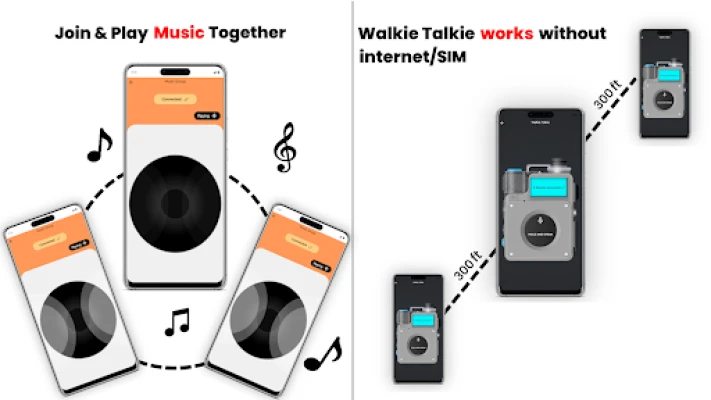
- Communication: Wi‑Fi‑based file transfer, walkie‑talkie, and Wi‑Fi calling let devices talk over a local network without cellular data.
- Sensor & measurement: Compass, leveler, speedometer, altitude, air pressure, light meter, sound intensity, vibration detector, RPM, G‑force meter, and a metal detector provide quick readings using built‑in hardware.
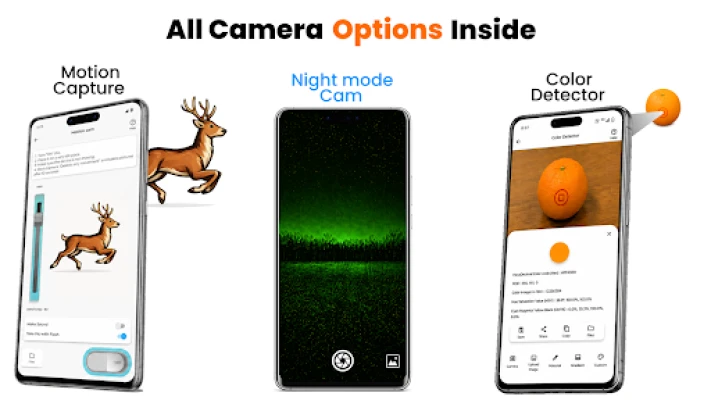
- Multimedia: Offline music player, screen recorder, night‑mode camera, motion‑triggered cam, and a simple paint/drawing tool.
- Productivity: QR and barcode generator, text‑to‑speech, speech‑to‑text, PDF scanner, checklist manager, and a basic billing system for small‑scale invoicing.
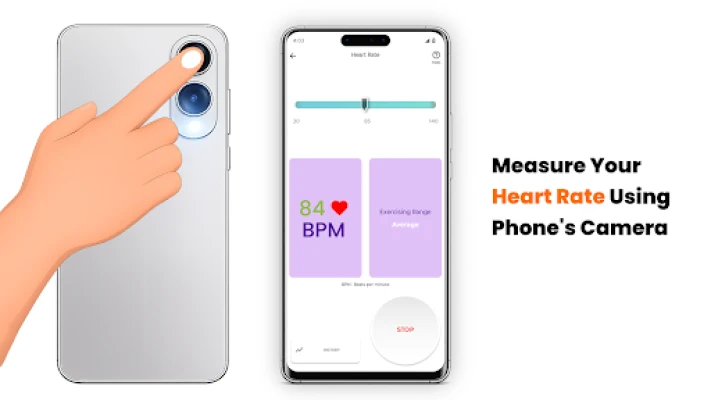
- Health & fitness: Heart‑rate monitor, step counter, and basic calorie estimate (intended for general information only).
- Remote control: IR remote for TVs and appliances, Bluetooth controller for HC‑05 modules, and a camera‑based flashlight controller.
How the application works
All Tools runs entirely on the device. Most utilities access the phone’s sensors (GPS, accelerometer, gyroscope, microphone, camera, etc.) directly, so no external servers are involved. Features that require a network, such as Wi‑Fi file sharing or walkie‑talkie, operate over the same local Wi‑Fi network, keeping data private and eliminating data‑plan usage.
Each tool is launched from a simple grid on the main screen. Settings are stored locally, and optional password protection is available for sensitive sections like the file locker.
Installation information
The app can be downloaded from the Appitika store or any reputable Android marketplace. After installation, grant the requested permissions (camera, location, microphone, storage) to enable the full range of utilities. No additional configuration is required for most tools; those that rely on Wi‑Fi will prompt you to connect to the same network as the partner device.
Compatibility
All Tools supports Android 6.0 (Marshmallow) and newer. Because many features depend on hardware sensors, performance may vary on devices lacking a barometer, magnetometer, or IR blaster. The app is optimized for both phones and tablets, and the interface scales automatically.
Things to know before installing
- All utilities work offline, but some (e.g., QR generation) need internet for updates.
- Battery consumption is modest; however, continuous sensor use (e.g., GPS or camera‑based motion detection) can drain power faster.
- The health‑related tools are informational only and should not replace professional medical advice.
- Data transferred via Wi‑Fi sharing stays on the devices; the app does not store or upload files to the cloud.
Frequently asked questions
Q: Is an internet connection required?
A: No. All core functions operate without internet. Only optional update checks need a connection.
Q: Can I use the app on a rooted device?
A: Yes, the app works on rooted and non‑rooted phones alike.
Q: How secure is the file locker?
A: The locker encrypts files with a user‑defined password and stores them in a private app folder inaccessible to other apps.
Q: Does the app collect personal data?
A: The app only accesses data required for each tool (e.g., location for compass). No data is sent to external servers unless you explicitly share it.
All Tools aims to replace a collection of single‑purpose apps with one convenient package, saving storage space and simplifying daily tasks.
Rate the App
User Reviews















Popular Apps










 Games
Games Entertainment
 Communication
 E-mail
 Security
 Tools
Tools Media
Media Internet
 Finance
 Design
 Education
 Android Firmwares
 Travel & Local
 Android
 Windows
 Linux
Linux