
Latest Version
Latest
August 22, 2026
SAND STUDIO
Tools
Android
133
Free
com.sand.airsos
Report a Problem
More About AirDroid Remote Support – Simple Remote Help for Android
What is AirDroid Remote Support?
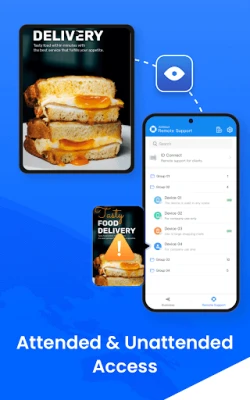
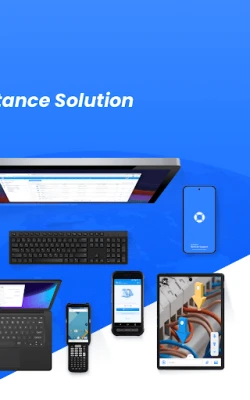
AirDroid Remote Support is a free Android app from SAND STUDIO that enables real‑time remote assistance. Whether you need to guide a family member through a setting change or help a coworker troubleshoot a problem, the app provides tools for screen sharing, voice communication, and remote control.
Main capabilities
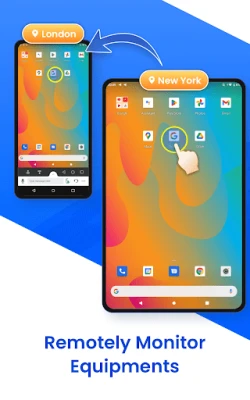
- Live screen sharing – View the other device’s screen instantly, making it easy to see what’s happening.
- Remote control – Take control of the remote device (with permission) to perform actions directly.
- Voice and text chat – Talk or type while you work together, keeping the conversation in one place.
- File exchange – Send files through the chat window to deliver logs, screenshots, or installers.
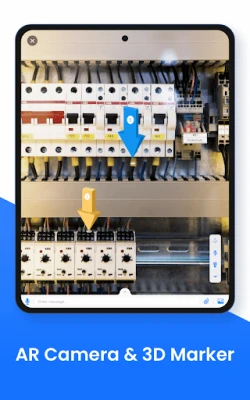
- Guided gestures – Show on‑screen gestures to illustrate steps for the person you’re helping.
How it works
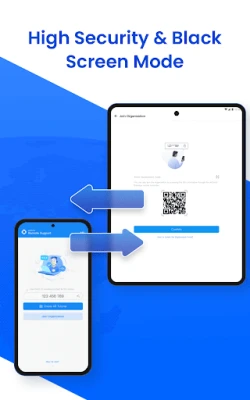
Both parties install the app on their Android devices. The supporter generates a short numeric code, shares it with the person needing help, and enters it into their own app. After the code is verified, a secure session begins, allowing screen sharing and optional remote control. The session can be paused or ended at any time.
Practical uses
- Family tech support – Help relatives configure apps, adjust settings, or resolve minor glitches without being in the same room.
- Small business assistance – Provide quick troubleshooting for employees who use Android devices for work tasks.
- Educational guidance – Demonstrate software usage or walk through assignments while the learner follows on their own device.
Installation notes
The app is available through the Google Play Store. Installation follows the standard Android process: tap Install, grant the requested permissions (such as screen capture and audio), and launch the app. No additional configuration is required to start a support session.
Who might benefit?
Anyone who regularly assists others with Android devices – parents, IT support staff, teachers, or friends – will find the app useful. Its free license makes it accessible for personal and small‑scale professional use.
Things to keep in mind
- Both devices need an active internet connection for the session to work.
- The remote control feature only activates after the person being helped explicitly approves it.
- Session data is not stored on the device after the call ends, helping maintain privacy.
Rate the App
User Reviews















Popular Apps










 Games
 Entertainment
 Communication
 E-mail
 Security
 Tools
 Media
 Internet
 Finance
 Design
 Education
 Android Firmwares
 Travel & Local
 Android
 Windows
 Linux