

Latest Version
Latest
September 03, 2026
SAND STUDIO
Tools
Android
6
Free
com.sand.remotesupportaddon
Report a Problem
More About AirDroid Control Add‑on – Remote Management Extension
What is AirDroid Control Add‑on?
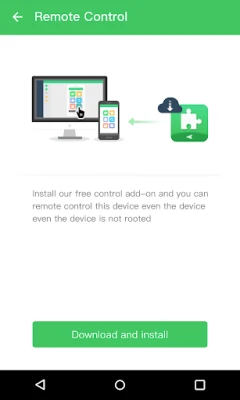
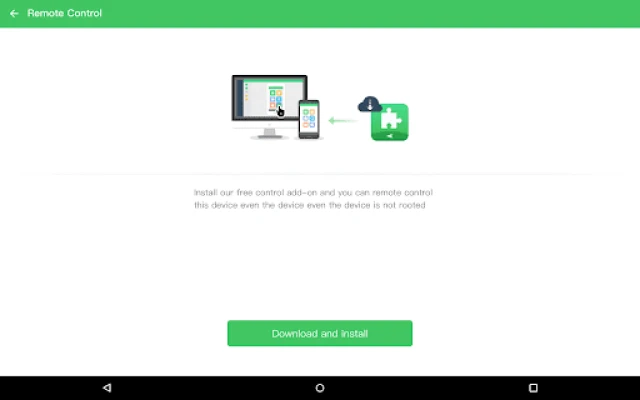
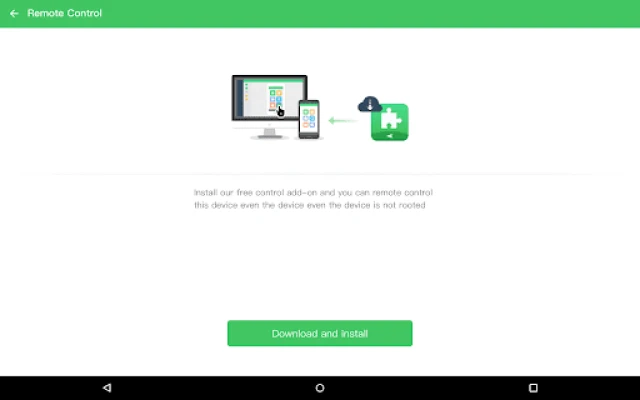
AirDroid Control Add‑on is a lightweight companion component that extends the capabilities of the AirDroid suite. It is not a stand‑alone application; instead, it is delivered automatically to devices that already have AirDroid or AirDroid Remote Support installed. Once present, the add‑on can be activated through the device’s Accessibility settings, allowing authorized remote actions.
Main capabilities
- Enterprise remote control – Grants a managed organization the ability to operate the device remotely for support, configuration, or troubleshooting.
- Black Screen Mode – Enables a remote command that blanks the device’s display, useful for privacy or presentation scenarios.
How it works
After the add‑on is delivered by AirDroid, the user must enable it in the Android Accessibility menu. This step authorizes the component to receive remote commands while respecting the system’s security model. Once enabled, the AirDroid server can issue control commands, such as navigating the UI or activating Black Screen Mode, without requiring additional user interaction on the device.
Practical uses
Businesses that manage fleets of Android devices often need a reliable way to assist users or enforce policies. With this add‑on, IT administrators can:
- Diagnose issues by directly interacting with the device screen.
- Apply configuration changes without physically handling the device.
- Protect sensitive information during remote sessions by turning the screen black.
Installation information
The add‑on is bundled with AirDroid or AirDroid Remote Support. Users do not download it separately. When the host app detects a compatible device, it prompts the user to install the add‑on automatically. After installation, a notification guides the user to the Accessibility settings to enable the component.
Things to know before enabling
- The add‑on requires Accessibility permission, which gives it the ability to observe and control UI elements. Users should only enable it on devices that are managed by a trusted organization.
- Because it is not a full application, it does not appear in the app drawer and has no independent launch icon.
- All remote actions are mediated through the AirDroid service; the add‑on itself does not store personal data.
Who may find it useful?
Any organization that deploys Android devices for employees, field staff, or customers can benefit from this add‑on. It is particularly relevant for:
- IT support teams needing quick remote access.
- Managed service providers handling multiple client devices.
- Enterprises that require privacy controls during remote assistance.
Frequently asked questions
Do I need to install the add‑on manually?
No. It is installed automatically by AirDroid when the host app determines that the device supports the feature.
Can I use the add‑on without an internet connection?
Remote control actions depend on the AirDroid service, which requires network connectivity. The add‑on itself does not provide offline functionality.
Is the add‑on safe to enable?
Enabling the add‑on grants Accessibility rights, which are powerful but limited to the AirDroid service that installed it. Users should only enable it on devices managed by a trusted organization.
Will the add‑on affect battery life?
The component remains idle until a remote command is received, so its impact on battery consumption is minimal.
Rate the App
User Reviews















Popular Apps










 Games
Games Entertainment
 Communication
 E-mail
 Security
 Tools
Tools Media
Media Internet
 Finance
 Design
 Education
 IT Tools
 Travel & Local
 Android
 Windows
 Linux
Linux