
Latest Version
Latest
September 14, 2026
SAND STUDIO
Tools
Android
71
Free
com.sand.aircasttv
Report a Problem
More About AirDroid Cast TV – Screen Mirroring & Media Casting
What is AirDroid Cast TV?
AirDroid Cast TV is a free Android utility that turns your smartphone into a wireless source for your television or compatible streaming device. By establishing a connection over your home network (or via AirPlay when supported), the app projects the phone’s display and media content onto a larger screen, making it easy to share visual content with family, friends, or colleagues.
Main Features
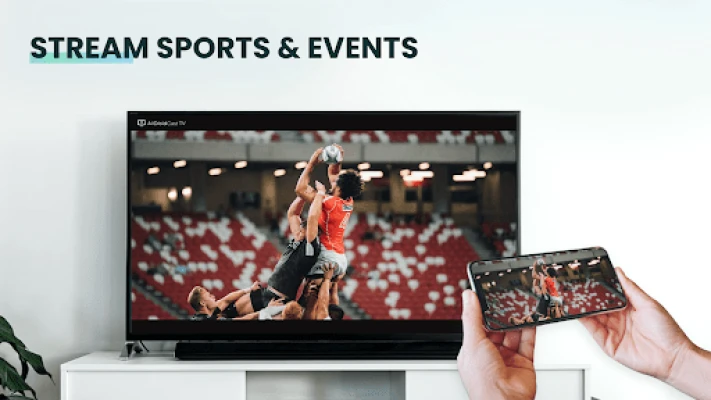
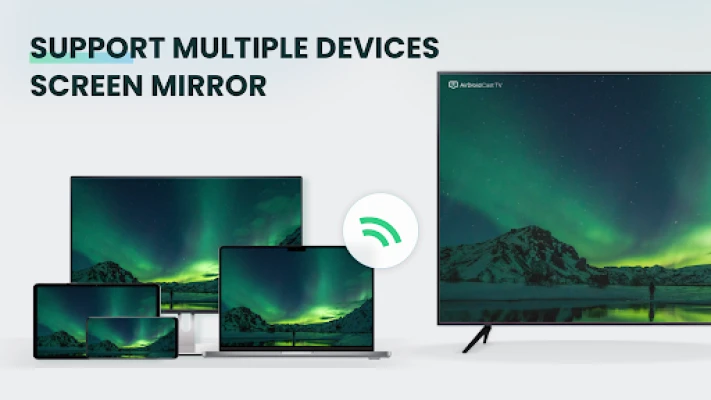
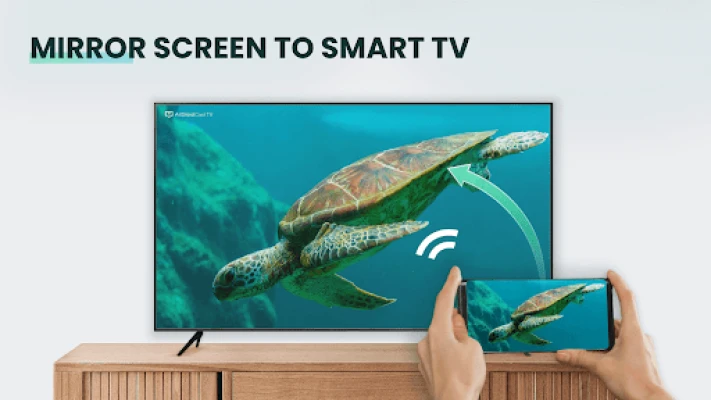
- Screen mirroring – Duplicate the entire Android interface on a TV, allowing you to browse apps, play games, or conduct video calls on a bigger display.
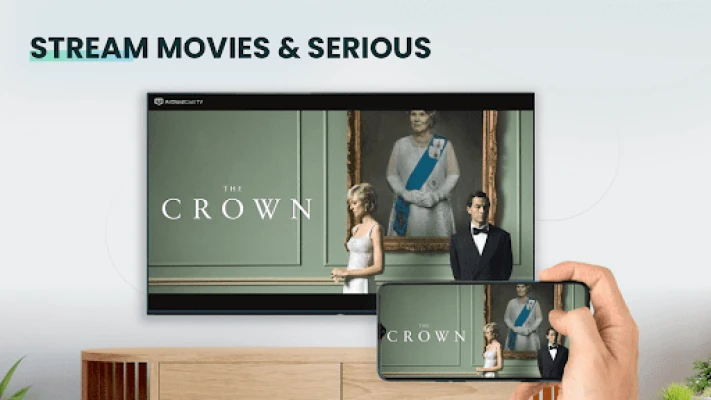
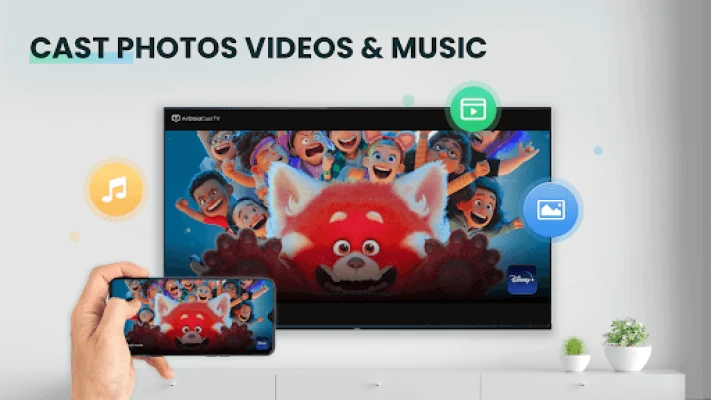
- Photo and video casting – Select images or video clips from your device’s gallery and stream them directly to the TV without needing a separate media server.
- Presentation mode – Open documents or slide decks on your phone and project them for meetings or classroom settings.
- Multiple casting methods – Connect using a generated cast code, AirPlay (for compatible devices), or a web browser interface.
- No additional client software – The TV side only requires a supported casting protocol (e.g., Chromecast, DLNA, AirPlay); no extra apps need to be installed on the TV.
How It Works
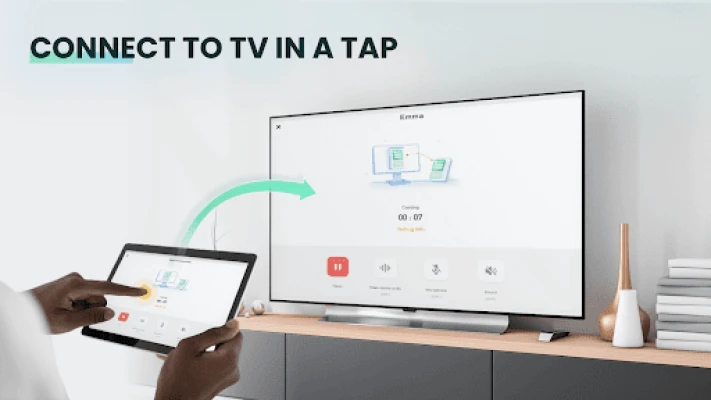
When you launch AirDroid Cast TV, the app creates a temporary cast code that you can enter on the target device, or it can broadcast its presence for AirPlay‑compatible hardware. Once the connection is established, the app streams the phone’s screen in real time, using the underlying casting protocol to handle video compression and transmission. The process is designed to be low‑latency, which is important for interactive tasks such as gaming or live video calls.
Practical Uses
- Family entertainment – Show photos from a recent trip or stream a movie stored on your phone without moving the device.
- Gaming – Play mobile games on a larger screen for a more immersive experience.
- Work and education – Present slides, demonstrate an app, or share a document during a meeting without a projector.
- Video calls – Join a Zoom, Teams, or other video conference on the big screen for better visibility.
Installation Information
AirDroid Cast TV is available through the Google Play Store. Search for the exact name or use the package identifier com.sand.aircasttv. The download size and minimum Android version are not specified, so ensure your device has sufficient storage and runs a reasonably recent version of Android.
Compatibility
The app works with any Android device that can run Google Play services. On the receiving side, it supports devices that understand standard casting protocols, including:
- Chromecast and Android TV devices (Google Cast)
- DLNA‑compatible TVs and media players (e.g., Samsung, LG, Xbox)
- AirPlay‑enabled hardware such as Apple TV
- Web browsers that can access the web‑based casting page
Things to Know Before Installing
- Both the phone and the TV (or streaming device) must be on the same Wi‑Fi network for the simplest connection method.
- Some features, like casting beyond the local network, may require additional steps or may be limited in the free version.
- The app does not install any server software on the TV; it relies on the TV’s built‑in casting capabilities.
Who May Find It Useful?
Anyone who wants a quick, cable‑free way to display mobile content on a larger screen can benefit from AirDroid Cast TV. This includes casual users sharing media at home, gamers looking for a bigger view, educators presenting lessons, and professionals conducting remote demonstrations.
Frequently Asked Questions
Do I need a separate app on my TV?
No. The TV only needs to support a standard casting protocol such as Google Cast, DLNA, or AirPlay.
Is there a limit to how long I can cast?
The free version may impose time limits for certain casting modes, especially when operating outside the local network. Check the app’s settings for any notifications about session length.
Can I cast without Wi‑Fi?
Direct casting via AirPlay or a web browser may work on the same local network without internet access, but a network connection is required for the devices to discover each other.
Will my video quality be affected?
The app aims to deliver high‑quality video with minimal delay, but actual quality depends on network speed and the capabilities of the receiving device.
Rate the App
User Reviews















Popular Apps










 Games
 Entertainment
 Communication
 E-mail
 Security
 Tools
 Media
 Internet
 Finance
 Design
 Education
 Android Firmwares
 Travel & Local
 Android
 Windows
 Linux