Latest Version
Latest
August 29, 2026
SAND STUDIO
Tools
Android
141
Free
com.sand.aircast
Report a Problem
More About AirDroid Cast – Screen Mirroring & Remote Control
What is AirDroid Cast?
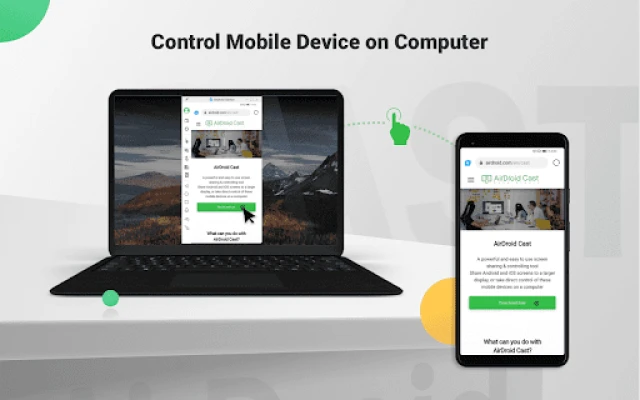
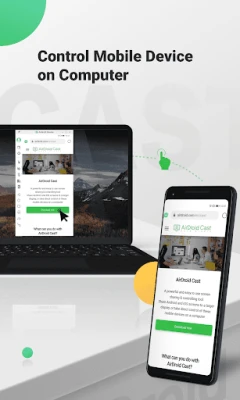
AirDroid Cast is a free utility that lets you display the screen of an Android phone or tablet on a desktop computer. In addition to mirroring, it provides basic remote‑control capabilities, allowing you to interact with the mobile device using a keyboard and mouse.
Main features
- Screen mirroring – View the Android display on a Windows or macOS PC in real time.
- Remote control – Use the computer’s mouse and keyboard to navigate the phone, type text, and perform taps or gestures.
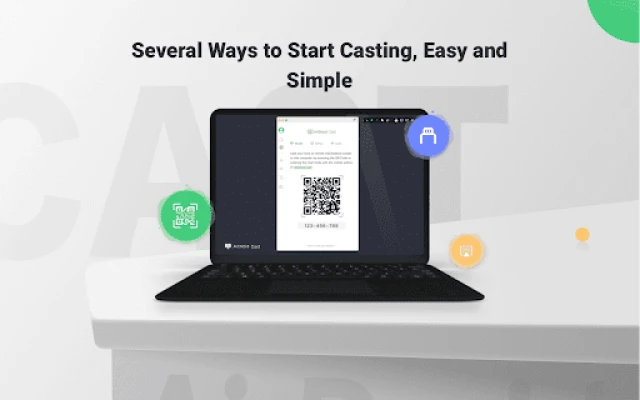
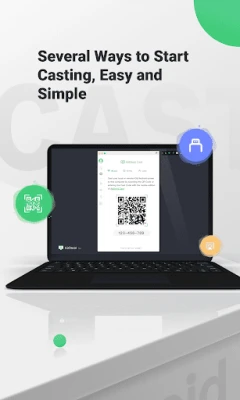
- Multiple connection methods – Start a session by scanning a QR code, entering a cast code, or connecting via USB.
- Audio forwarding – The device’s microphone audio can be streamed to the computer, useful for meetings or live commentary.
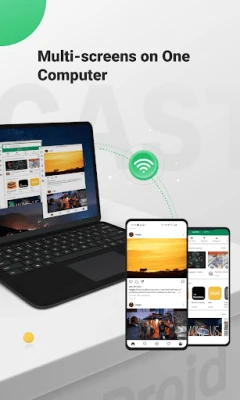
- Multi‑device support – Up to five Android devices can be mirrored on a single computer simultaneously.
How it works
To begin, install AirDroid Cast on the Android device and the companion client on the computer. When both sides are ready, you can choose one of three connection options:
- QR code – The computer displays a QR code that the phone scans, establishing a secure link.
- Cast code – A short numeric code is shown on the computer; typing it on the phone connects the two.
- USB cable – Plug the device into the computer and enable USB debugging; the app will detect the connection automatically.
After the link is made, the phone’s screen appears in a window on the desktop. From there you can interact directly or simply watch the mirrored content.
Practical uses
- Presentations – Show mobile apps, demos, or slides without needing a projector.
- Remote assistance – Help a colleague troubleshoot a phone issue by taking control from your desk.
- Gaming – Play mobile games on a larger screen while using a keyboard or mouse for added precision.
- Content creation – Record or stream the mirrored screen for tutorials, reviews, or live broadcasts.
Installation information
AirDroid Cast is available as a free download from the Google Play Store. After installing on the Android device, download the matching desktop client from the developer’s website (search for “AirDroid Cast PC client”). Follow the on‑screen prompts to grant the necessary permissions, such as screen capture and microphone access.
Compatibility
The Android side requires a device running a recent version of the operating system that supports screen capture APIs. The desktop client works on Windows 10 or later and macOS 10.13 (High Sierra) or newer. Specific version numbers are not listed, so checking the app store page for the latest requirements is recommended.
Things to know before installing
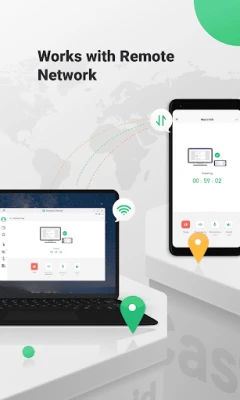
- Both devices need to be on the same local network for the fastest connection, unless you opt for a remote‑network setup.
- Remote control works best when the phone’s developer options have USB debugging enabled (required for USB connections).
- The free version may display occasional prompts encouraging an upgrade; core mirroring and control functions remain usable without purchase.
Who may find it useful?
Anyone who regularly works with Android devices on a computer can benefit. This includes developers testing apps, educators demonstrating mobile tools, business professionals conducting remote meetings, gamers who prefer a larger display, and casual users who want to watch videos or browse on a bigger screen.
Frequently asked questions
Is a Wi‑Fi network required?
For wireless casting, both devices should share the same Wi‑Fi network. A USB cable can be used as an alternative, eliminating the need for Wi‑Fi.
Can I control the phone without touching it?
Yes. Once the connection is established, mouse clicks and keyboard input are translated into taps and text entry on the Android device.
Is the audio quality reliable?
The app forwards the device’s microphone audio to the computer. Quality depends on network stability and the device’s microphone, but most users find it sufficient for voice chat and presentations.
How many devices can I mirror at once?
The application supports up to five Android devices on a single computer, allowing multi‑screen setups for collaborative work or multiplayer gaming.
Rate the App
User Reviews















Popular Apps










 Games
 Entertainment
 Communication
 E-mail
 Security
 Tools
 Media
 Internet
 Finance
 Design
 Education
 Android Firmwares
 Travel & Local
 Android
 Windows
 Linux