

Latest Version
Latest
August 29, 2026
Western Alliance Bank
Finance
Android
18
Free
com.mfoundry.mb.android.mb_beb103
Report a Problem
More About WA Business Mobile – Banking on the Go
What is WA Business Mobile?
WA Business Mobile is the official Android client for Western Alliance Bank’s business banking platform. It provides a convenient way for business account holders to stay connected to their finances while away from the office.
Main features
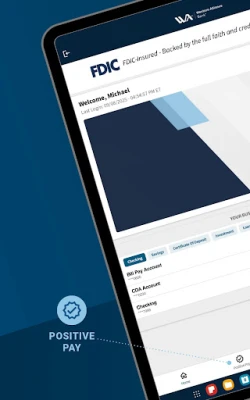
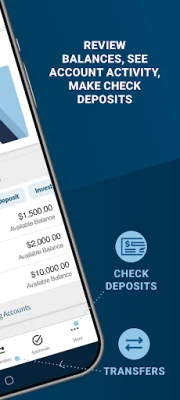
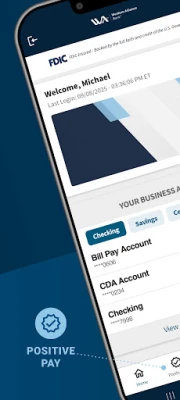
- Account overview – View current balances and recent transactions for each linked business account.
- Fund transfers – Move money between your own accounts instantly or set up scheduled transfers.
- Bill payment – Add payees, create one‑time or recurring payments, and review payment history.
- Mobile check deposit – Capture an image of a check and submit it for deposit directly from the app.
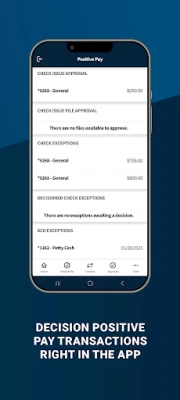
- Approval workflow – Approve or reject pending transactions such as wires, ACH entries or Positive Pay exceptions.
How it works
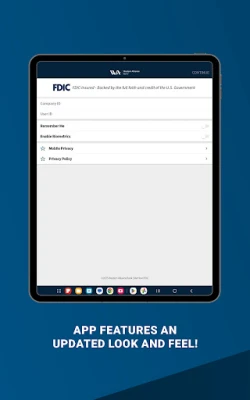
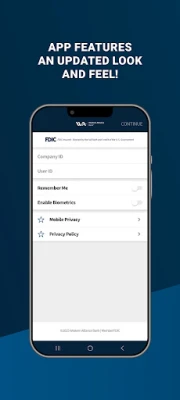
After installing the app, you sign in with the credentials you use for Western Alliance Bank’s online banking portal. The app synchronizes with the bank’s servers, presenting a real‑time snapshot of your accounts. Navigation is organized around tabs for balances, transfers, payments and deposits, making common tasks reachable in a few taps.
Practical uses
Whether you are traveling for a client meeting, working from a remote office, or simply need to handle a payment after hours, WA Business Mobile lets you:
- Check the cash position before making a purchase.
- Transfer funds to cover an upcoming expense.
- Pay a vendor bill without waiting for a desktop session.
- Deposit a client’s check while on the road.
- Respond quickly to a Positive Pay alert to prevent fraud.
Installation information
The app is available for free from the Google Play Store. Search for WA Business Mobile or use the package name com.mfoundry.mb.android.mb_beb103 to locate it. After downloading, follow the on‑screen prompts to grant the necessary permissions for camera access (for check deposit) and network connectivity.
Things to know before installing
- The app requires an active business online banking relationship with Western Alliance Bank.
- Standard security measures such as device authentication and encrypted communication are employed, but you should also enable a screen lock on your device.
- Some features, like mobile deposit limits, may be set by the bank and can vary by account type.
Who may find it useful?
Small‑to‑medium business owners, finance managers, and anyone who needs to stay on top of business cash flow while away from a desktop computer will benefit from WA Business Mobile.
Frequently asked questions
Do I need a separate login for the mobile app?
No. Use the same username and password you already have for Western Alliance Bank’s online banking portal.
Is the app free to use?
Yes, the app is offered at no cost to eligible business customers.
Can I deposit checks larger than a certain amount?
Deposit limits are defined by the bank. Check with your account manager for the specific daily limit that applies to your account.
What should I do if I lose my phone?
Contact Western Alliance Bank immediately to suspend mobile access and change your online banking credentials.
Rate the App
User Reviews















Popular Apps










 Games
Games Entertainment
 Communication
 E-mail
 Security
 Tools
Tools Media
Media Internet
 Finance
 Design
 Education
 IT Tools
 Travel & Local
 Android
 Windows
 Linux
Linux