

Latest Version
Latest
September 18, 2026
Blockchain.com
Finance
Android
29
Free
piuk.blockchain.android
Report a Problem
More About Blockchain Wallet: Buy BTC – Secure Crypto Management
What is Blockchain Wallet: Buy BTC?
Blockchain Wallet: Buy BTC is a mobile application developed by Blockchain.com. It provides a convenient way for Android users to create a personal crypto wallet, purchase Bitcoin and other supported digital assets, and keep them under their own control.
Main Features
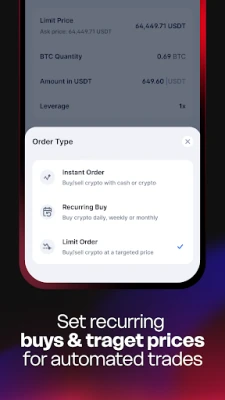
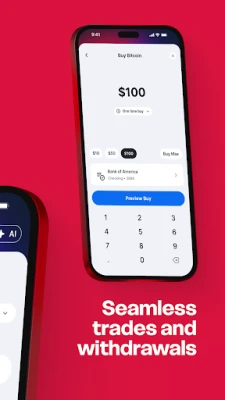
- Buy and sell Bitcoin – Purchase BTC with a linked bank account or debit card and convert holdings back to cash when needed.
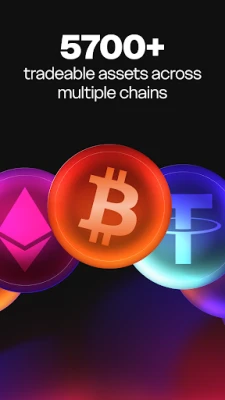
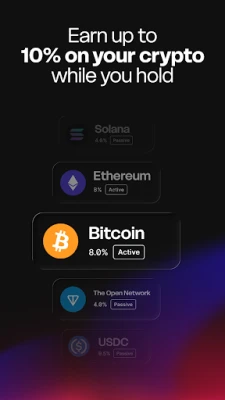
- Multi‑currency support – In addition to Bitcoin, the app lets you hold other major cryptocurrencies that Blockchain.com supports.
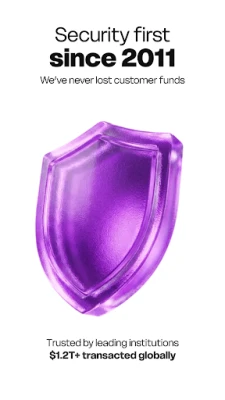
- Secure storage – Private keys are stored on the device, giving you direct ownership of your funds.
- Simple sending and receiving – Generate QR codes or share wallet addresses to move crypto between accounts.
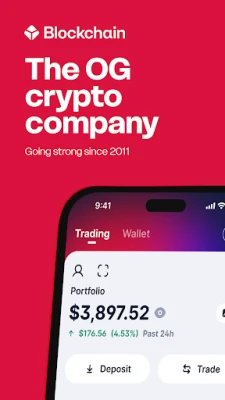
- Integrated price information – Real‑time market data helps you see the current value of your portfolio.
How It Works
After installing the app, you create a new wallet by setting a strong PIN and backing up the recovery phrase. Once the wallet is set up, you can link a payment method to fund purchases. The app handles the transaction on the blockchain, and the purchased coins appear in your wallet instantly.
Practical Uses
- First‑time buying – If you’re new to crypto, the app guides you through the steps to buy Bitcoin with a few taps.
- Everyday payments – Use the wallet to send Bitcoin to friends, merchants, or other services that accept crypto.
- Portfolio tracking – Keep an eye on the value of your holdings without needing a separate tracking tool.
Installation Information
The application is available as a free download from the Google Play Store. Search for the package name piuk.blockchain.android or the title "Blockchain Wallet: Buy BTC" to locate the official listing.
Things to Know Before Installing
- Make sure your device runs a recent version of Android that supports the Google Play Services required for secure key storage.
- Backing up the recovery phrase is essential; losing it means you could lose access to your funds.
- Transaction fees apply when buying, selling, or transferring crypto; these are determined by the network and the payment provider.
Who May Find It Useful?
Anyone who wants a straightforward way to manage Bitcoin on Android – from beginners experimenting with small purchases to more experienced users who need a mobile wallet for everyday transactions.
Frequently Asked Questions
Is the app really free?
Yes, the download and basic wallet functionality are free. Network fees and optional services may incur charges.
Can I recover my wallet if I change phones?
Yes, by using the recovery phrase you saved during setup. Import the phrase into the app on the new device to restore access.
Is my private key stored on the device?
The app keeps the private key locally, not on external servers, which means you retain full control over your assets.
Rate the App
User Reviews














Popular Apps










 Games
Games Entertainment
 Communication
 E-mail
 Security
 Tools
Tools Media
Media Internet
 Finance
 Design
 Education
 Android Firmwares
 Travel & Local
 Android
 Windows
 Linux
Linux