

Latest Version
Latest
August 13, 2026
LINE (LY Corporation)
Finance
Android
367
Free
com.linecorp.lineoa
Report a Problem
More About LINE Official Account – Manage Your Business Presence on LINE
What is LINE Official Account?
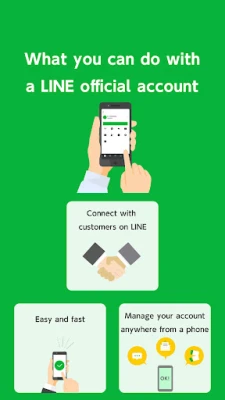
LINE Official Account is a free service provided by LINE (LY Corporation) that lets businesses, creators, and public figures maintain a presence on the LINE messaging app. By creating an official account, you can interact with followers, broadcast messages, and provide customer support directly within the chat environment that millions of users already use daily.
Main Features
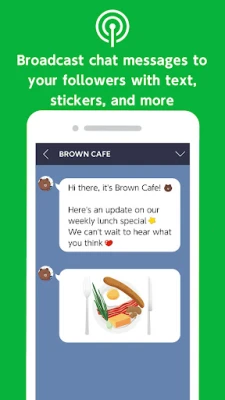
- Broadcast Messaging – Send announcements, promotions, or news to all followers at once.
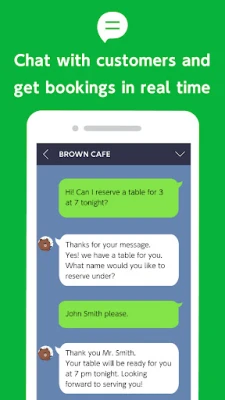
- One‑to‑One Chat – Respond to individual inquiries, share product details, or provide assistance in real time.
- Auto‑Reply – Set up automatic responses for common questions or when you are unavailable.
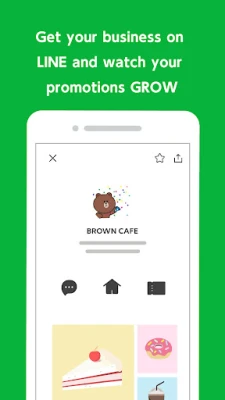
- Account Page – Showcase business information, such as address, operating hours, and contact links, on a dedicated profile page.
- Sub‑Admin Management – Assign additional managers to help run the account without sharing the primary login.
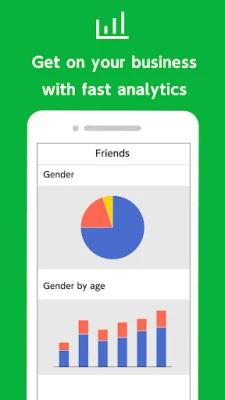
- Basic Statistics – View simple metrics on follower growth and message reach.
How It Works
After installing the app, you create an official account by following the on‑screen prompts. Once the account is set up, you can invite users to add it as a friend, or users can discover it through LINE’s search and recommendation features. From the app’s dashboard you can compose broadcast messages, reply to chats, and configure auto‑reply rules. The account page can be edited at any time to keep business details up to date.
Practical Uses
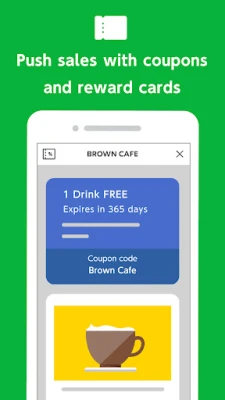
- Retail promotions – Notify followers about sales, new arrivals, or limited‑time offers.
- Customer service – Provide quick answers to product questions, order status, or troubleshooting.
- Event announcements – Share event details, registration links, and reminders.
- Community building – Post regular content to keep followers engaged and encourage two‑way conversation.
Who May Find It Useful?
Small and medium‑size businesses, online stores, local services, content creators, and public organizations that already have a user base on LINE can benefit from an official account. It is especially handy for brands that rely on instant messaging for customer interaction.
Installation Information
The app is available through the Google Play Store under the package name com.linecorp.lineoa. Installation follows the standard Android process: tap “Install,” wait for the download to complete, and open the app to begin setup.
Things to Know Before Installing
- Make sure you have a stable internet connection for both installation and ongoing use.
- You will need a LINE personal account to create an official account; the app guides you through linking the two.
- While the core features are free, some advanced tools (such as premium analytics or targeted advertising) may require additional services outside the scope of this app.
Frequently Asked Questions
Do I need a separate LINE account for my business?
No. You can link an existing personal LINE account to manage the official account, keeping everything in one place.
Can I limit who receives broadcast messages?
Broadcasts are sent to all users who have added the official account as a friend. You can segment messages manually by creating separate accounts for distinct audiences.
Is there a limit to the number of followers?
There is no publicly stated limit; the service is designed to scale with growing audiences.
How do I add a sub‑admin?
From the account settings, choose “Manage Admins” and invite another LINE user by their ID or QR code.
Rate the App
User Reviews














Popular Apps










 Games
Games Entertainment
 Communication
 E-mail
 Security
 Tools
Tools Media
Media Internet
 Finance
 Design
 Education
 Android Firmwares
 Travel & Local
 Android
 Windows
 Linux
Linux