

Latest Version
Latest
June 27, 2026
Salhi Rateb
Android
656
Free
com.salhirateb.tikdownloader
Report a Problem
More About TokDown – Simple TikTok Video Downloader
What is TokDown?
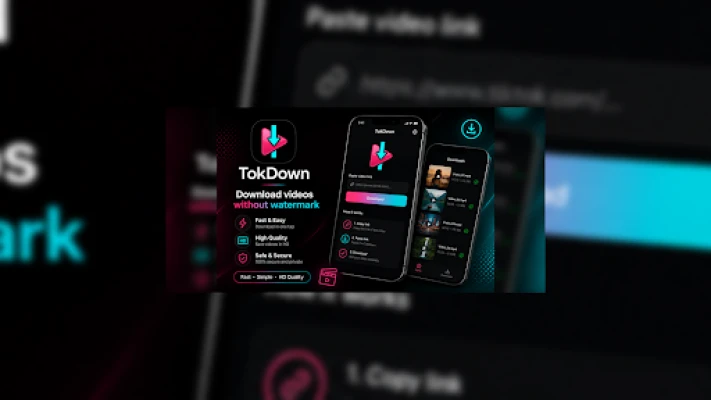
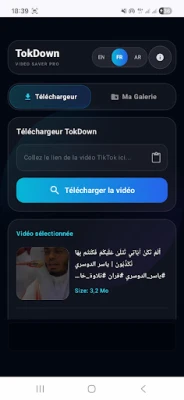
TokDown is a lightweight Android utility that enables users to download publicly available TikTok videos for offline viewing. The app focuses on a straightforward copy‑and‑paste workflow, letting you keep favorite clips on your device without the need for a TikTok account.
Main features
- Fast downloads – Video files are retrieved quickly after you paste a link.
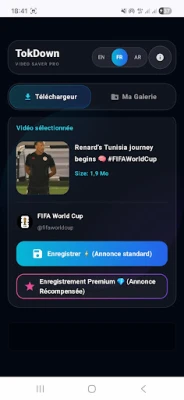
- Built‑in gallery – Downloaded clips appear in an internal gallery for easy browsing.
- Download history – The app keeps a record of recent downloads so you can revisit them later.
- Multi‑language support – Interface strings are available in several languages.
- Dark mode – A dark theme reduces eye strain in low‑light environments.
- Share to other apps – Saved videos can be shared directly from TokDown to messaging or social apps.
How it works
- Open TikTok and copy the link of a public video you want to keep.
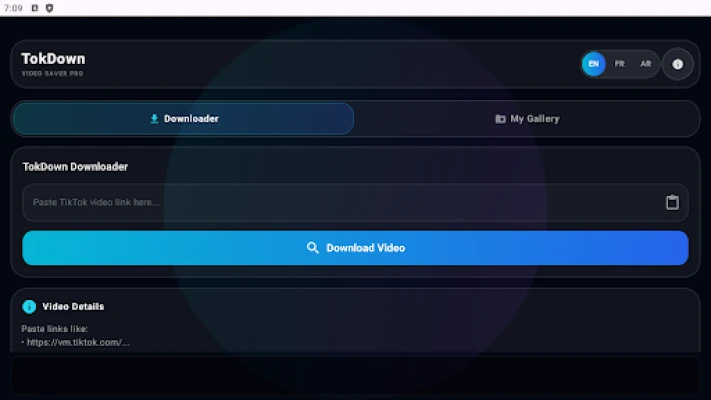
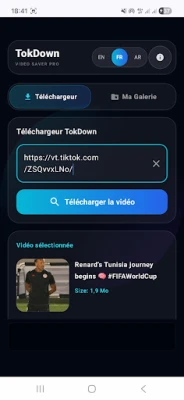
- Launch TokDown and paste the link into the provided field.
- Tap the download button; the app fetches the video and stores it locally.
- Access the video later from TokDown’s gallery or from your device’s media folder.
Practical uses
TokDown is handy for users who want to:
- Watch TikTok clips while traveling or in areas with limited internet.
- Create personal collections of tutorials, recipes, or entertainment videos.
- Share saved videos with friends who don’t use TikTok.
Installation information
The app is distributed as a free download from the Google Play Store. Installation follows the standard Android process: tap Install, grant any required storage permissions, and launch the app from your app drawer.
Things to know before installing
- The app only downloads videos that are publicly accessible; private or restricted content cannot be saved.
- Downloading copyrighted material for anything other than personal use may violate local laws. Users should respect creators’ rights.
- No login or personal data is required to use TokDown.
Who may find TokDown useful?
Anyone who regularly watches TikTok and wants offline access – students saving educational clips, parents curating kid‑friendly videos, or travelers looking for entertainment without consuming mobile data.
Frequently asked questions
Do I need a TikTok account?
No. TokDown works with any public video link, regardless of whether you are logged into TikTok.
Where are the downloaded videos stored?
Videos are saved in a dedicated folder within the app’s internal storage and are also visible in the device’s standard media library.
Can I download videos in different resolutions?
TokDown saves the video at the resolution provided by the original TikTok link. It does not offer separate quality settings.
Is the app safe to use?
The app does not request unnecessary permissions beyond storage access needed for saving files. It does not contain advertising or tracking code beyond what is typical for free Android utilities.
Rate the App
User Reviews















Popular Apps










 Games
Games Entertainment
 Communication
 E-mail
 Security
 Tools
Tools Media
Media Internet
 Finance
 Design
 Education
 Android Firmwares
 Travel & Local
 Android
 Windows
 Linux
Linux