


Latest Version
Latest
August 16, 2026
zoom.com
BUSINESS
Android
77
Free
us.zoom.pwa.twa
Report a Problem
More About Zoom Workplace for Chromebook – Unified Collaboration Tool
What is Zoom Workplace for Chromebook?
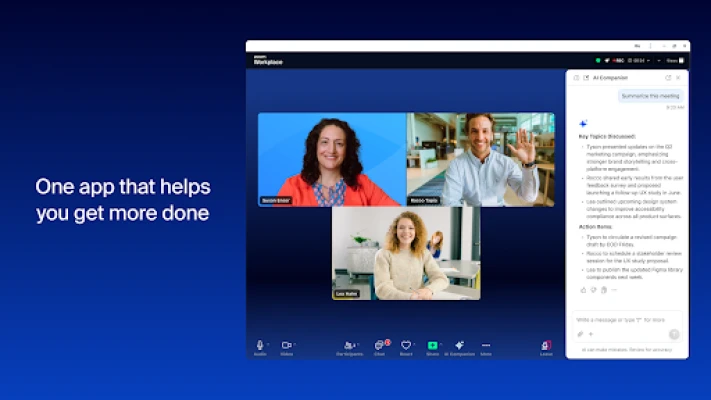
Zoom Workplace for Chromebook is an Android application that packages the core Zoom collaboration suite into a single, easy‑to‑use interface. Designed for Chromebooks, it lets users launch Zoom’s video meetings, messaging, phone, document editing and calendar features without switching between multiple apps.
Main capabilities
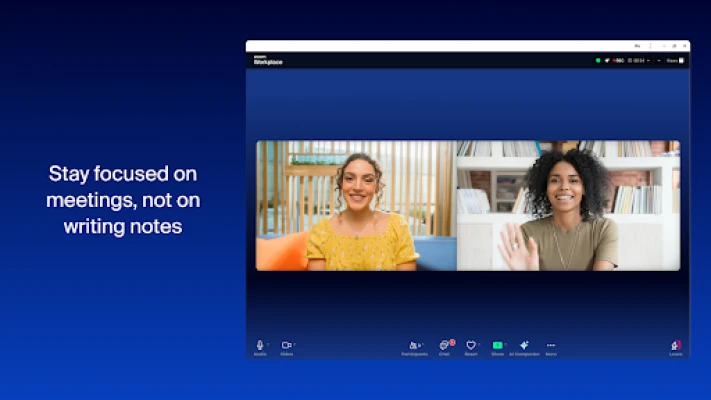
- Video meetings – Join or start Zoom meetings with a single tap.
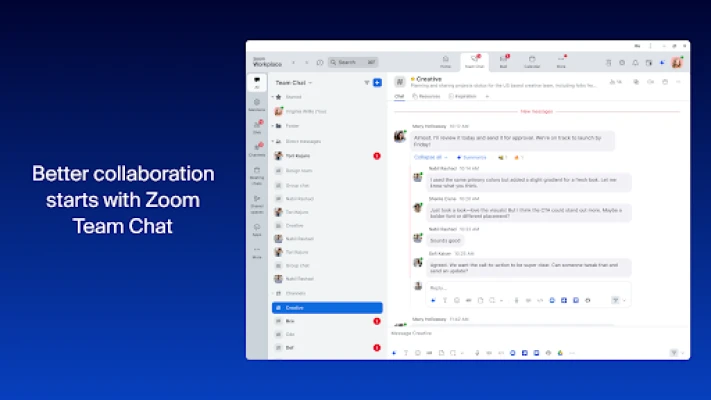
- Team chat – Send instant messages to colleagues and external contacts.
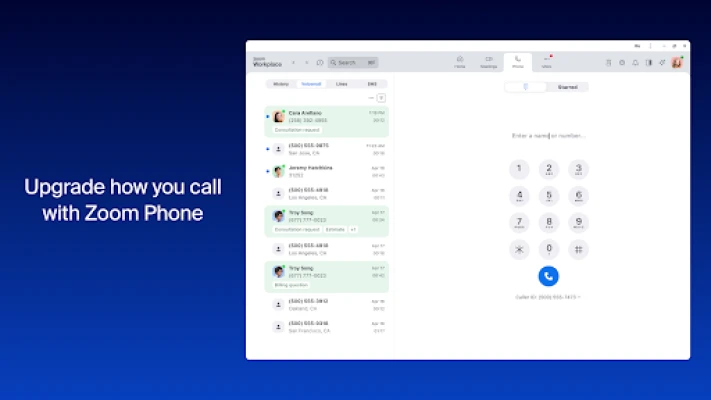
- Phone integration – Place and receive calls or SMS messages through Zoom Phone.
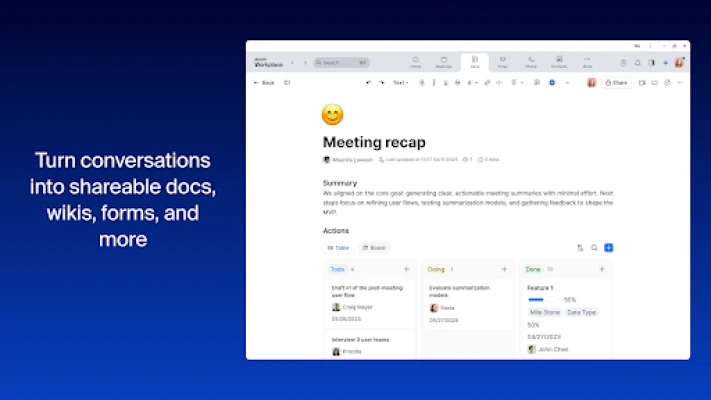
- Document collaboration – Create, edit and share Zoom Docs directly from the app.
- Calendar & email – View scheduled meetings and manage email without leaving the workspace.
- Whiteboard – Access a virtual whiteboard for brainstorming sessions.
How it works on a Chromebook
The app runs as a Trusted Web Activity (TWA), which means it behaves like a native Android app while leveraging Zoom’s web services. After installation from the Play Store, the app appears alongside other Android applications on the Chromebook. Users sign in with their Zoom credentials, and the app synchronizes with the Zoom cloud to present up‑to‑date meetings, chats and files.
Practical uses
- Remote teams can join daily stand‑ups without opening separate browser tabs.
- Office workers on a Chromebook can switch between a video call and a document edit with a single tap.
- Support staff can handle phone calls and chat messages from the same interface.
Installation notes
Zoom Workplace for Chromebook is available through the Google Play Store. Because it is a free app, no purchase is required, but some features may depend on the user’s Zoom subscription level. After downloading, the app will request permission to access the camera, microphone and contacts – standard requirements for video and messaging functionality.
Who might benefit?
Anyone who uses a Chromebook for work or study and needs a consolidated Zoom experience will find this app useful. It is especially handy for:
- Small‑to‑medium businesses that rely on Zoom for meetings and collaboration.
- Educators and students who need quick access to video classes and shared documents.
- Freelancers who manage client calls, chats and files from a single device.
Things to consider before installing
- Some advanced Zoom features (e.g., large‑scale webinars) may require a paid Zoom plan.
- The app’s performance depends on the Chromebook’s hardware and internet connection.
- Because it is a web‑based wrapper, occasional updates to Zoom’s web services may affect functionality until the app is updated.
Frequently asked questions
Do I need a Zoom account?
Yes. The app uses your existing Zoom credentials to sync meetings, chats and files.
Is the app compatible with all Chromebooks?
It works on Chromebooks that support Android apps via the Google Play Store. Older models without Play Store support cannot run the app.
Can I use the app offline?
Core functions such as viewing previously downloaded documents are available offline, but video meetings, calls and real‑time chat require an internet connection.
Rate the App
User Reviews















Popular Apps










 Games
Games Entertainment
 Communication
 E-mail
 Security
 Tools
Tools Media
Media Internet
 Finance
 Design
 Education
 Android Firmwares
 Travel & Local
 Android
 Windows
 Linux
Linux