


Latest Version
Latest
September 19, 2026
NextIntelligence.ai
BUSINESS
Android
130
Free
so.rework.app
Report a Problem
More About OfficeMail Pro – Secure Business Email Client for Android
What is OfficeMail Pro?
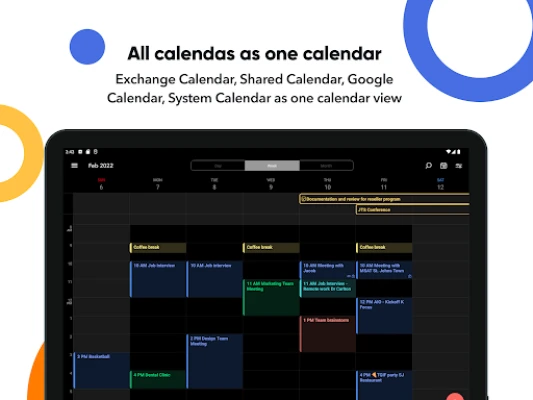
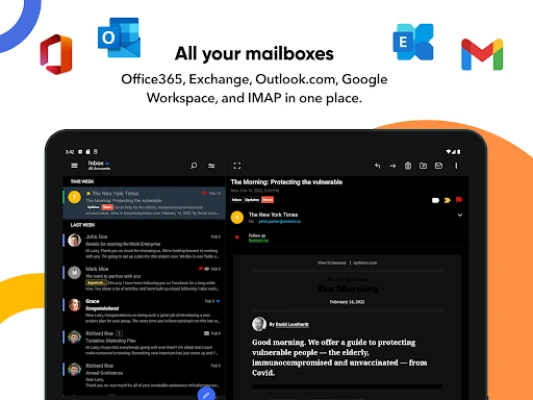
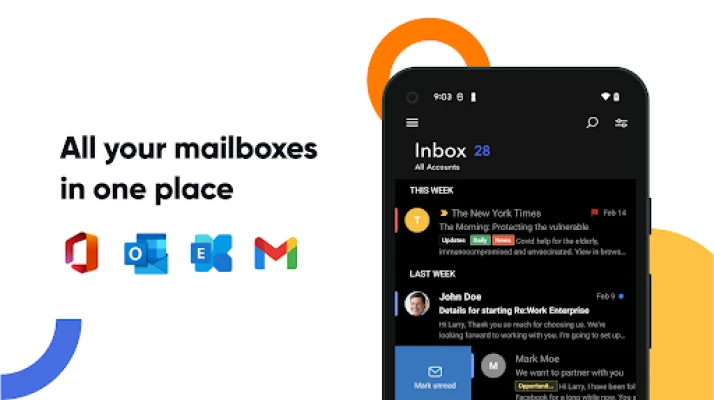
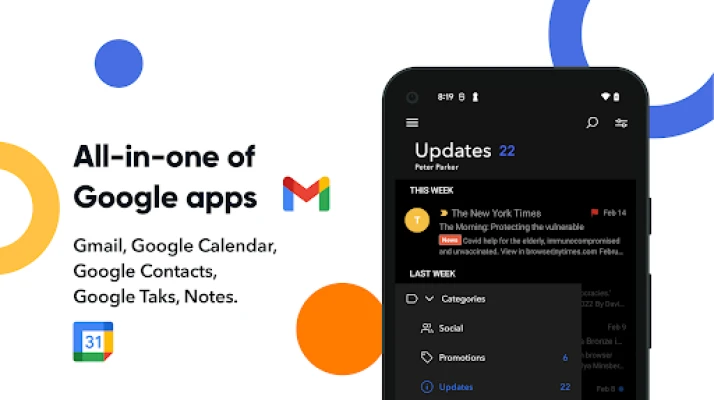
OfficeMail Pro is an Android email client designed for business and personal use. It connects to Microsoft Exchange, Office 365, Google Workspace and other major mail services through ActiveSync, providing a unified inbox, calendar and contacts experience.
Key capabilities
- Direct push synchronization via Exchange ActiveSync
- Support for Exchange Server 2010‑2019, Office 365, Outlook.com, Gmail, Google Workspace, Yahoo, iCloud, GMX and AOL
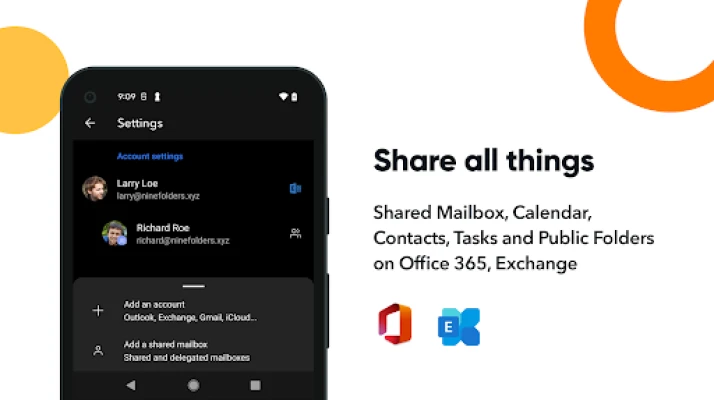
- Shared mailboxes and calendars for team collaboration
- Rich‑text editor with full HTML composition and signature support
- S/MIME encryption for secure messaging
- Global Address List (GAL) lookup
- Dark theme and customizable notification categories
- Automatic setup for popular services such as Office 365, Outlook.com and Gmail
Subscription model
The app is offered as a 2‑week free trial. After the trial, a yearly subscription costs $19.99 and renews automatically unless auto‑renew is disabled at least 24 hours before the period ends. Subscriptions are managed through Google Play account settings.
Things to consider before installing
- The app requires an Android device that can run the Google Play services needed for subscription handling.
- While the core client is free to try, continued use depends on purchasing the yearly subscription.
- Support is provided via email at help@re‑work.zendesk.com.
Frequently asked questions
Which email servers are compatible?
OfficeMail Pro works with Exchange Server 2010‑2019, Office 365, Exchange Online, Outlook.com, Gmail, Google Workspace, Yahoo, iCloud, GMX and AOL.
Can I use multiple accounts?
Yes, the client supports multiple accounts and lets you select specific folders for push notifications.
Is there a dark mode?
Yes, a dark theme is included to reduce eye strain in low‑light environments.
How is security handled?
The app includes S/MIME support for encrypted email and uses ActiveSync’s built‑in security features.
Rate the App
User Reviews















Popular Apps










 Games
 Entertainment
 Communication
 E-mail
 Security
 Tools
 Media
 Internet
 Finance
 Design
 Education
 Android Firmwares
 Travel & Local
 Android
 Windows
 Linux