

Latest Version
Latest
August 21, 2026
zoom.com
BUSINESS
Android
177
Free
us.zoom.tv
Report a Problem
More About Zoom – Home TV Companion
What is Zoom – for Home TV?
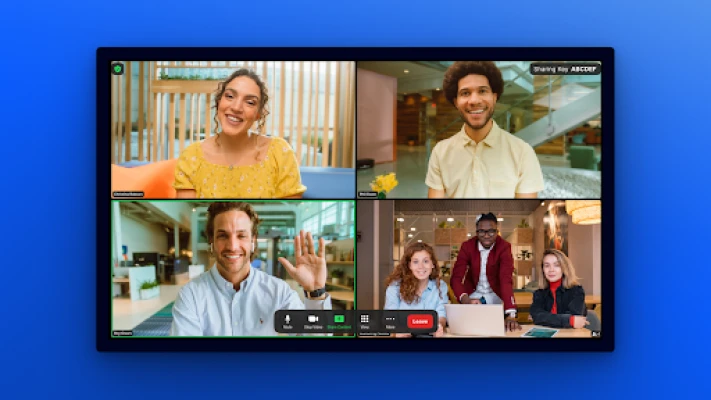
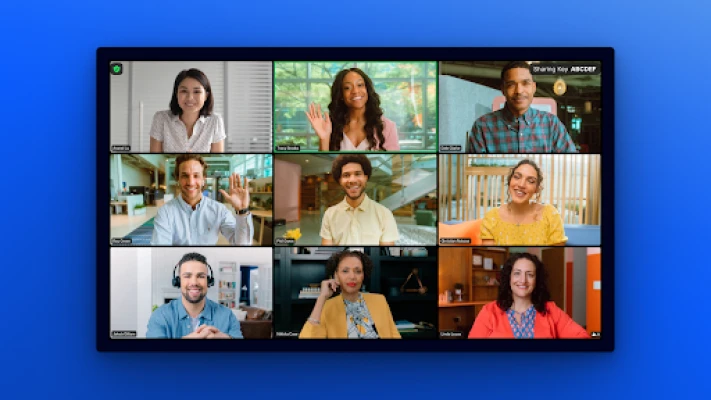
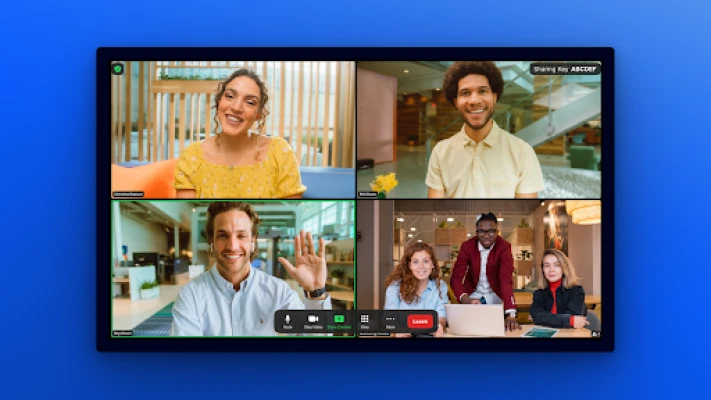
Zoom – for Home TV is a version of the popular video‑conferencing service designed to run on Android‑based televisions. It lets you join Zoom meetings directly on a big screen, making group calls feel more natural in a home setting.
Main features
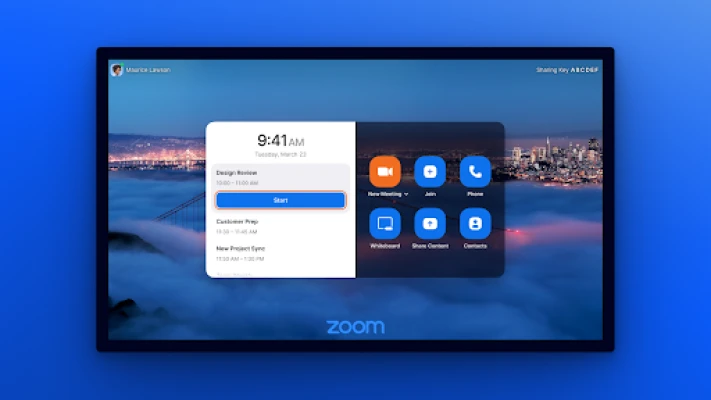
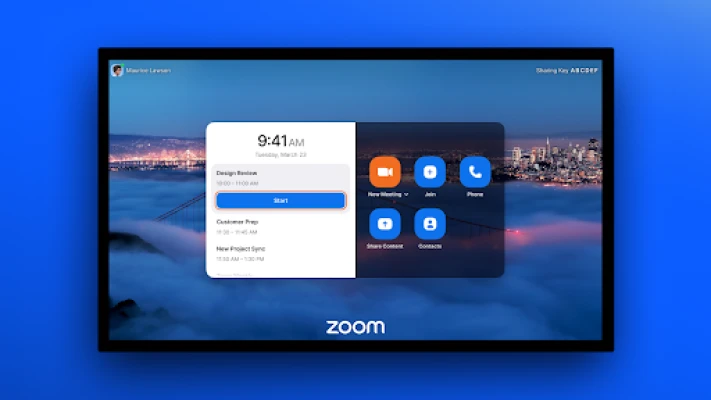
- One‑tap meeting access – Start or join a meeting from the TV remote with minimal navigation.
- HD video and audio – Leverages your TV’s display and speakers for clearer communication.
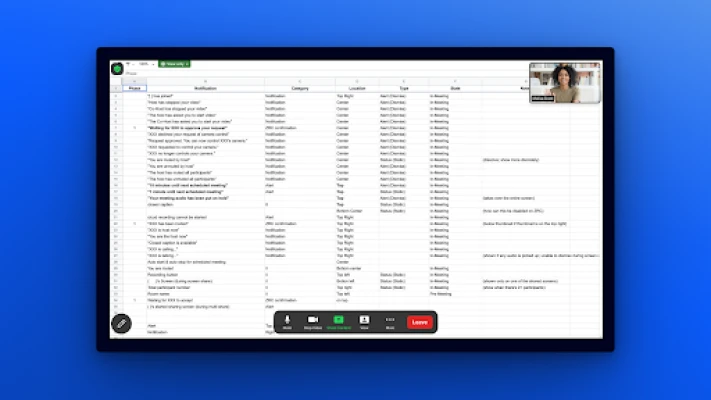
- Screen sharing – Show presentations, photos or documents on the TV for everyone in the room.
- Integrated calendar – View scheduled meetings and receive reminders without leaving the app.
- In‑meeting chat – Send text messages to participants while the video runs.
How it works
After installing the app, sign in with your existing Zoom account. The interface is optimized for remote control navigation, allowing you to browse meetings, adjust settings, and control audio/video streams using the TV remote or a paired Bluetooth keyboard.
Practical uses
- Family gatherings – Bring distant relatives into a shared living‑room experience.
- Remote work – Participate in team meetings without moving to a laptop.
- Learning – Join online classes or webinars on a larger screen.
Installation information
The app can be downloaded from the Google Play Store on compatible Android TV devices. Search for "Zoom – for Home TV" or use the package name us.zoom.tv. Follow the on‑screen prompts to install.
Compatibility
Requires an Android TV device that supports the Google Play Store. Specific OS version requirements are not disclosed, so ensure your TV runs a recent Android TV build for best performance.
Things to know before installing
- You need an existing Zoom account; the app does not provide account creation.
- Meeting limits (such as duration or participant count) are governed by your Zoom subscription, not the TV app.
- Audio input typically relies on a connected microphone or the TV’s built‑in mic, if available.
Who may find it useful?
Anyone who prefers a larger display for video calls – families, remote workers, educators and hobby groups – will benefit from the TV‑centric experience.
Frequently asked questions
Do I need a separate Zoom license?
No. The app uses the same account and subscription you already have with Zoom.
Can I use a Bluetooth headset?
Yes. Pair a Bluetooth audio device with your TV and select it within the Zoom app for private listening.
Is the app updated automatically?
Updates are delivered through the Google Play Store like any other Android TV app.
Rate the App
User Reviews















Popular Apps










 Games
 Entertainment
 Communication
 E-mail
 Security
 Tools
 Media
 Internet
 Finance
 Design
 Education
 Android Firmwares
 Travel & Local
 Android
 Windows
 Linux