
Latest Version
Latest
September 09, 2026
Zoho Corporation
BUSINESS
Android
9
Free
com.zoho.salesiq.tv
Report a Problem
More About Zoho SalesIQ – TV App
What is Zoho SalesIQ – TV App?
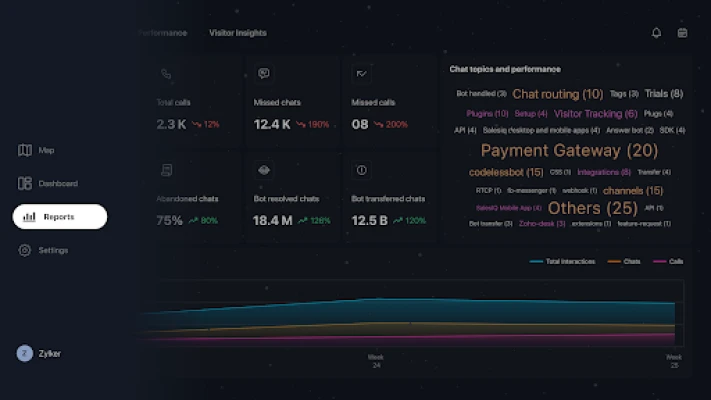
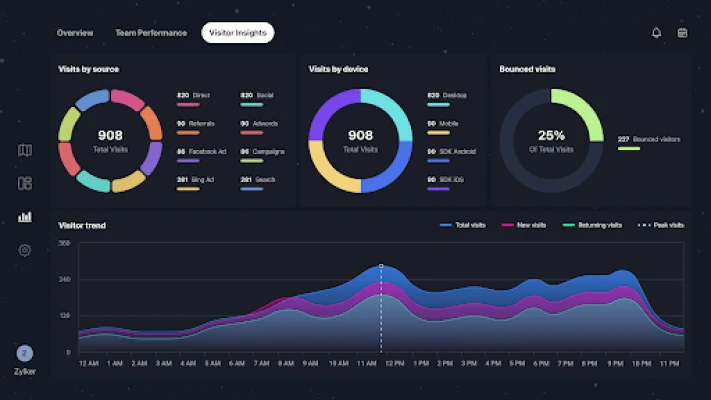
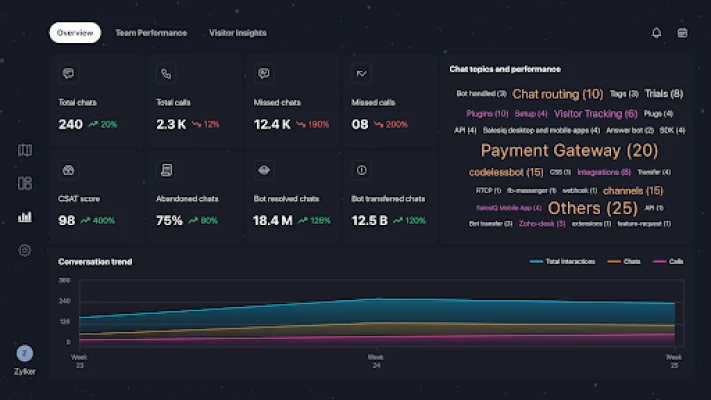
Zoho SalesIQ – TV App is a companion application that lets you project the analytics and live data from Zoho SalesIQ onto a large display. It is designed for teams that want a shared view of visitor behavior, chat interactions and performance indicators without needing to switch between individual devices.
Main capabilities
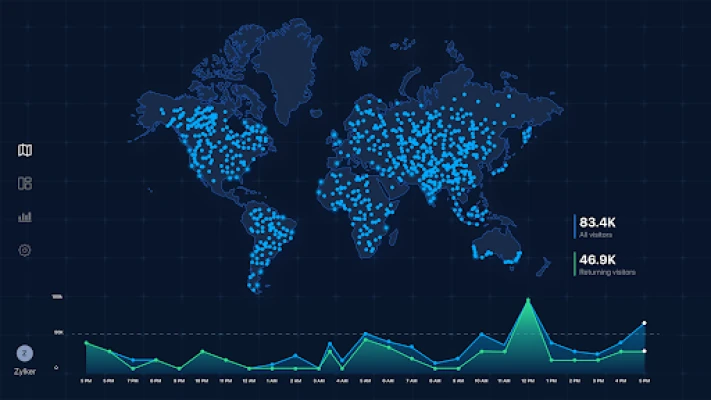
- Live visualizations – Maps, trend graphs and charts update in real time, giving a clear picture of current traffic and engagement.
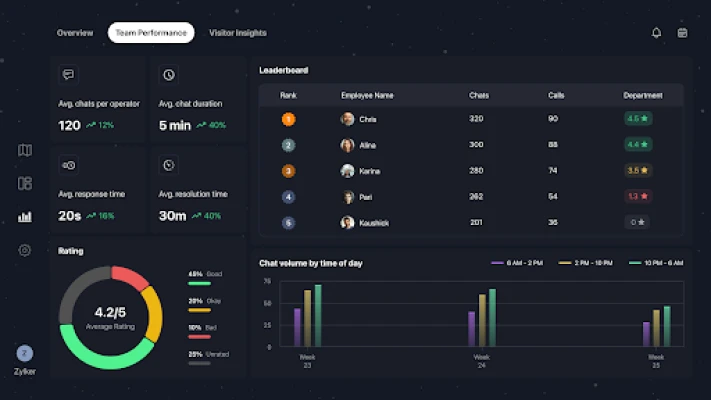
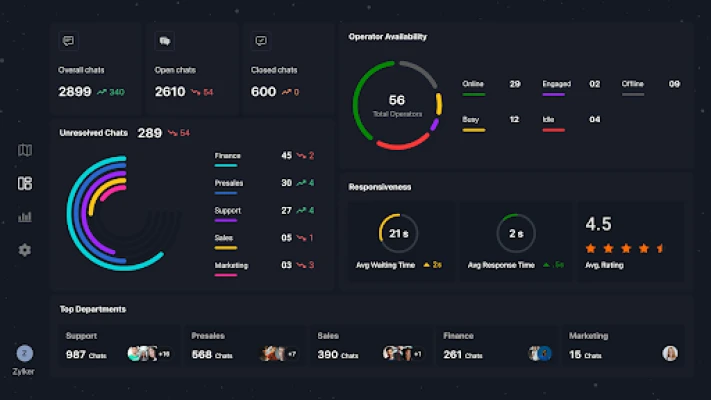
- Operator performance – See which agents are handling the most chats, response times and conversion outcomes.
- Conversation metrics – Track total chats, average handling time, and satisfaction scores at a glance.
- Department overview – Separate views for sales, support or marketing help each team focus on its own goals.
- Feedback analysis – Customer feedback and ratings are displayed alongside other KPIs for quick assessment.
How it works
The app connects to your existing Zoho SalesIQ account using the same credentials you use on the web or mobile versions. Once linked, the TV app pulls the same data streams that power the web dashboard and renders them on the connected screen. The interface is optimized for large displays, using larger fonts and simplified layouts so that information remains readable from a distance.
Practical uses
- Team stand‑ups – Show the latest visitor trends and chat volumes as a starting point for daily meetings.
- Performance reviews – Highlight top‑performing agents and identify bottlenecks in real time.
- Customer‑facing displays – In a lobby or reception area, showcase live engagement metrics to demonstrate responsiveness.
- Training sessions – Use the live data view to illustrate how changes in strategy affect visitor behavior.
Installation and setup
Install the app from the Google Play Store on an Android TV device or any Android box that supports TV mode. After installation, launch the app and sign in with your Zoho SalesIQ credentials. The first launch will prompt you to select the dashboard you wish to display; you can switch between predefined views or create a custom layout from the web console.
Things to consider before installing
- Requires an active Zoho SalesIQ subscription – the TV app does not provide analytics on its own.
- Stable internet connection is essential for real‑time updates.
- The app is intended for display purposes; interactive chat functions are not available on the TV interface.
Who may find it useful?
Sales managers, support supervisors, marketing analysts and any team that benefits from a shared, up‑to‑date visual of engagement data will find the TV app valuable. It is especially helpful in environments where multiple stakeholders need to stay aligned without constantly checking separate devices.
Frequently asked questions
Do I need a separate Zoho account for the TV app?
No. The app uses the same login credentials as your existing Zoho SalesIQ account.
Can I control the dashboard from the TV remote?
Basic navigation such as switching between saved views is supported via the remote. For detailed configuration you will need to use the web console.
Is the app compatible with all Android TV devices?
The app runs on Android TV devices that meet the standard Google Play requirements. Specific hardware limitations are not listed, so checking the Play Store compatibility for your device is recommended.
Rate the App
User Reviews












Popular Apps










 Games
Games Entertainment
 Communication
 E-mail
 Security
 Tools
Tools Media
Media Internet
 Finance
 Design
 Education
 IT Tools
 Travel & Local
 Android
 Windows
 Linux
Linux