Latest Version
Latest
August 15, 2026
Microsoft Corporation
BUSINESS
Android
115
Free
com.microsoft.rdc.androidx
Report a Problem
More About Windows App – Remote Desktop for Android
What is Windows App?
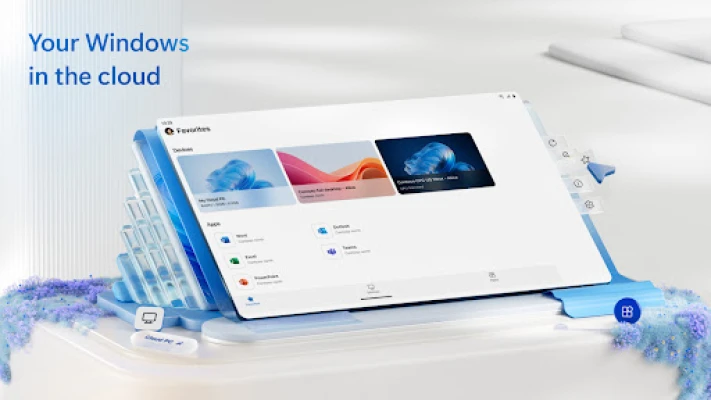
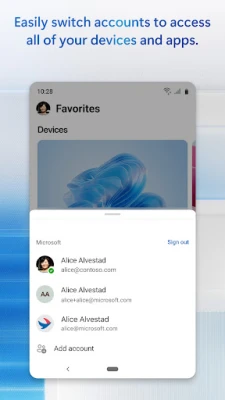
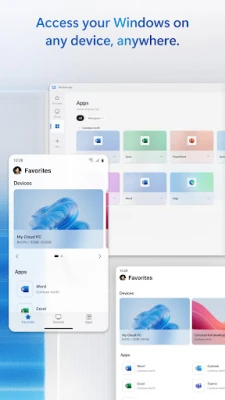
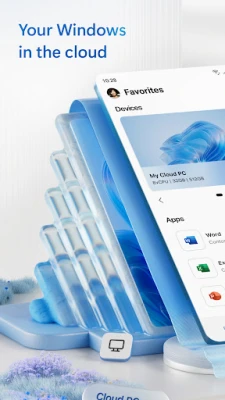
Windows App is Microsoft’s official remote‑desktop client for Android devices. It lets you establish a secure connection to a Windows PC or a cloud‑based Windows environment, such as Azure Virtual Desktop, Windows 365, or a Microsoft Dev Box, directly from your smartphone or tablet.
Main features
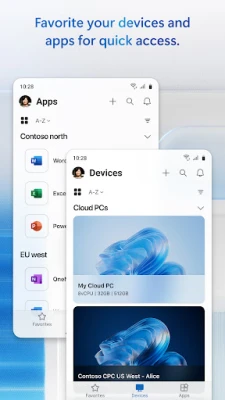
- Multi‑session support – Access a personal PC, a corporate Windows server, or a cloud‑hosted desktop from the same app.
- Touch‑optimized interface – Gestures and on‑screen controls are designed for phones and tablets.
- Secure connection – Uses Microsoft’s authentication and encryption standards to protect your session.
- Multiple display options – Switch between full‑screen, windowed, or split‑screen modes.
How it works
After installing the app, you sign in with your Microsoft account or your organization’s Azure AD credentials. The client then discovers the Windows resources you are authorized to use. When you select a target machine, the app creates a Remote Desktop Protocol (RDP) session, streaming the remote desktop’s display to your device while sending touch and keyboard input back to the host.
Practical uses
- Access work files and applications while traveling.
- Provide remote support to colleagues or customers.
- Run development tools on a high‑performance Windows VM from a lightweight Android tablet.
Installation information
The app is available for free from the Google Play Store. Search for “Windows App” or use the package name com.microsoft.rdc.androidx to locate it. Tap Install and follow the on‑screen prompts.
Compatibility
Windows App runs on Android devices that meet the minimum system requirements set by Microsoft. While specific version numbers are not disclosed here, the app is intended for devices that support the Google Play Store and have sufficient hardware for remote‑desktop streaming.
Things to know before installing
- You will need a Microsoft account or Azure AD credentials that have permission to access the remote Windows resources.
- A stable internet connection (Wi‑Fi or cellular) is recommended for a smooth experience.
- Performance depends on the network speed and the capabilities of the remote Windows machine.
Who may find it useful?
IT professionals, developers, business users, and anyone who needs to work on a Windows environment while away from a traditional PC will benefit from Windows App.
Frequently asked questions
Do I need a Microsoft 365 subscription?
Access to Azure Virtual Desktop, Windows 365, or other cloud‑based Windows services typically requires a subscription, but the client itself is free to install.
Can I use a Bluetooth keyboard with the app?
Yes, external keyboards and mice that pair with your Android device are supported.
Is the connection encrypted?
All sessions use Microsoft’s standard RDP encryption to protect data in transit.
Rate the App
User Reviews















Popular Apps










 Games
Games Entertainment
 Communication
 E-mail
 Security
 Tools
Tools Media
Media Internet
 Finance
 Design
 Education
 Android Firmwares
 Travel & Local
 Android
 Windows
 Linux
Linux