
Latest Version
September 02, 2026
VNPAY
BUSINESS
Android
3
Free
com.hrm.vnpayhrm
Report a Problem
More About VNPAY HRM – Employee Management for VNPAY Staff
What is VNPAY HRM?
VNPAY HRM is a mobile tool created by VNPAY for its own workforce. It centralises routine HR tasks so staff can view and update their records, log working hours and interact with internal HR processes without leaving the office or needing a desktop computer.
Main features
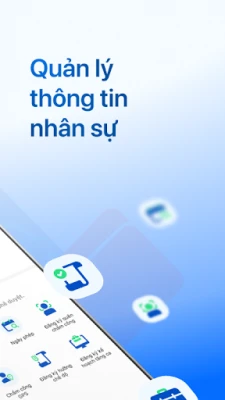
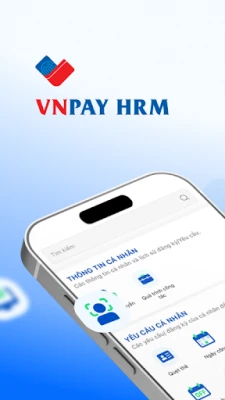
- Personal profile management – Employees can keep their contact information, job title and employment history up to date.
- Attendance tracking – The app records daily attendance, shift schedules and overtime entries.
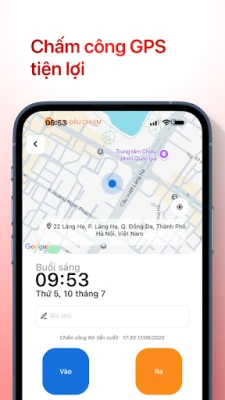
- GPS‑based clock‑in – When a location check‑in is required, the app captures the device’s GPS coordinates to verify presence.
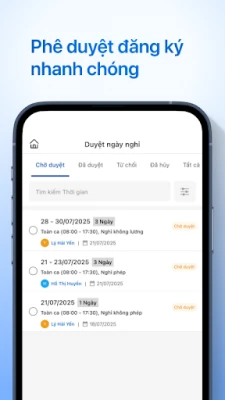
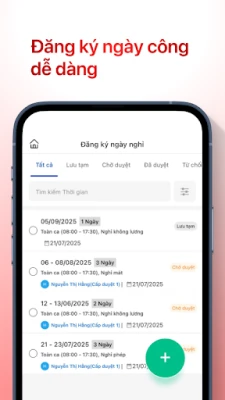
- Leave and absence requests – Users submit vacation, sick leave or early‑departure requests and receive approval notifications.
- Overtime (OT) requests – Staff can propose extra working hours and track the status of those requests.
- Company news feed – Important announcements and internal communications are displayed within the app.
How it works
After installing the app, employees log in with their VNPAY credentials. The home screen presents a summary of today’s schedule, pending approvals and any unread company news. From there, users can navigate to specific sections such as "Profile," "Attendance," or "Requests." When clocking in, the app optionally records the device’s GPS location to satisfy any location‑based policies. All submissions are routed to the HR department, which can approve or reject them directly from the backend system.
Practical uses
VNPAY HRM streamlines everyday administrative work. Instead of filling out paper forms or emailing HR, staff submit leave applications with a few taps. Managers can quickly see who is on‑site, who is scheduled for overtime, and whether any attendance irregularities need attention. The built‑in news feed ensures that important policy updates or event invitations reach every employee promptly.
Installation information
The application is offered as a free download. Users should install it from a trusted Android marketplace, then follow the on‑screen prompts to grant the permissions required for GPS location (when used) and access to basic device information for authentication.
Things to know before installing
- Access to the device’s location is optional and only used for clock‑in verification when required by the organization.
- The app is intended for VNPAY employees; external users will not be able to log in.
- Regular updates may be released to align with internal HR policy changes.
Who may find it useful?
All VNPAY staff members who need to manage their employment details, track working hours or stay informed about internal announcements will benefit from VNPAY HRM. It is also convenient for team leaders who oversee attendance and approve requests on the go.
Frequently asked questions
- Do I need an internet connection? Yes, the app syncs data with VNPAY’s HR system, so an active connection is required for login, submissions and updates.
- Can I use the app on any Android device? The app runs on standard Android smartphones that meet the minimum system requirements set by VNPAY. Specific version details are provided at the time of download.
- Is my personal data safe? The app follows VNPAY’s internal security policies, transmitting data over encrypted channels and storing it on protected servers.
Rate the App
User Reviews















Popular Apps










 Games
Games Entertainment
 Communication
 E-mail
 Security
 Tools
Tools Media
Media Internet
 Finance
 Design
 Education
 IT Tools
 Travel & Local
 Android
 Windows
 Linux
Linux