

Latest Version
September 03, 2026
Netsaf Limited
BUSINESS
Android
3
Free
com.netsaf.truedata
Report a Problem
More About True Data – Simple Mobile Finance
What is True Data?
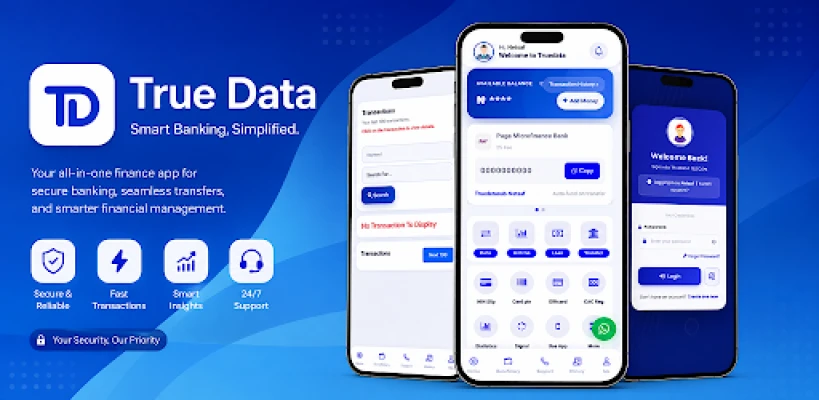
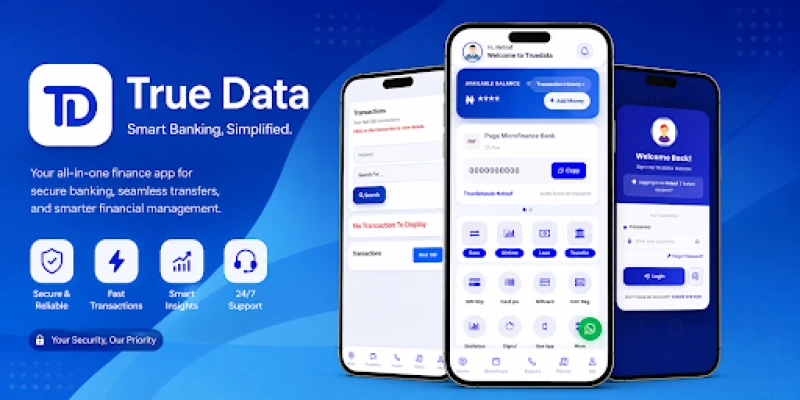
True Data is a mobile‑first financial tool developed by Netsaf Limited. It brings together common monetary activities—such as sending money, recharging phone credit, purchasing data bundles and settling utility bills—into one streamlined interface. The app is positioned as a convenient way to handle routine transactions without needing to switch between multiple services.
Main Features
- Money transfers: Initiate peer‑to‑peer transfers or move funds to bank accounts directly from the app.
- Airtime and data top‑up: Purchase credit for major mobile operators and buy data packages in real time.
- Bill payments: Pay electricity, water, internet and other utility bills with a few taps.
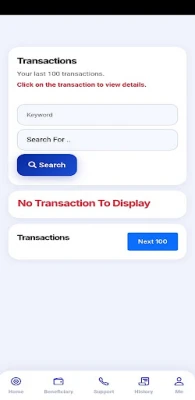
- Transaction history: Review past transactions, filter by date or type, and export records if needed.
- Secure wallet: Store a balance within the app for quick payments, protected by standard security measures.
How It Works
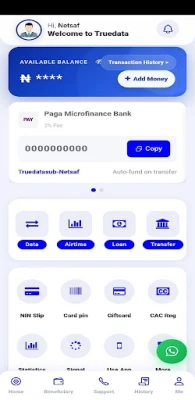
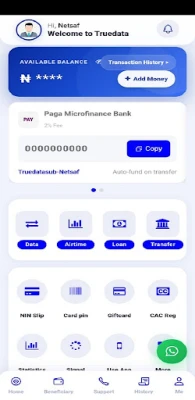
After installing True Data, users create an account using a mobile number or email address. The onboarding process guides them through basic verification steps, which may include linking a bank card or setting up a PIN. Once the account is active, the home screen presents shortcuts to the most common actions—send money, buy airtime, buy data, and pay bills. Each transaction follows a simple flow: select the service, enter the amount, confirm the recipient or account details, and authorize the payment. The app provides real‑time confirmation and updates the transaction history automatically.
Practical Uses
True Data is useful for anyone who needs to manage everyday financial chores on the go. For example, a student can quickly top up their phone before a study session, a small business owner can settle supplier invoices, and a household can pay monthly utility bills without logging into separate provider portals. The unified view of spending helps users monitor their cash flow and avoid missed payments.
Installation Information
The app is available through the standard Android package distribution channels. Users should ensure their device runs a recent version of Android that supports the app’s security framework. Installation follows the usual steps: download the APK, grant installation permissions if required, and launch the app to begin the registration process.
Things to Know Before Installing
- Internet connectivity is required for all transactions and for syncing the transaction log.
- The app stores a digital wallet balance; users should keep their login credentials secure.
- Standard mobile data charges may apply when using the app, depending on the user’s data plan.
Who May Find It Useful?
Anyone who prefers handling financial tasks from a single mobile interface will benefit from True Data. This includes students, freelancers, small‑business owners, and households that regularly top up mobile credit or pay recurring bills.
Frequently Asked Questions
Is there a cost to use True Data?
The app itself is offered free of charge. Specific transaction fees, if any, are determined by the payment method or service provider and are disclosed during the payment flow.
How secure are my transactions?
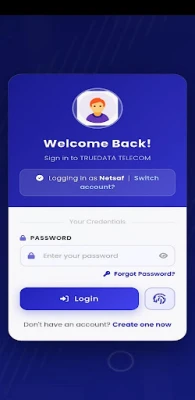
True Data employs typical security practices such as encrypted communication and optional PIN or biometric authentication for app access. Users should follow recommended security steps, like using a strong password and keeping their device updated.
Can I link multiple bank accounts?
The app allows linking of supported bank cards or accounts for fund transfers. The exact number of linked accounts depends on the backend services integrated by the developer.
What should I do if a transaction fails?
Failed transactions are logged in the history with an error message. Users can retry the operation or contact the app’s support channel for assistance.
Rate the App
User Reviews














Popular Apps










 Games
Games Entertainment
 Communication
 E-mail
 Security
 Tools
Tools Media
Media Internet
 Finance
 Design
 Education
 IT Tools
 Travel & Local
 Android
 Windows
 Linux
Linux