
Latest Version
Latest
August 16, 2026
Titan HQ
BUSINESS
Android
61
Free
email.titan.app
Report a Problem
More About Titan Email: Contacts & Calendar
What is Titan Email?
Titan Email is a mobile client built for users who have an active Titan account. It brings together email, contact management, and calendar functions in a single Android app, letting you stay productive while away from your desktop.
Main features
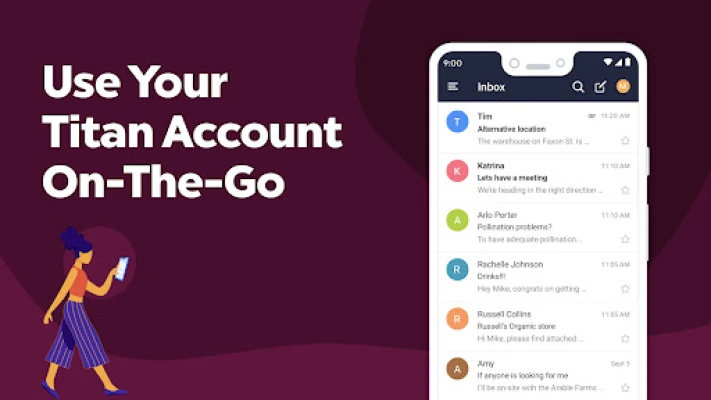
- Unified inbox – view messages from all your Titan mailboxes in one place.
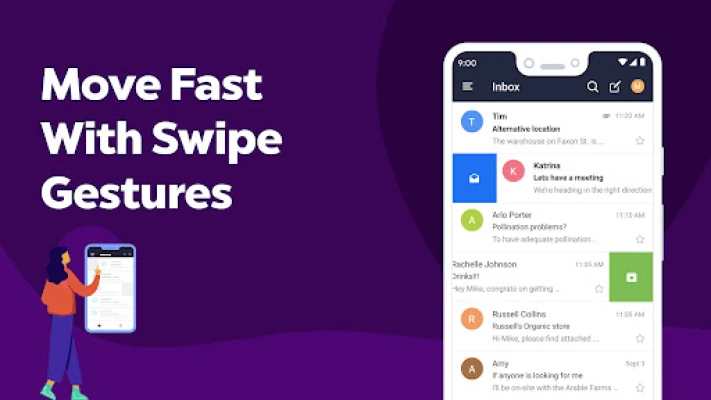
- Swipe gestures – quickly archive, mark as unread, or delete messages with intuitive swipes.
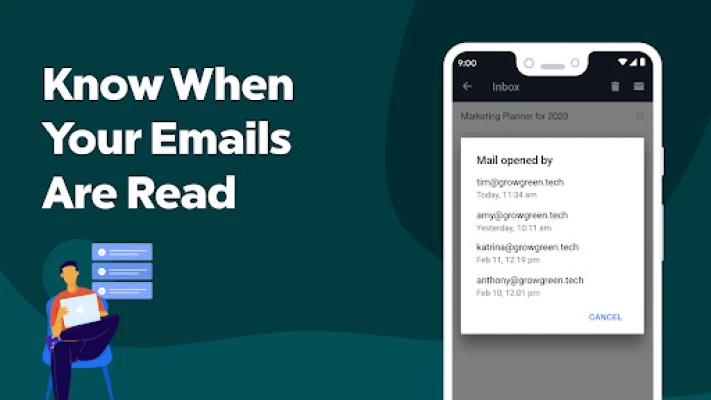
- Read receipts – see when recipients open your messages, helping you follow up efficiently.
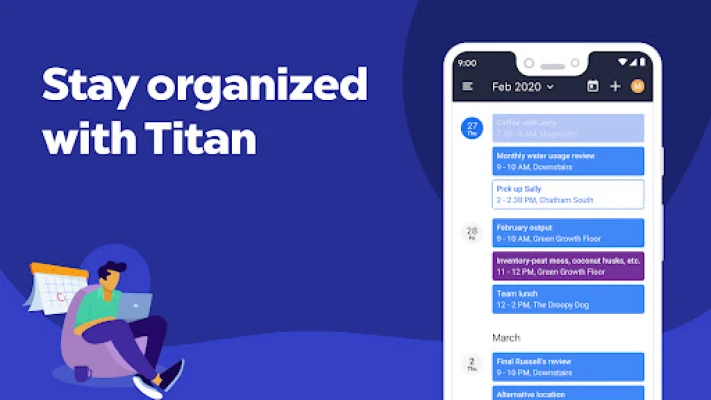
- Integrated calendar – schedule meetings, set reminders, and view upcoming events without leaving the app.
- Contact sync – manage business contacts directly from the app, with easy access when composing messages.
- Feature requests – a built‑in tool lets you suggest improvements directly to the Titan team.
How it works
After signing in with your Titan credentials, the app synchronizes your email folders, contacts, and calendar entries. The interface is organized around three primary tabs: Mail, Contacts, and Calendar. Actions such as archiving or marking messages are performed with swipe gestures, while the calendar view supports day, week, and month layouts.
Practical uses
- Respond to client inquiries while traveling.
- Coordinate team meetings from your phone’s calendar.
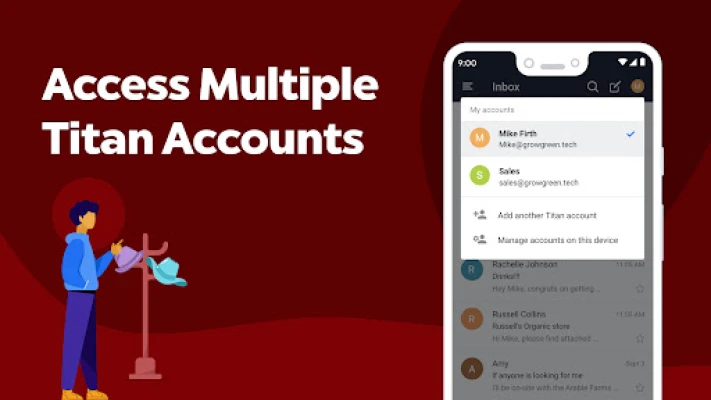
- Manage multiple business addresses (e.g., sales@yourcompany.com) without switching apps.
Installation information
The app is available as a free download from the Google Play Store. Installation follows the standard Android process: tap “Install,” grant the requested permissions for email, contacts, and calendar access, and sign in with your Titan account.
Things to know before installing
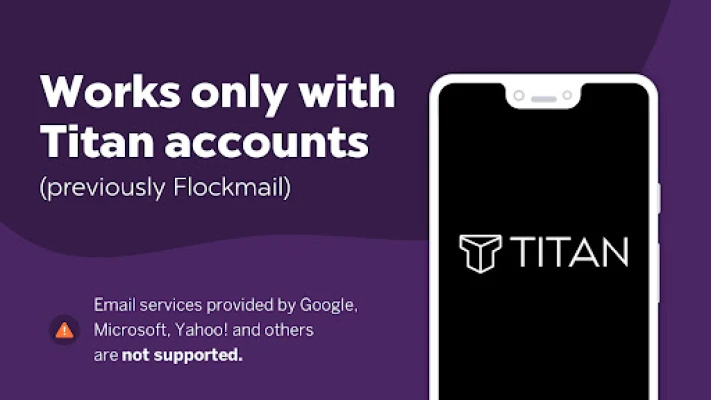
- The app works only with active Titan accounts; it does not support external email providers such as Gmail or Outlook.
- Internet connectivity is required for initial synchronization and ongoing email delivery.
- Permissions for contacts and calendar are needed to enable the integrated features.
Who may find it useful?
Small‑to‑medium business owners, sales teams, and professionals who rely on a dedicated Titan email domain will benefit from having their inbox, contacts, and schedule in one mobile interface.
Frequently asked questions
Do I need a separate Titan account for the app?
Yes. The app requires the same credentials you use for Titan’s web or desktop services.
Can I add non‑Titan email accounts?
No. The client is limited to Titan‑hosted mailboxes.
Is the app free to use?
Yes, the download and core functionality are free for Titan customers.
Rate the App
User Reviews















Popular Apps










 Games
Games Entertainment
 Communication
 E-mail
 Security
 Tools
Tools Media
Media Internet
 Finance
 Design
 Education
 Android Firmwares
 Travel & Local
 Android
 Windows
 Linux
Linux