

Latest Version
Latest
August 21, 2026
TeamViewer
BUSINESS
Android
145
Free
com.teamviewer.blizz.market
Report a Problem
More About TeamViewer Meeting – Secure Video Calls and Screen Sharing
What is TeamViewer Meeting?
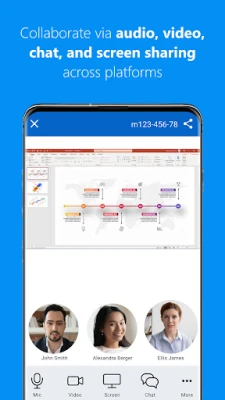
TeamViewer Meeting is a mobile conferencing tool that enables real‑time video, voice and screen‑sharing sessions between Android devices and other platforms. It is designed for both casual catch‑ups and professional collaboration, offering a straightforward way to stay in touch without needing a separate desktop client.
Main features
- Video conferencing – Join or start meetings with up to five participants at a time.
- Voice calls (VoIP) – Clear audio communication when video is not required.
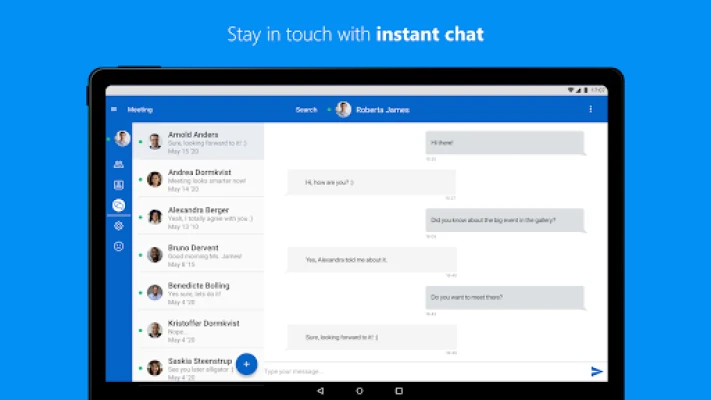
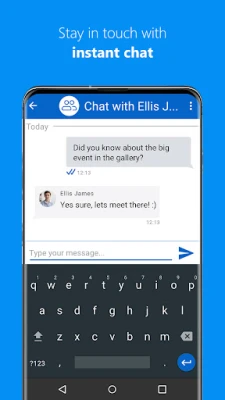
- Instant chat – Text messaging inside the meeting for quick notes or sharing links.
- Screen sharing – Share your Android screen or a specific app window with other participants.
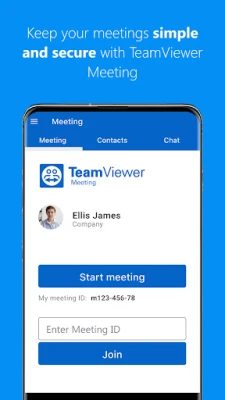
- Meeting security – Options such as meeting passwords and the ability to lock a meeting after it starts.
How it works
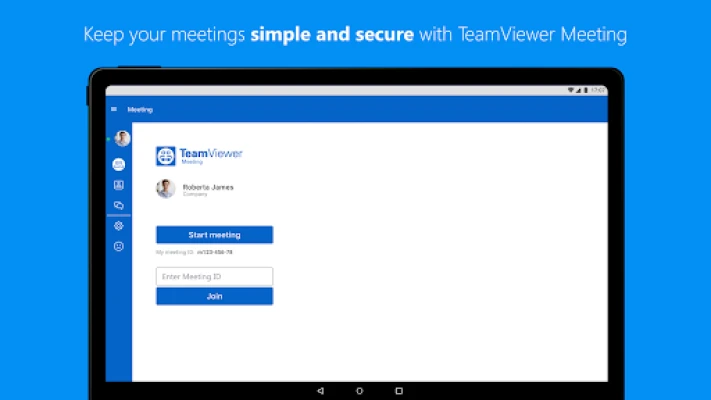
After installing the app, you create a meeting from the main screen. The app generates a meeting ID that can be shared via any messaging method. Participants enter the ID to join. Once inside, you can enable video, turn on your microphone, or start a screen‑share session. All controls are accessible from a simple toolbar, making it easy to toggle features without interrupting the flow of the meeting.
Practical uses
- Remote work: Discuss project updates, review documents, or walk a colleague through a mobile app demo.
- Education: Teachers can host small‑group lessons, share presentations, or provide live feedback on student work.
- Personal: Stay connected with family or friends through casual video chats without needing a separate account for each platform.
Installation information
The app is distributed as a free download from the Google Play Store. Installation follows the standard Android process: tap Install, grant the requested permissions, and launch the app from your app drawer.
Things to know before installing
- Permissions – The app may request access to the camera and microphone to provide video and audio streams. These permissions are optional for basic chat functionality, but required for full meeting features.
- Internet connection – A stable data or Wi‑Fi connection is recommended for smooth video and screen sharing.
Who may find it useful?
Anyone who needs a lightweight, cross‑platform meeting solution on Android—small business owners, remote teams, educators, and casual users—will benefit from the app’s ease of use and built‑in security options.
Frequently asked questions
Do I need a TeamViewer account?
No. You can join meetings using a meeting ID without an account, though creating an account gives access to additional management features.
Can I record a meeting?
The free version focuses on live interaction and does not include a built‑in recording feature.
Is the connection encrypted?
Meeting data is transmitted using standard encryption protocols to protect the privacy of participants.
Rate the App
User Reviews















Popular Apps










 Games
 Entertainment
 Communication
 E-mail
 Security
 Tools
 Media
 Internet
 Finance
 Design
 Education
 Android Firmwares
 Travel & Local
 Android
 Windows
 Linux