Latest Version
Latest
August 28, 2026
Splashtop
BUSINESS
Android
141
Free
com.splashtop.remote.pad.v2
Report a Problem
More About Splashtop Personal – Remote Desktop for Android
What is Splashtop Personal?
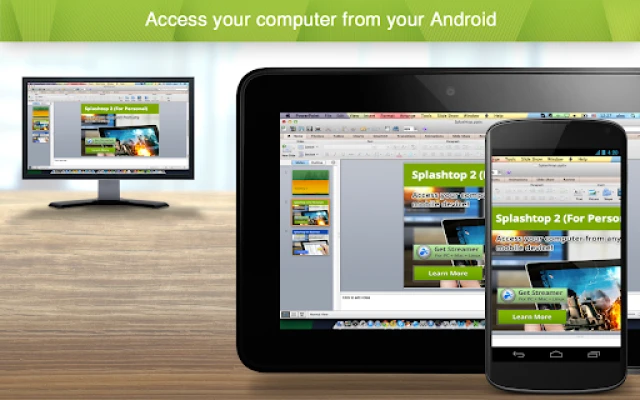
Splashtop Personal is a free Android client that lets you connect to a computer you own and control it as if you were sitting in front of it. The app is designed for personal, non‑commercial use and focuses on delivering a responsive remote‑desktop experience for everyday tasks such as checking email, watching movies, or playing games.
Main features
- Remote screen access – View and interact with the full desktop of a Windows or macOS machine.
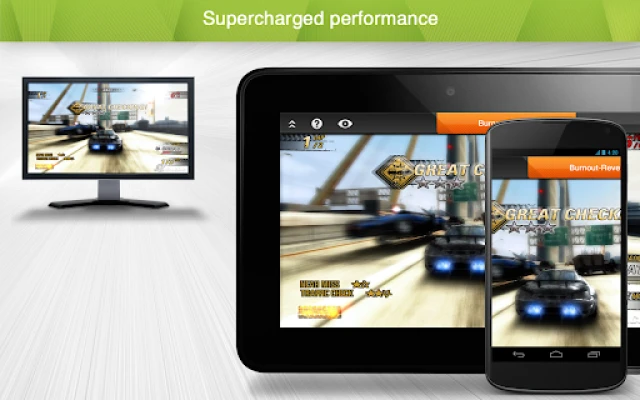
- Audio and video streaming – Stream music, movies, or games with minimal lag.
- Touch gestures – Use pinch‑to‑zoom, tap, and swipe to navigate the remote screen.
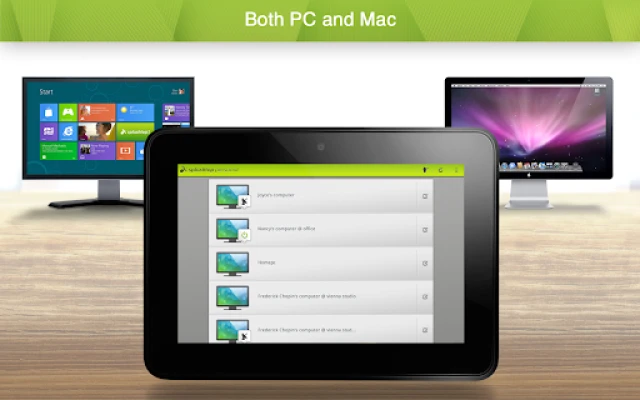
- Cross‑platform support – Connect from Android to computers running Windows or macOS.
How it works
To start a session, you install the Splashtop Personal app on your Android device and the companion Splashtop Streamer on the computer you want to control. After creating a free Splashtop account, both devices are linked through the cloud, allowing you to launch a remote session with a single tap.
Practical uses
- Check work files or continue a project while traveling.
- Watch movies stored on a home PC without transferring them.
- Play PC games that support controller input, using the phone as a display.
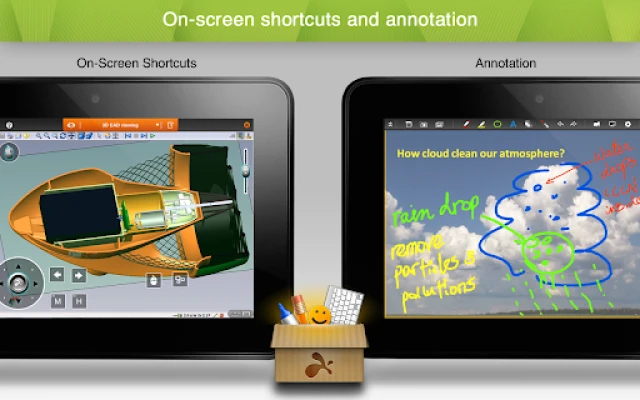
- Access specialized software that is only installed on your desktop.
Installation information
1. Open Google Play on your Android device and search for Splashtop Personal.
2. Install the app (free).
3. On the computer you wish to access, download the Splashtop Streamer from the official Splashtop website and install it.
4. Create a Splashtop account or sign in with an existing one.
5. Log in to the same account on both devices and select the computer you want to control.
Things to know before installing
- The app requires an internet connection for remote sessions; a stable Wi‑Fi or cellular network improves performance.
- Both the Android device and the target computer must be online and running the respective Splashtop components.
- Remote access is intended for personal use; commercial features such as file transfer or remote printing are available in Splashtop’s business offerings.
Who may find it useful?
Students, freelancers, and anyone who needs occasional access to a home or office computer while away will benefit from Splashtop Personal. It is also handy for families who want to share media libraries without moving files between devices.
Frequently asked questions
Do I need a fast internet connection?
While the app works over most connections, higher bandwidth and lower latency provide smoother video and audio streaming, especially for high‑resolution content.
Can I control multiple computers?
Yes, you can add several computers to the same Splashtop account and switch between them from the Android app.
Is any data stored on the device?
The app does not store your desktop files locally; it only transmits screen data during an active session.
Rate the App
User Reviews















Popular Apps










 Games
 Entertainment
 Communication
 E-mail
 Security
 Tools
 Media
 Internet
 Finance
 Design
 Education
 Android Firmwares
 Travel & Local
 Android
 Windows
 Linux