

Latest Version
Latest
August 21, 2026
ProjectManager.com
BUSINESS
Android
102
Free
com.projectmanager.app
Report a Problem
More About ProjectManager: Empower Teams – Mobile Project Management
What is ProjectManager: Empower Teams?
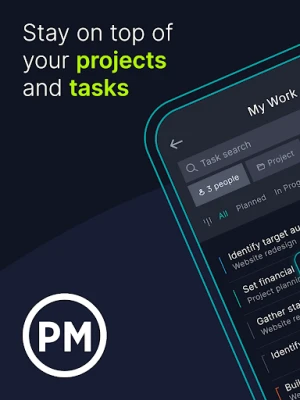
ProjectManager: Empower Teams is a free Android client for the ProjectManager.com suite. It extends the web‑based project management system to mobile devices, allowing users to stay connected to their projects from anywhere.
Main capabilities
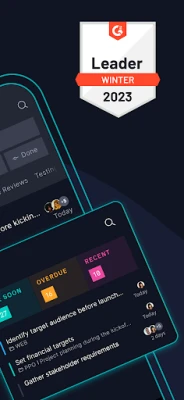
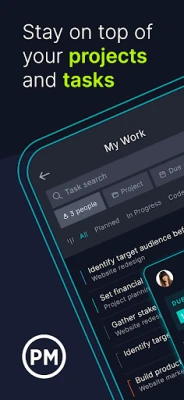
- Task interaction – View tasks assigned to you, add comments, attach photos, and create subtasks directly from your phone or tablet.
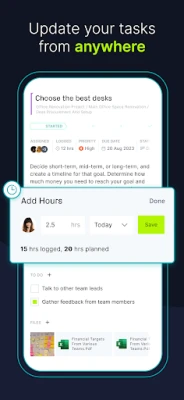
- Time tracking – Log hours spent on a task and review time entries submitted by teammates.
- Instant updates – Changes made in the app sync with the online account, so the desktop view stays current.
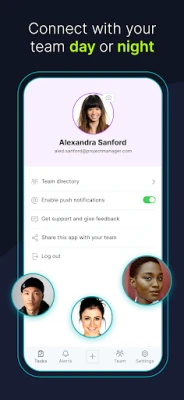
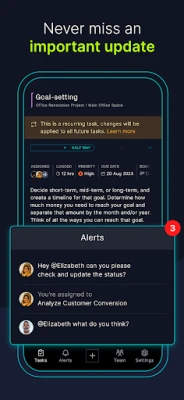
- Push notifications – Receive optional alerts when tasks are updated, deadlines approach, or new comments are posted.
How it works
The app requires an existing ProjectManager.com account. After signing in, your project list, tasks and team members are downloaded to the device. You can then:
- Open a task to see details, attached files and recent comments.
- Add a new comment or tag a colleague to keep the conversation focused.
- Take a photo or select an image from the gallery and attach it to the task.
- Enter the time you spent on the activity; the entry is saved to the same timesheet used on the web platform.
Practical uses
Field workers, site supervisors, remote consultants and any team members who need to update project information without returning to a desktop can benefit from the app. Typical scenarios include:
- Documenting on‑site progress with photos and notes.
- Logging labor hours while moving between jobs.
- Quickly answering questions from teammates through in‑app comments.
Installation and setup
Search for "ProjectManager: Empower Teams" in the Google Play Store, tap Install, and launch the app once the download completes. Sign in with the credentials you use for the ProjectManager.com web service. No additional configuration is required.
Things to consider before installing
- The app functions as a companion; it does not replace the full web platform.
- An active internet connection is needed for initial sync and for sending updates.
- All data you view or edit is stored in your ProjectManager.com account, so existing permissions and access controls apply.
Who may find it useful?
Any professional who participates in collaborative projects—construction managers, IT teams, marketing groups, or freelancers—can use the app to stay aligned with their team’s workflow while away from a computer.
Rate the App
User Reviews















Popular Apps










 Games
 Entertainment
 Communication
 E-mail
 Security
 Tools
 Media
 Internet
 Finance
 Design
 Education
 Android Firmwares
 Travel & Local
 Android
 Windows
 Linux