


Latest Version
Latest
September 05, 2026
Serverdata.net, Inc.
BUSINESS
Android
12
Free
net.serverdata.onlinemeeting
Report a Problem
More About Online Meeting Webinars – Join Live Sessions on Android
What is Online Meeting Webinars?
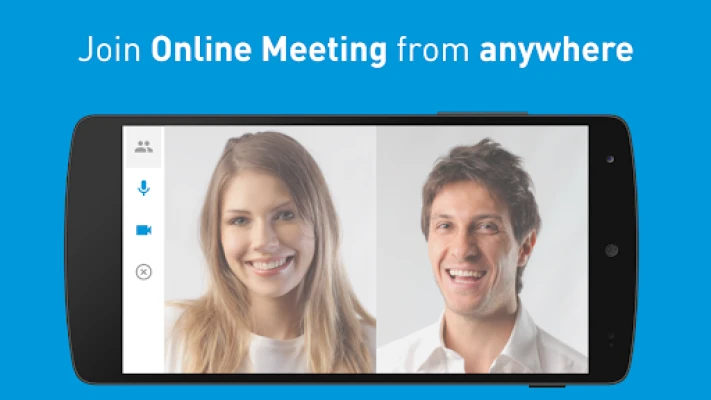
Online Meeting Webinars is a free Android app that lets you connect to live webinar sessions from anywhere. It is designed for participants who receive a webinar link via email, calendar invitation or other messaging platforms.
Main features
- One‑tap joining: Open the app and follow the link you received to enter the session instantly.
- Network flexibility: Works over Wi‑Fi or cellular data, so you can attend whether you’re at home, in the office or on the move.
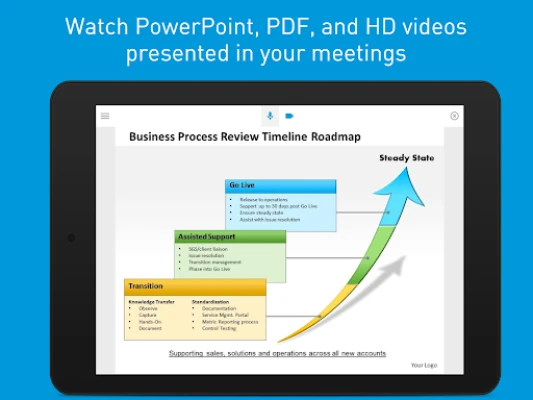
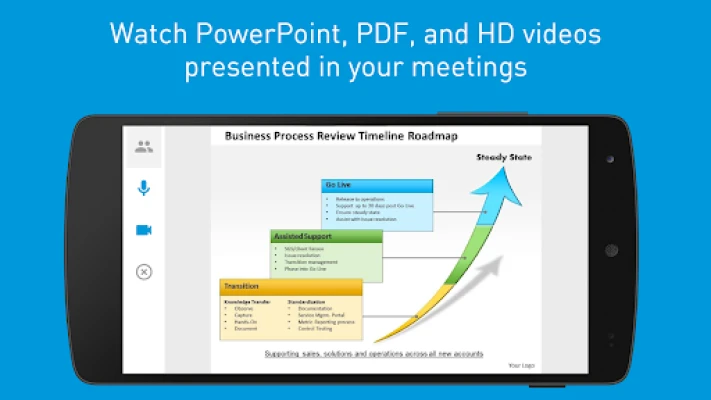
- Presentation view: Zoom in on shared slides or screens to see details clearly on a mobile display.
- Interactive tools: Participate in live polls, submit questions, and react with emojis during the webinar.
- Low‑profile interface: The layout stays focused on the content, keeping distractions to a minimum.
How it works
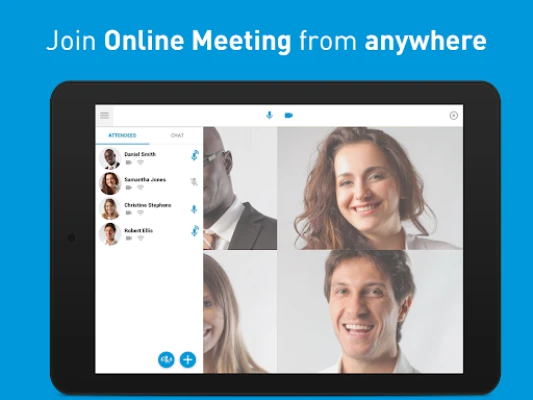
When you receive a webinar invitation, the link typically contains a unique identifier for the session. Tapping the link opens Online Meeting Webinars, which then connects to the host server. After a brief handshake, you are placed in the virtual meeting room where you can view the presenter’s screen, listen to audio, and use the built‑in interaction tools.
Practical uses
The app is useful for professionals attending training, educators delivering remote classes, and anyone who wants to stay informed through live online events. Because it runs on Android phones and tablets, you can join sessions while commuting, traveling, or working from a coffee shop.
Installation information
Search for Online Meeting Webinars in the Google Play Store, then tap Install. The download size is modest, and the app does not require additional companion software.
Things to know before installing
- The app does not store webinar content locally; it streams the session in real time.
- Audio quality depends on your network connection; a stable Wi‑Fi signal provides the best experience.
- All interaction features (polls, Q&A, emojis) are controlled by the webinar host, so availability may vary per session.
Who may find it useful?
Anyone who receives webinar invitations and prefers a mobile‑first experience – including corporate employees, students, freelancers, and hobbyists attending online workshops.
Frequently asked questions
Do I need an account?
No separate account is required. Access is granted through the invitation link provided by the webinar organizer.
Can I record a webinar?
The app does not include a recording function. Recording policies are set by the host and may be restricted.
What languages are supported?
The interface follows the language settings of your Android device. Content presented in the webinar depends on the host.
Rate the App
User Reviews















Popular Apps










 Games
Games Entertainment
 Communication
 E-mail
 Security
 Tools
Tools Media
Media Internet
 Finance
 Design
 Education
 IT Tools
 Travel & Local
 Android
 Windows
 Linux
Linux