

Latest Version
Latest
August 22, 2026
Google LLC
Entertainment
Android
118
Free
com.google.android.youtube.tvunplugged
Report a Problem
More About YouTube TV: Live TV & More – Stream Cable‑Free Television
What is YouTube TV?
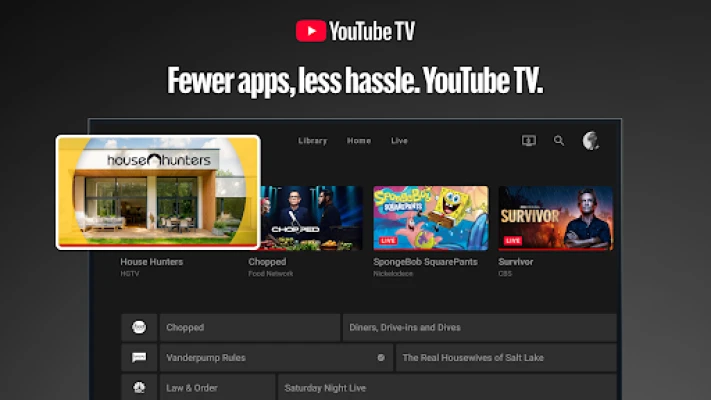
YouTube TV is Google’s subscription service that delivers live television over the internet. It replaces a traditional cable or satellite box with a cloud‑based platform that can be accessed from smartphones, tablets, computers and smart TVs.
Main features
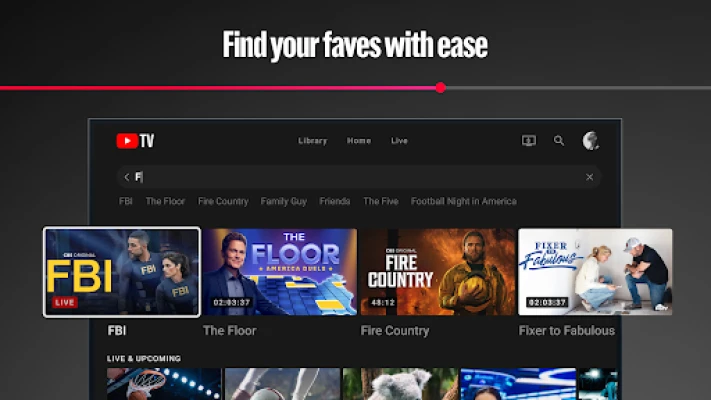
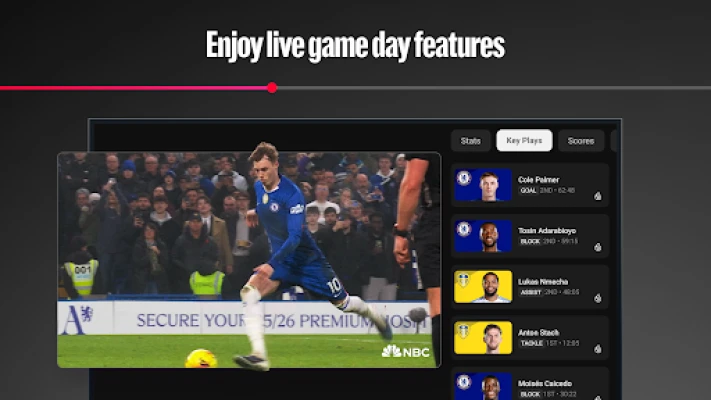
- Live TV streaming – Access a lineup of broadcast and cable channels in real time.
- Cloud DVR – Record shows, movies and sports events without using local storage; recordings are kept for several months.
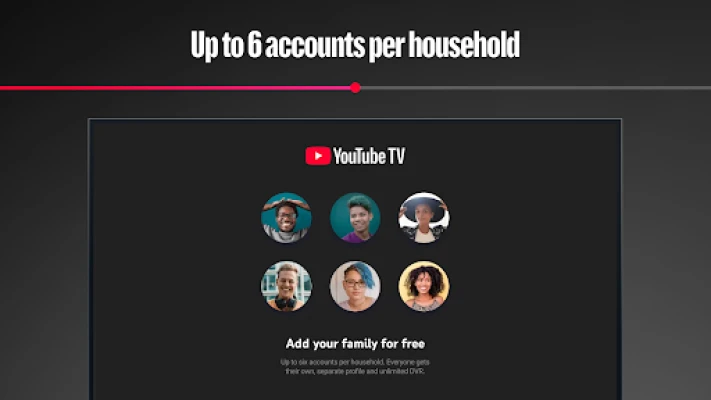
- Multiple accounts per household – Up to six family members can have their own login, personalized recommendations and DVR libraries.
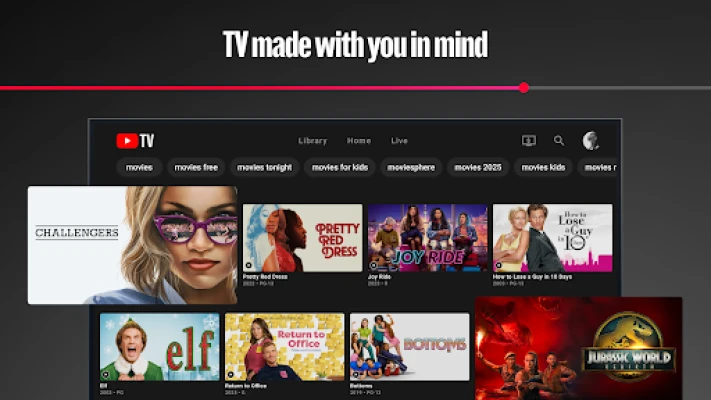
- Cross‑device support – Watch on Android phones, tablets, Chrome browsers and compatible TV devices.
- Cancel anytime – The service is month‑to‑month with no long‑term contract.
How it works
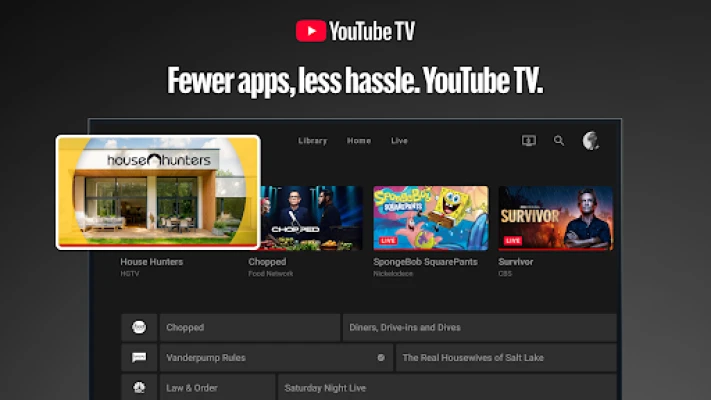
After subscribing, you sign in with your Google account. The app presents a guide that looks like a traditional TV schedule, letting you tune to a channel or select a program to record. All video streams are delivered over your internet connection, so a stable broadband link is recommended for the best experience.
Practical uses
- Catch live sports, news and events without a cable subscription.
- Record favorite series and watch them later on any device.
- Share personalized profiles with family members while keeping recommendations separate.
- Travel with your TV lineup – as long as you have internet, you can stream the same channels abroad where the service is available.
Installation information
Search for "YouTube TV" in the Google Play Store, then tap Install. The app requires a Google account for sign‑in and a paid subscription to activate the service. After installation, open the app, sign in, and follow the on‑screen prompts to set up your profile.
Compatibility
The app runs on Android devices that meet Google Play’s standard requirements for the YouTube TV service. It is also available on web browsers and select smart‑TV platforms, providing a consistent experience across hardware.
Things to know before installing
- A reliable internet connection (minimum 5 Mbps for standard definition, higher for HD) is needed for smooth playback.
- The service is currently offered only in the United States; availability may vary by region.
- While the app itself is free to download, a monthly subscription fee is required to access live channels and DVR features.
Who may find it useful?
Anyone looking to replace a traditional cable package with a flexible, internet‑based solution can benefit from YouTube TV. It is especially appealing to households that want multiple personalized profiles, need cloud‑based recording, or prefer to watch live events on the go.
Frequently asked questions
Do I need a cable box?
No. YouTube TV streams directly over the internet, eliminating the need for a physical set‑top box.
Can I watch on multiple devices at the same time?
Yes. The service allows simultaneous streaming on several devices, subject to the terms of your subscription.
How long are recordings kept?
Recordings are stored in the cloud for up to nine months, after which they are automatically removed.
Is there a contract?
The subscription is month‑to‑month and can be cancelled at any time without penalty.
Rate the App
User Reviews













Popular Apps










 Games
 Entertainment
 Communication
 E-mail
 Security
 Tools
 Media
 Internet
 Finance
 Design
 Education
 Android Firmwares
 Travel & Local
 Android
 Windows
 Linux